
I got a message saying my community needs approving. Approved by whom?
By you, and nobody else. Nothing has been submitted and there's no queue. We drafted your community's name and description from your answers — read it.
Updated 15 September 2026
Open it and change anything you like
The screen opens with Here is your community. Change any of it. The name comes with suggestions beside yours — press one to take it. Edit the description, or tell the AI how to rewrite it.
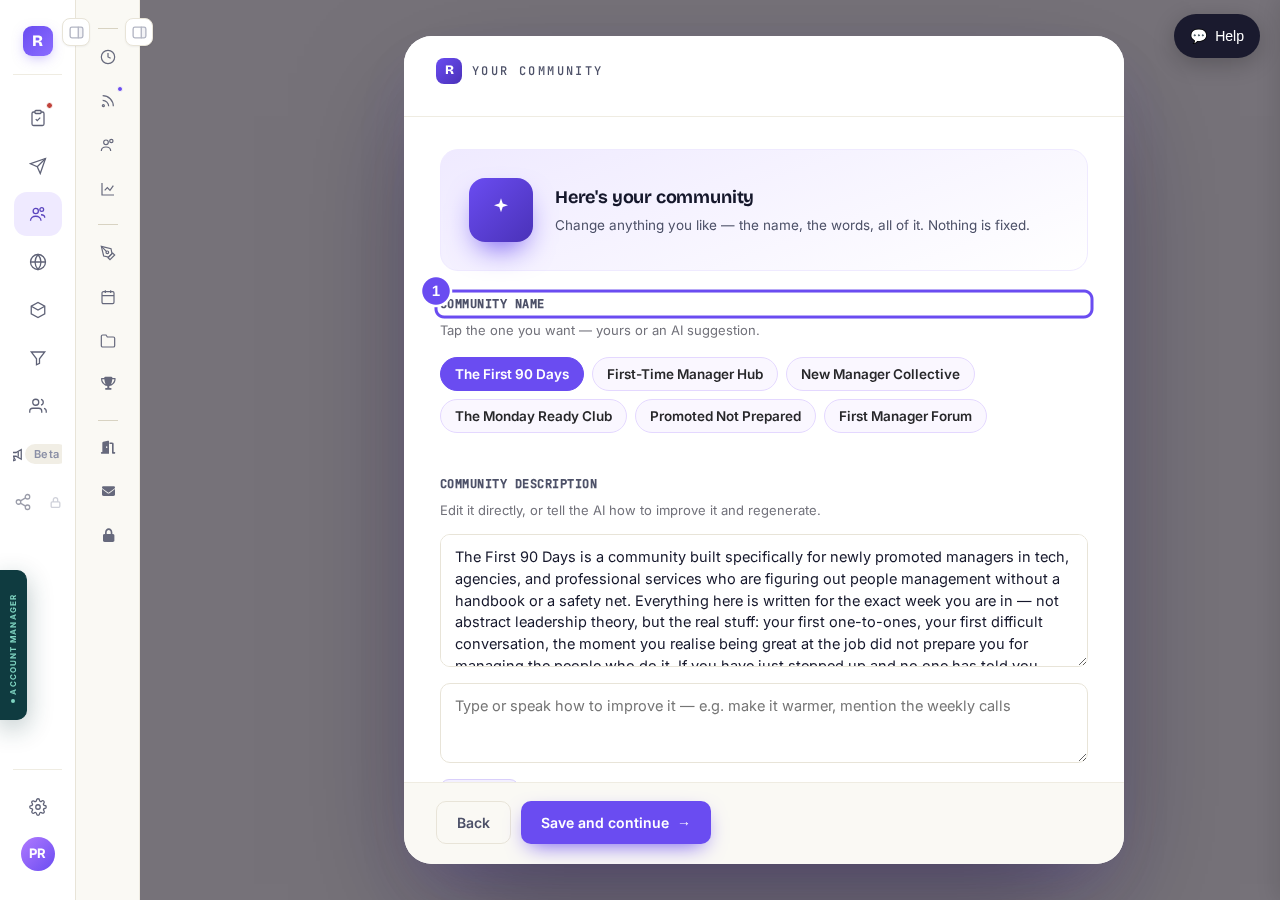
Your community, drafted. Every word of it yours to change.
Take me therePress Save and continue
Press Save and continue, under the description. Your community is set up with those words. That's what the reminder was asking for — it's a proofread, not permission.
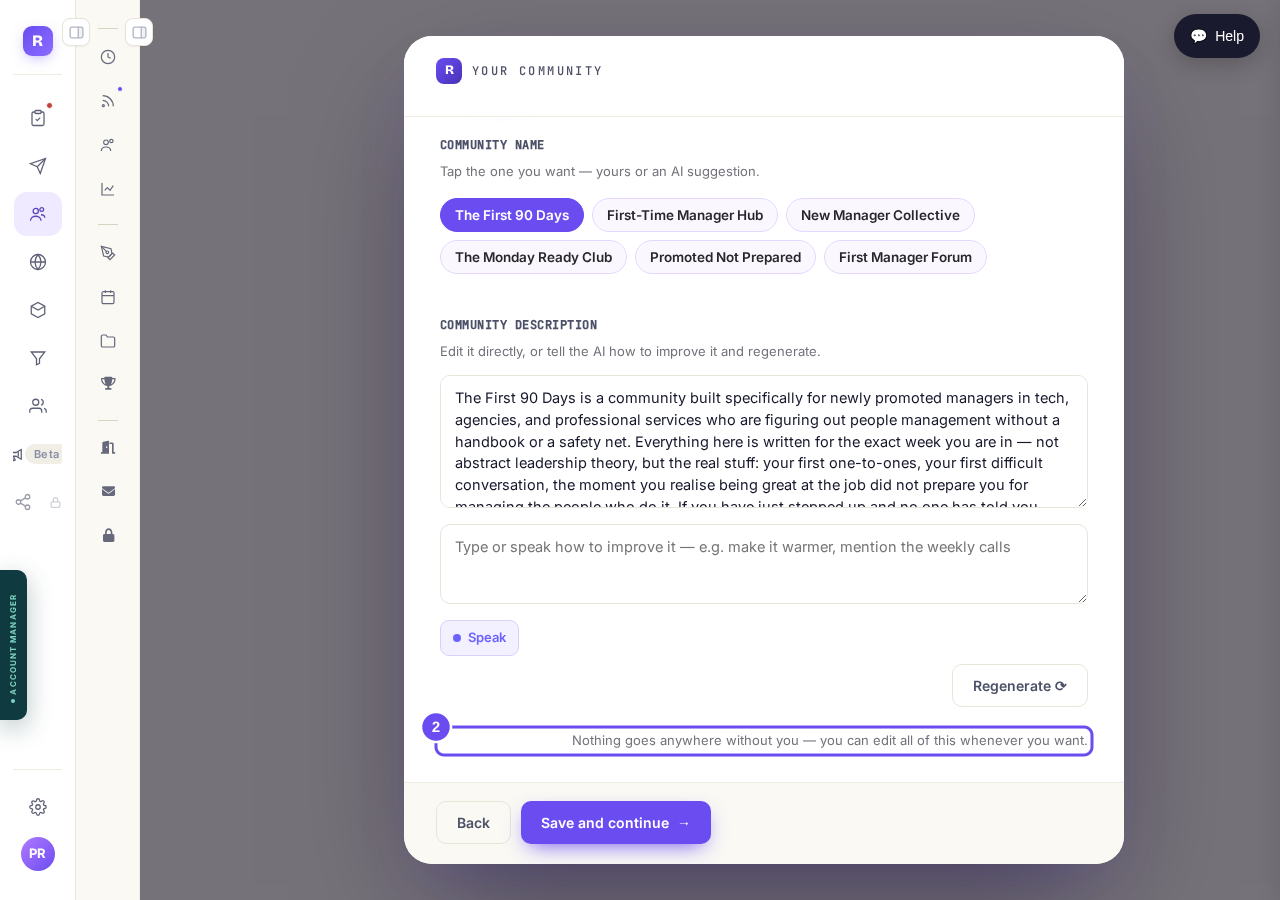
In the screen's own words: nothing goes anywhere without you.
Take me there
How do I get members into my community?
Related articles
Can I approve new members before they get into my community?
Yes. Switch on approval and anyone who asks to join waits in a Requests list in Members until you let them in, the way a private LinkedIn or Facebook group works. People you invite, and people who pay, still go straight in. About five minutes to set up.
Can I change a member's post before I approve it?
No. A post waiting for your approval can only be approved or rejected, so you cannot change a member's words. If a few words need changing, approve it and add a comment, or message the member and reject it.
Can I check comments before they go up?
Turn on comment approval and every member comment waits for you. It's a separate switch from the one for posts.