
How do I run a short challenge in my community?
Challenges live under Games. The guide asks five questions about your people in plain English, then drafts the tasks, posts and reminders.
Updated 29 September 2026
Open Community, then Games
The menu says Games, not Challenges. The page offers points, levels and badges for everyone, plus time-boxed games. Set up a game opens the guide; New game, at the top, does the same thing.
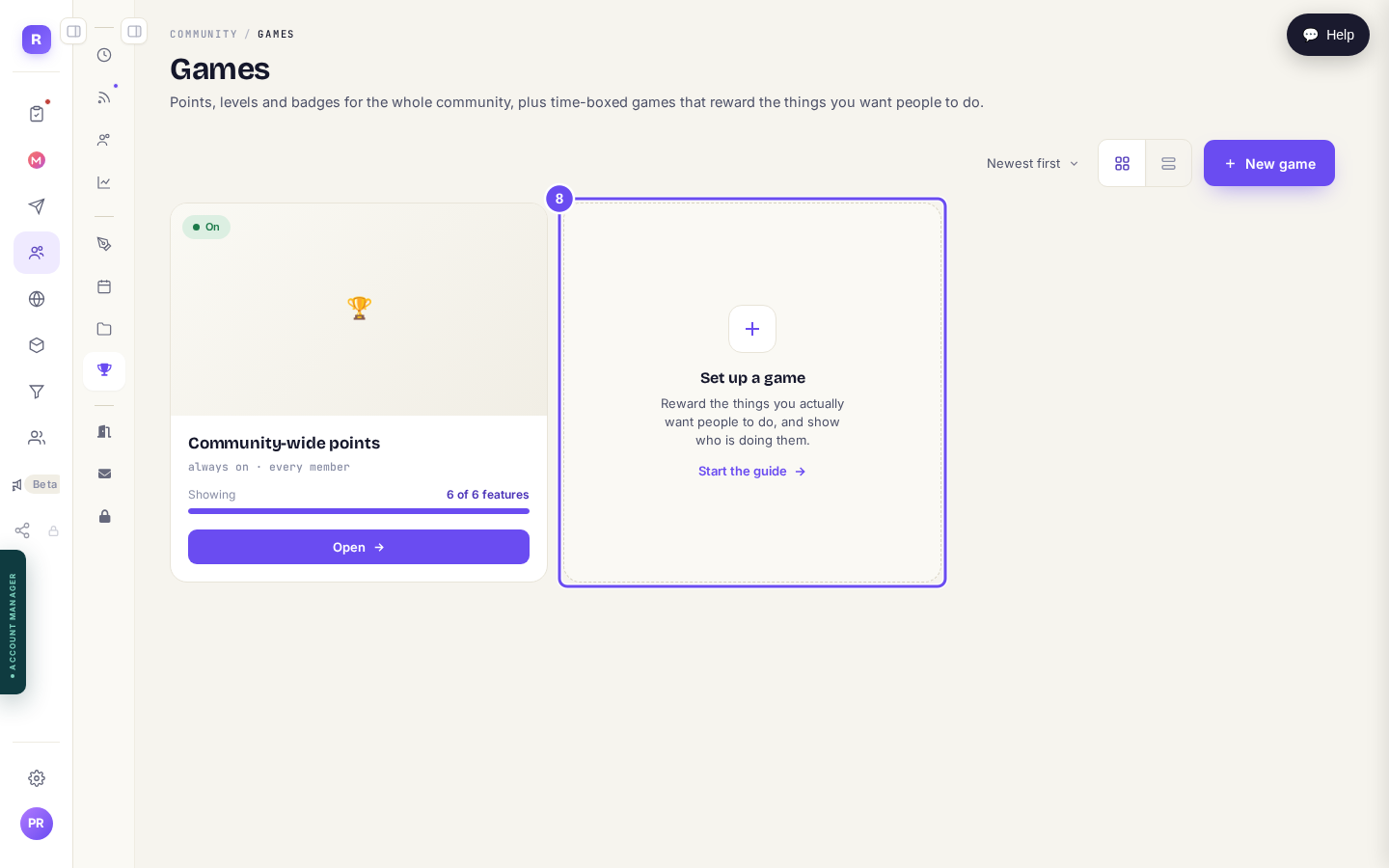
Games is where challenges live. Set up a game is the way in.
Take me thereNote the points tile above it
Community-wide points are always on, for every member. They're not part of any challenge, and you didn't switch them on.
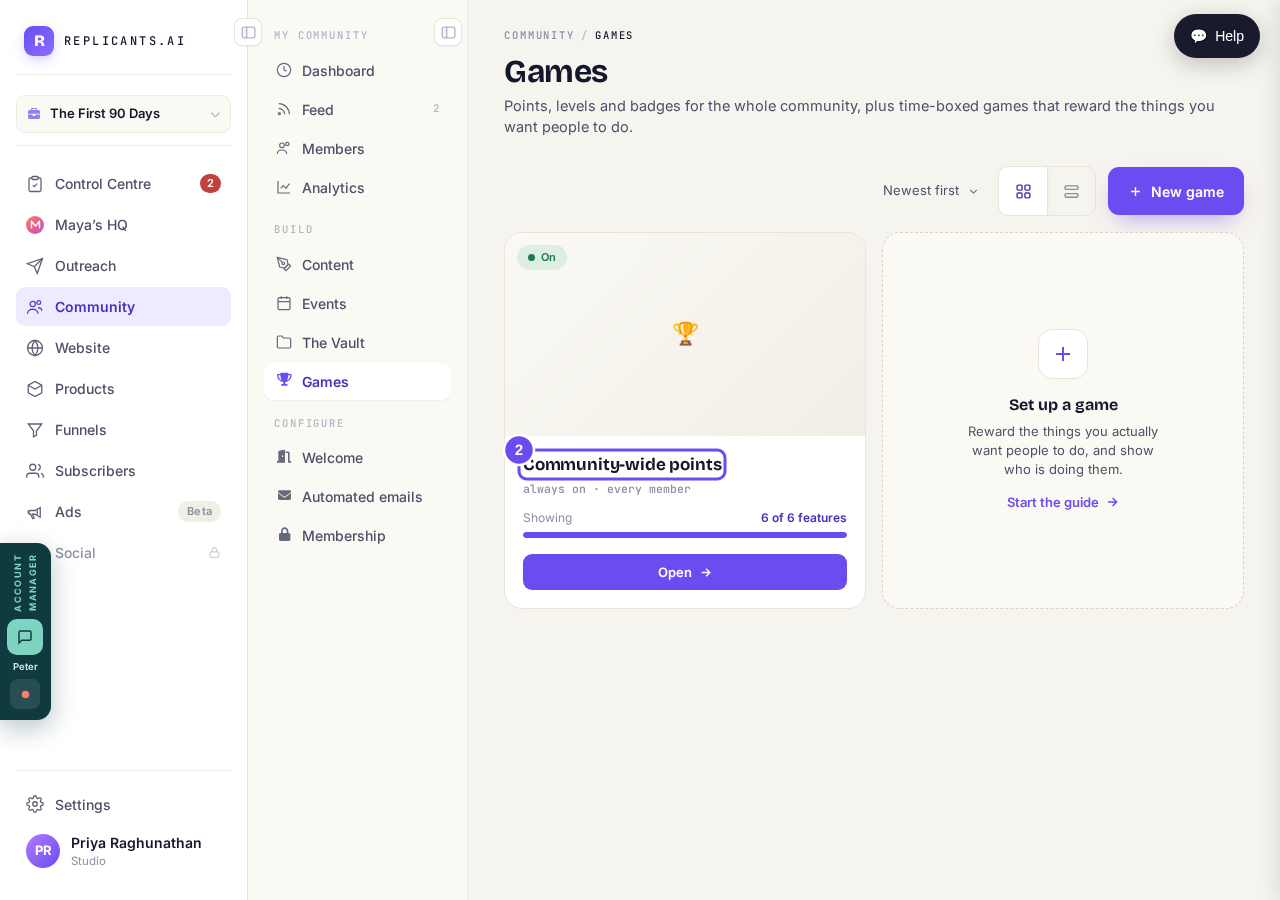
Always on, every member — with or without a challenge.
Answer the first question: who it's for
Name the specific group, not everyone — it shapes every word written for you. Speak it if you'd rather talk than type. Everything saves as you go, and Finish later is a real button.
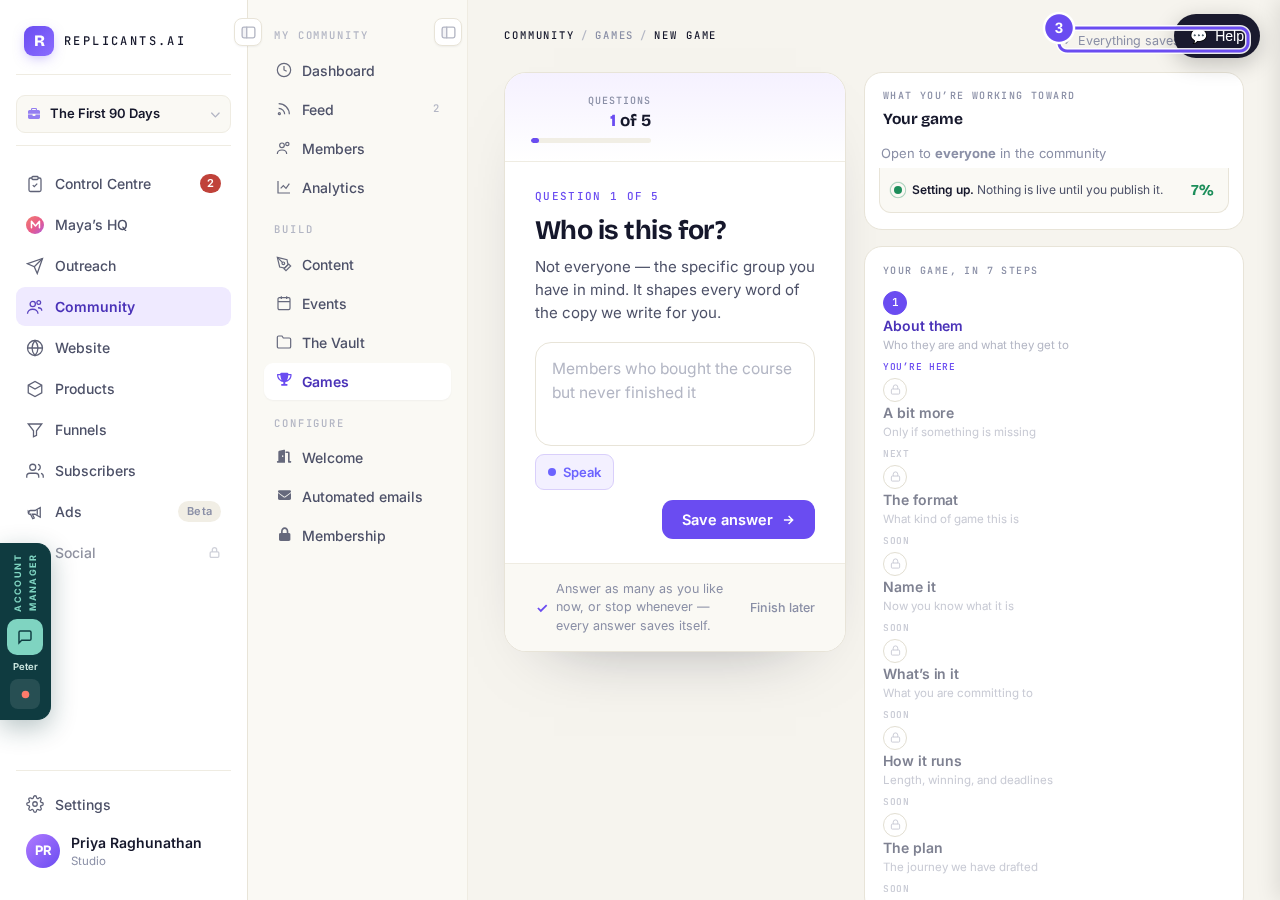
Five questions in plain English. Speak them if you prefer.
Follow the panel on the right
It lists all seven steps and marks each You're here, Next or Soon. Underneath: setting up, and nothing is live until you publish it.
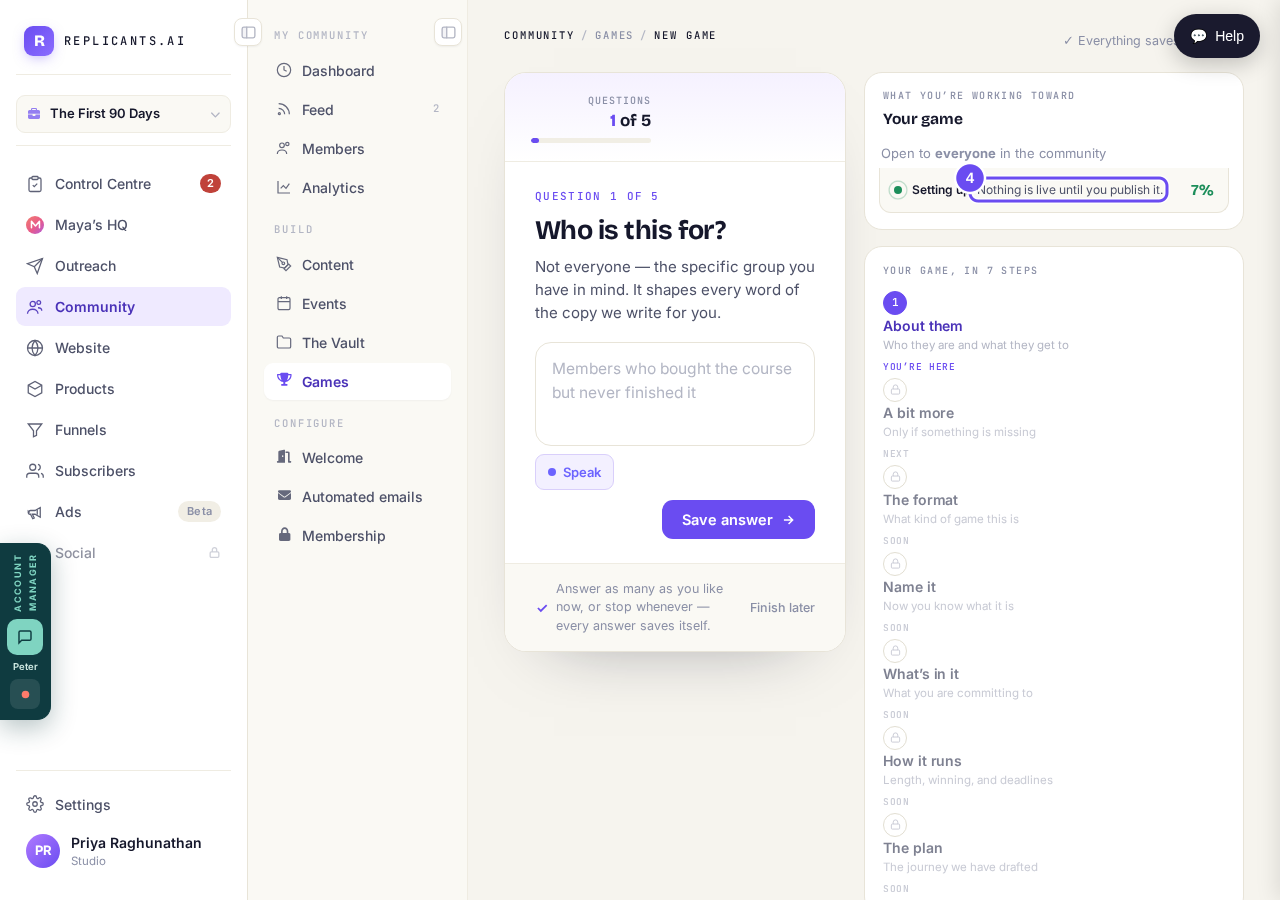
Setting up. Nothing reaches anybody until you publish.
How do I make sure new members see the right post first?
Related articles
Can I approve new members before they get into my community?
Yes. Switch on approval and anyone who asks to join waits in a Requests list in Members until you let them in, the way a private LinkedIn or Facebook group works. People you invite, and people who pay, still go straight in. About five minutes to set up.
Can I change a member's post before I approve it?
No. A post waiting for your approval can only be approved or rejected, so you cannot change a member's words. If a few words need changing, approve it and add a comment, or message the member and reject it.
Can I check comments before they go up?
Turn on comment approval and every member comment waits for you. It's a separate switch from the one for posts.