
How do I make sure new members see the right post first?
A feed puts the newest thing first. Pinning holds one post above the rest, so it's the first thing every newcomer reads.
Updated 29 September 2026
Open Community, then Feed
Every post has a Pin button — pin highlights, delete hides. Your own posts are marked You · Coach. The one pictured is three paragraphs: what the room is for, what's different, one question.
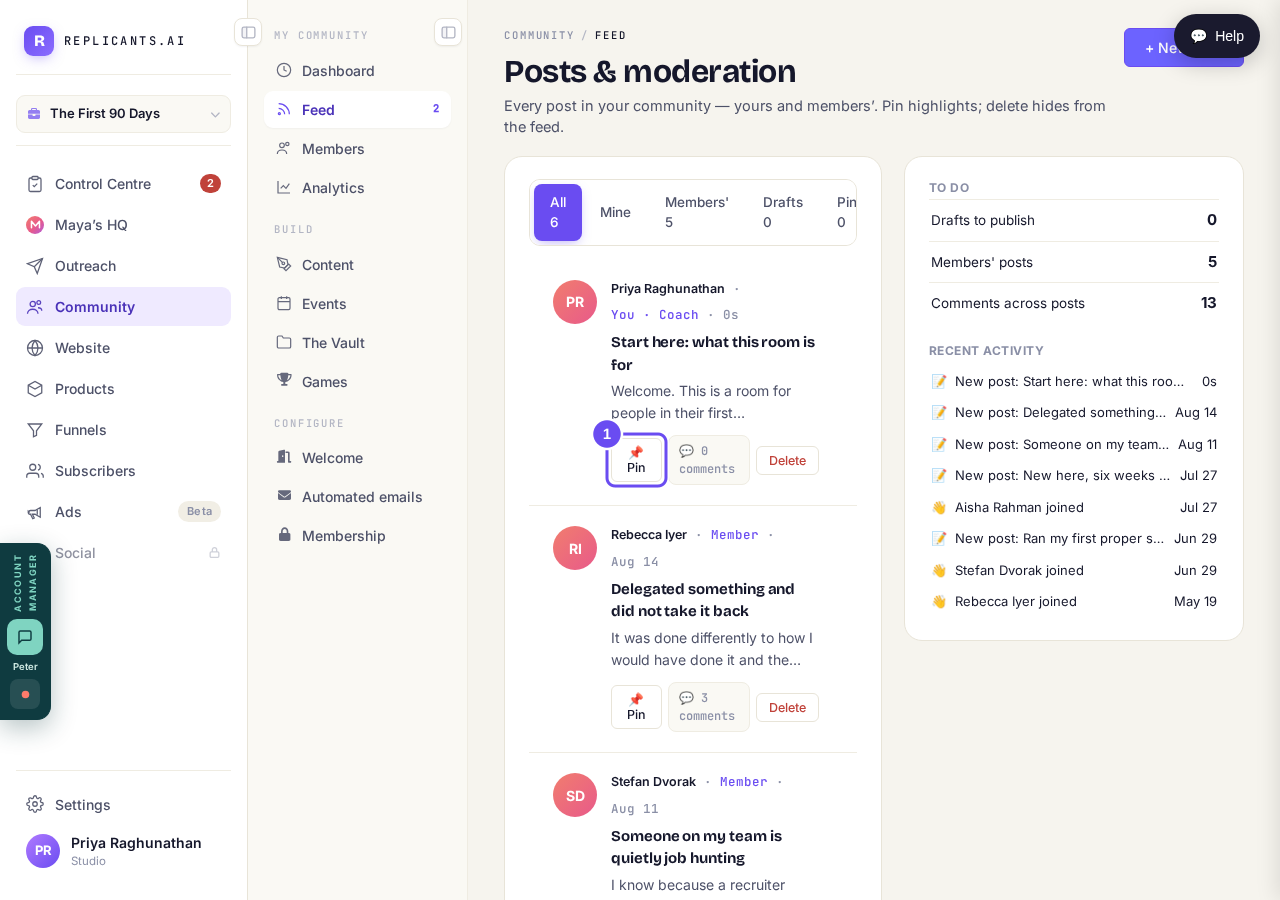
Pin highlights. Delete hides. The screen says so itself.
Take me therePress Pin and watch it rise
The post takes a PINNED tag and sits above everything else. The button flips to Unpin. It's no longer the newest post — it's the first one, for everybody.
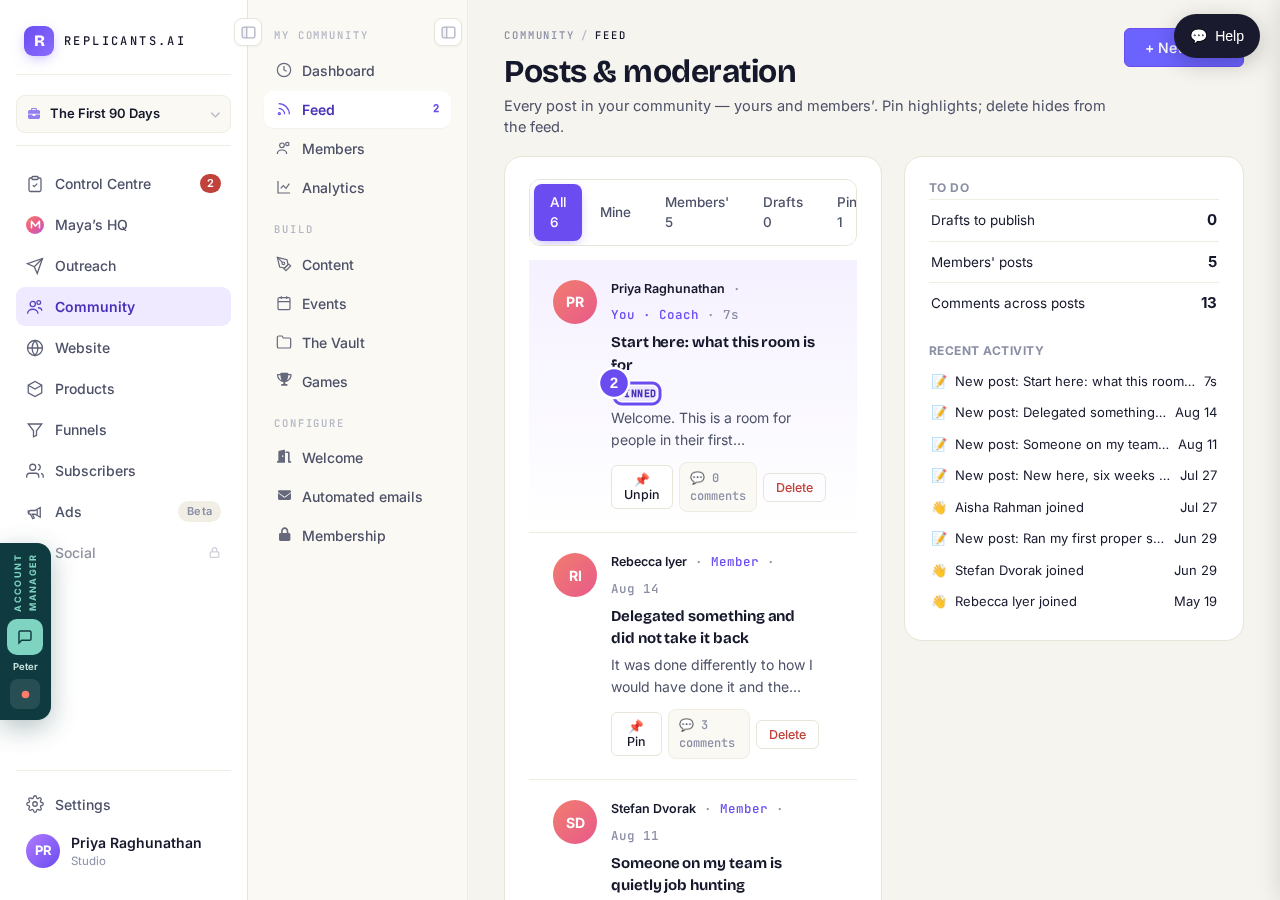
PINNED, above the feed, and the button flips to Unpin.
Glance at the Pinned filter count
Along the top: All, Mine, Members', Drafts and Pinned, each with a number. Pinned tells you how many posts are held above the feed.
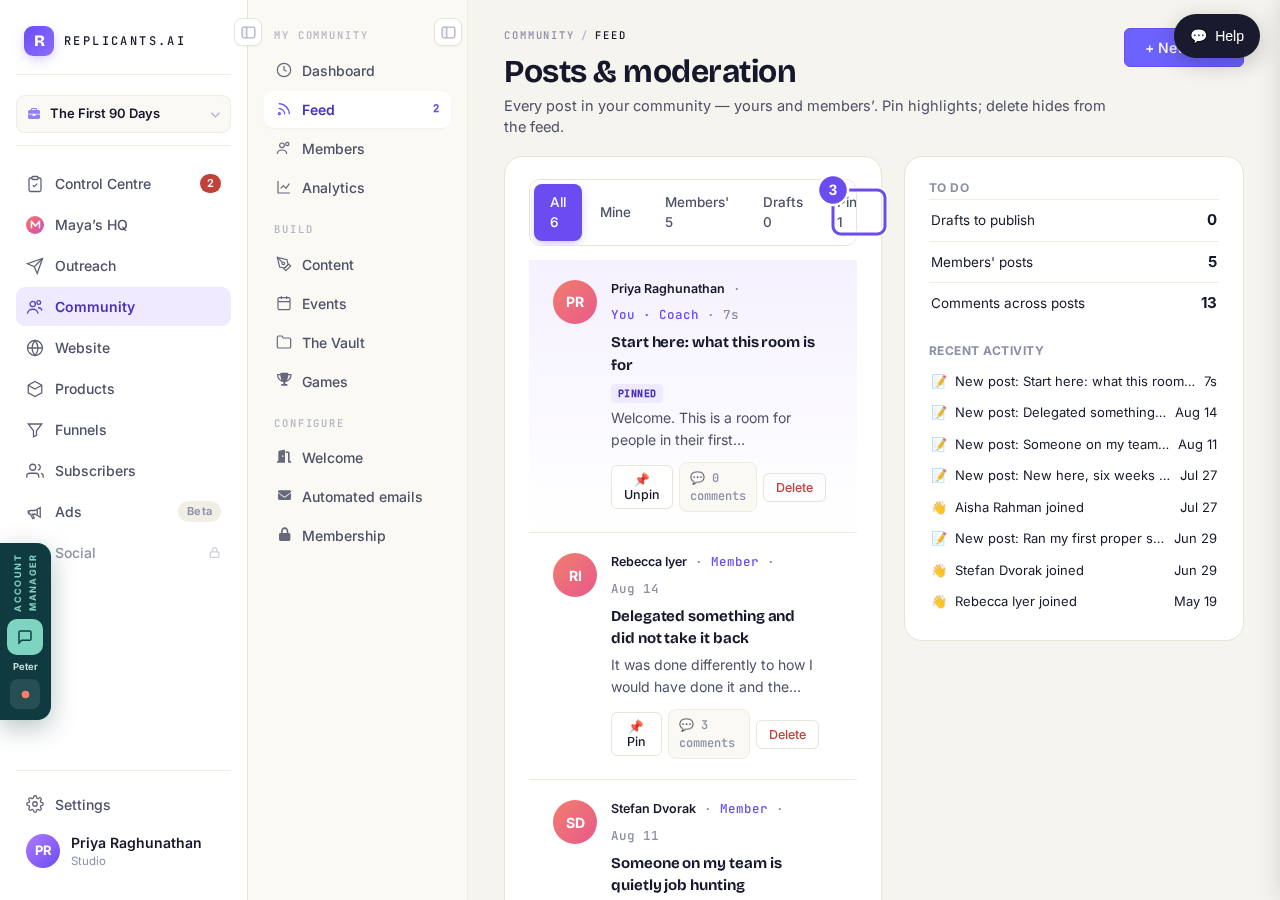
Pinned 1. A number worth glancing at now and then.
Use the arrows once you pin two
Pin a second post and arrows appear on each pinned one, moving it up or down within the block. They aren't there when only one is pinned. Two is a sensible ceiling.
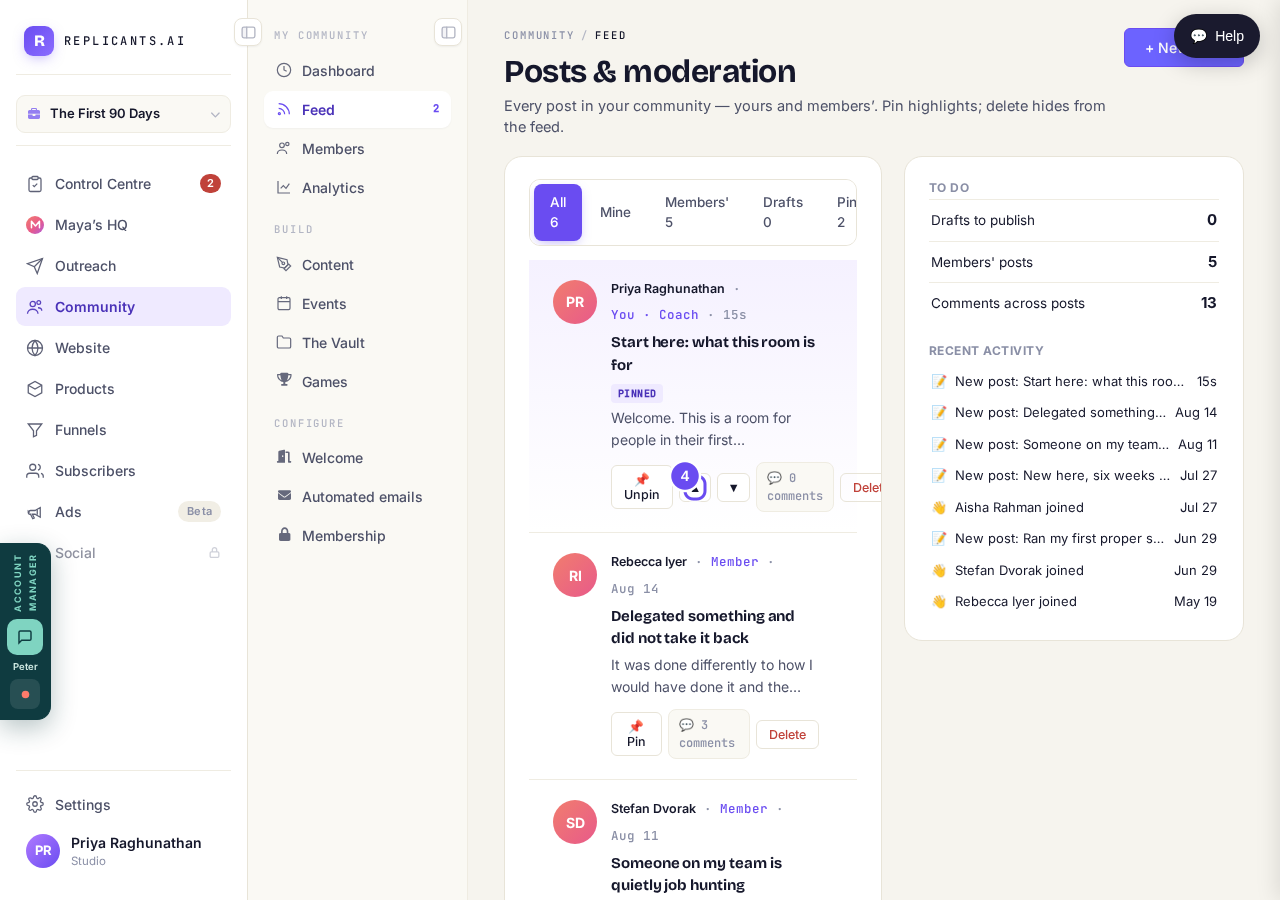
The arrows only exist once more than one post is pinned.
Where do I put a worksheet or handout my members can download?
Related articles
Can I approve new members before they get into my community?
Yes. Switch on approval and anyone who asks to join waits in a Requests list in Members until you let them in, the way a private LinkedIn or Facebook group works. People you invite, and people who pay, still go straight in. About five minutes to set up.
Can I change a member's post before I approve it?
No. A post waiting for your approval can only be approved or rejected, so you cannot change a member's words. If a few words need changing, approve it and add a comment, or message the member and reject it.
Can I check comments before they go up?
Turn on comment approval and every member comment waits for you. It's a separate switch from the one for posts.