
What channels and opening posts did Maya set up, and how do I change them?
Your channels are already named, from what you said your community is for. Here is where to find them, what you can change, and where the posts live.
Updated 6 October 2026
Open Community, then Welcome
Welcome is under the grey CONFIGURE heading. On a phone, press the menu button at the top right first.
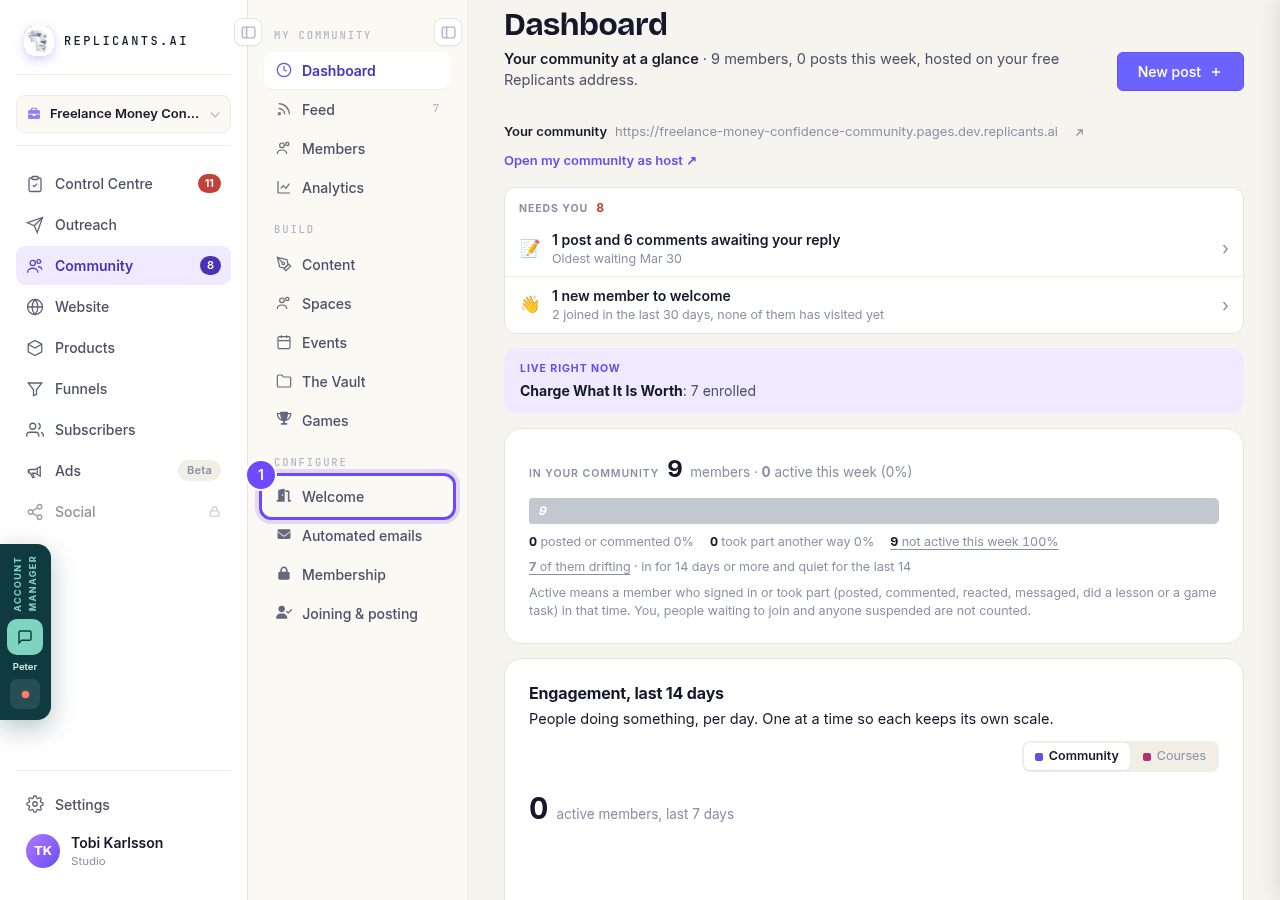
Welcome, under Configure.
Open my communityPress Channels
It is along the top of the Welcome page, between Navigation and Images. The channels there are specific to your community: a room for newly promoted managers gets Introductions, The hard conversations, Wins and Resources.
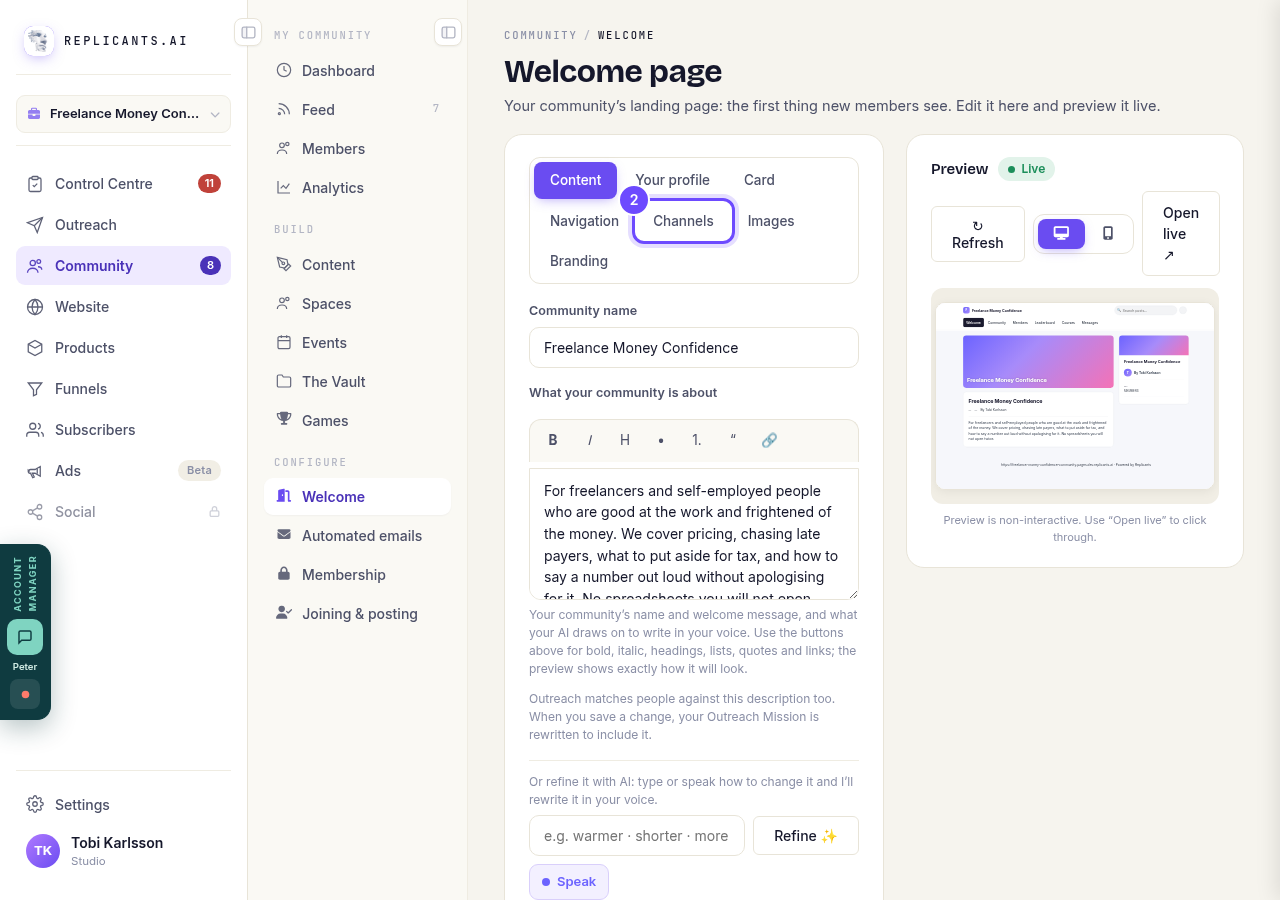
Channels, along the top.
Press Rename or Delete beside a channel
Rename and Delete sit beside every channel. Renaming is safe: the posts stay where they are. One name is fixed: #general cannot be removed, because it is where a post goes when nobody picks anywhere else.
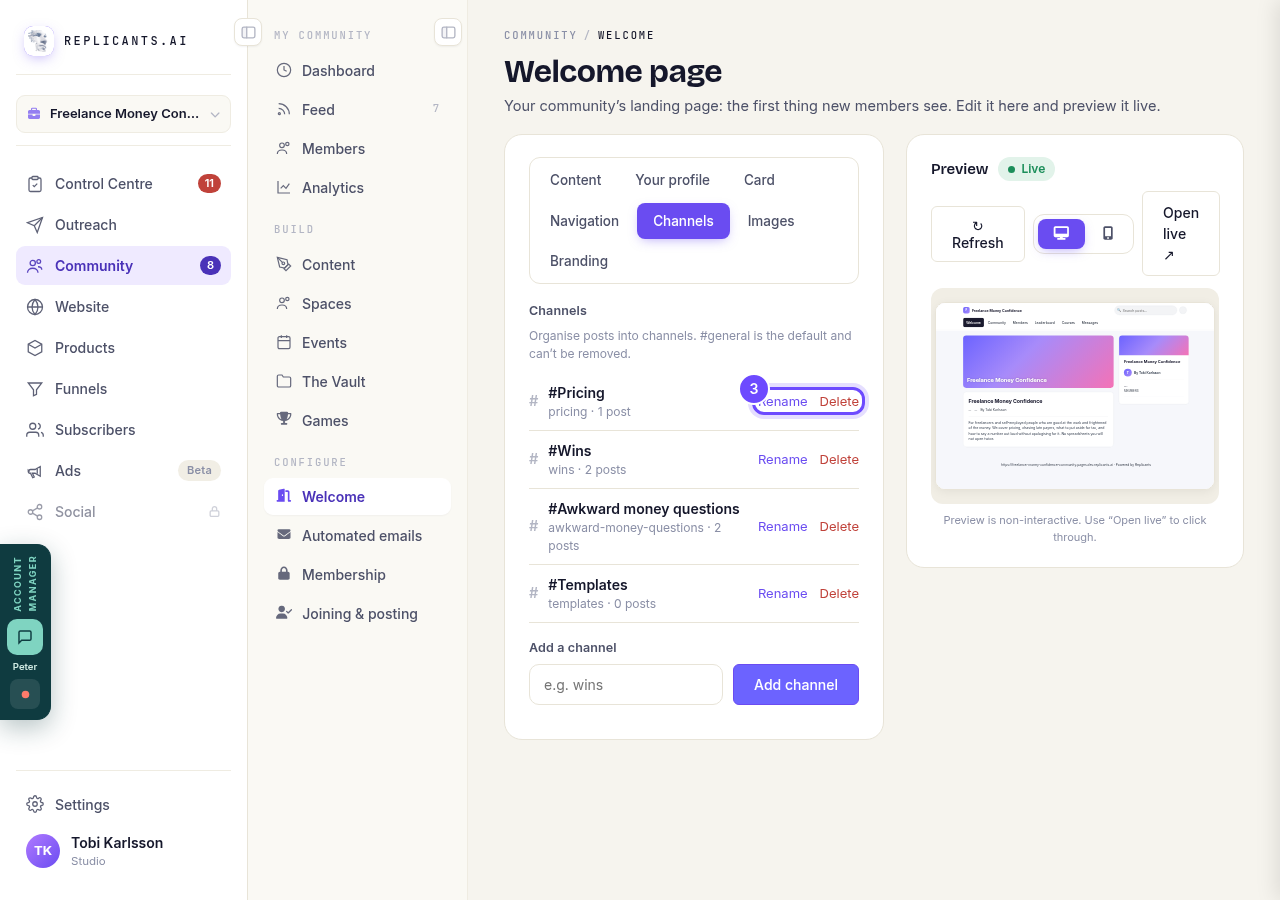
Rename and Delete, beside each channel.
Add your own channel
Type the name under Add a channel, such as wins, and press the Add channel button.
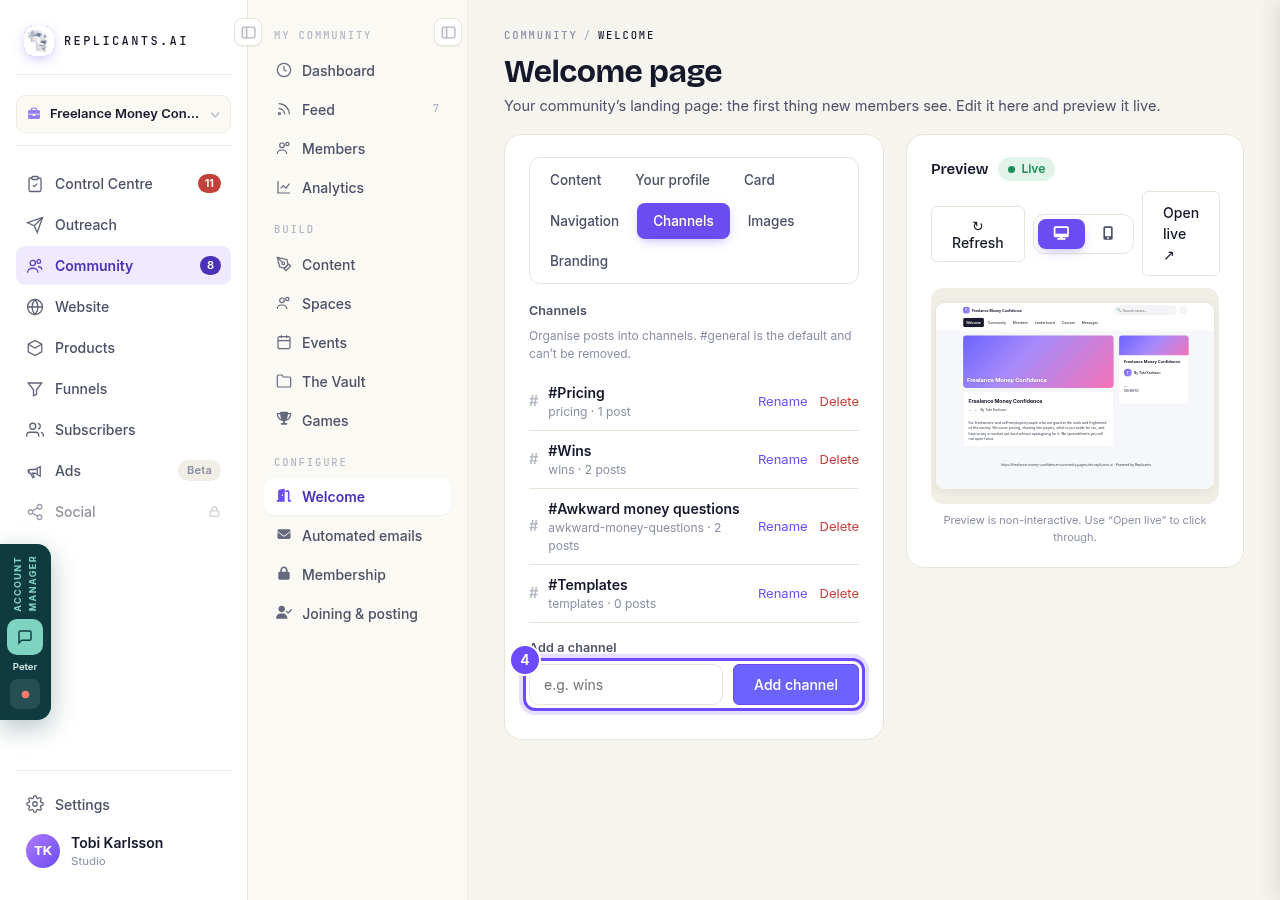
Add a channel, under the list.
Open Feed to see every post
Feed lists every post, yours and your members'. Pin puts one at the top for everybody; Delete hides it from the feed. If your own count is zero, your first post may be waiting in your plan.
On your community, the feed keeps loading as members scroll, right back to your very first post. They can tap a name or an @mention to open that person's profile card.
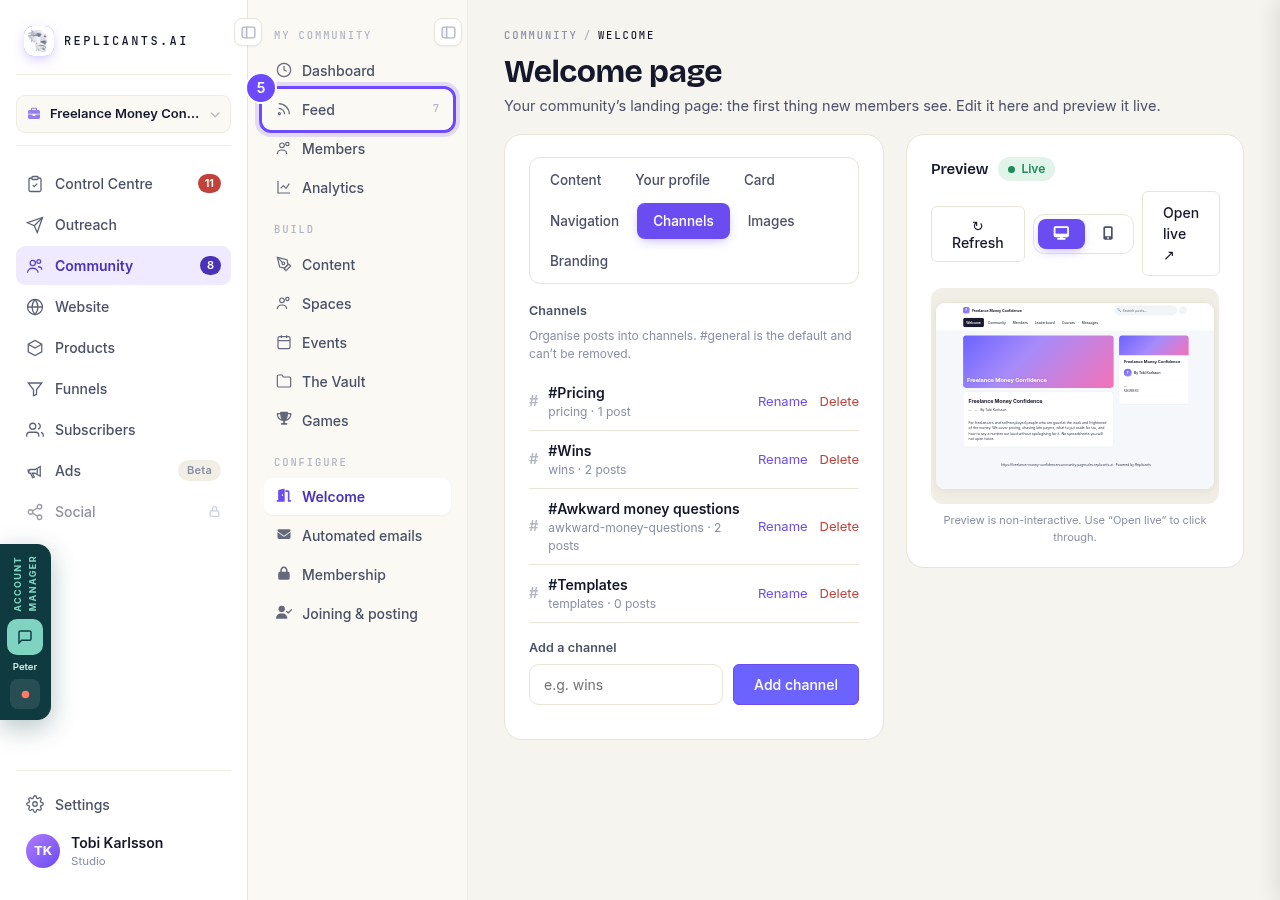
Feed, under My community.


Can I read what members post before it goes up?
Related articles
Can I approve new members before they get into my community?
Yes. Switch on approval and anyone who asks to join waits in a Requests list in Members until you let them in, the way a private LinkedIn or Facebook group works. People you invite, and people who pay, still go straight in. About five minutes to set up.
Can I change a member's post before I approve it?
No. A post waiting for your approval can only be approved or rejected, so you cannot change a member's words. If a few words need changing, approve it and add a comment, or message the member and reject it.
Can I check comments before they go up?
Turn on comment approval and every member comment waits for you. It's a separate switch from the one for posts.