
What is Spaces, and how do I get it?
A space is a private group, program or course inside your community, with lessons each week, live calls and 1:1 calls. Spaces is in beta: you can see exactly how it works today, and ask to join.
Updated 6 October 2026
Open my community
Open Community, then Spaces
Spaces is under the grey BUILD heading. On a phone, press the menu button at the top right first.
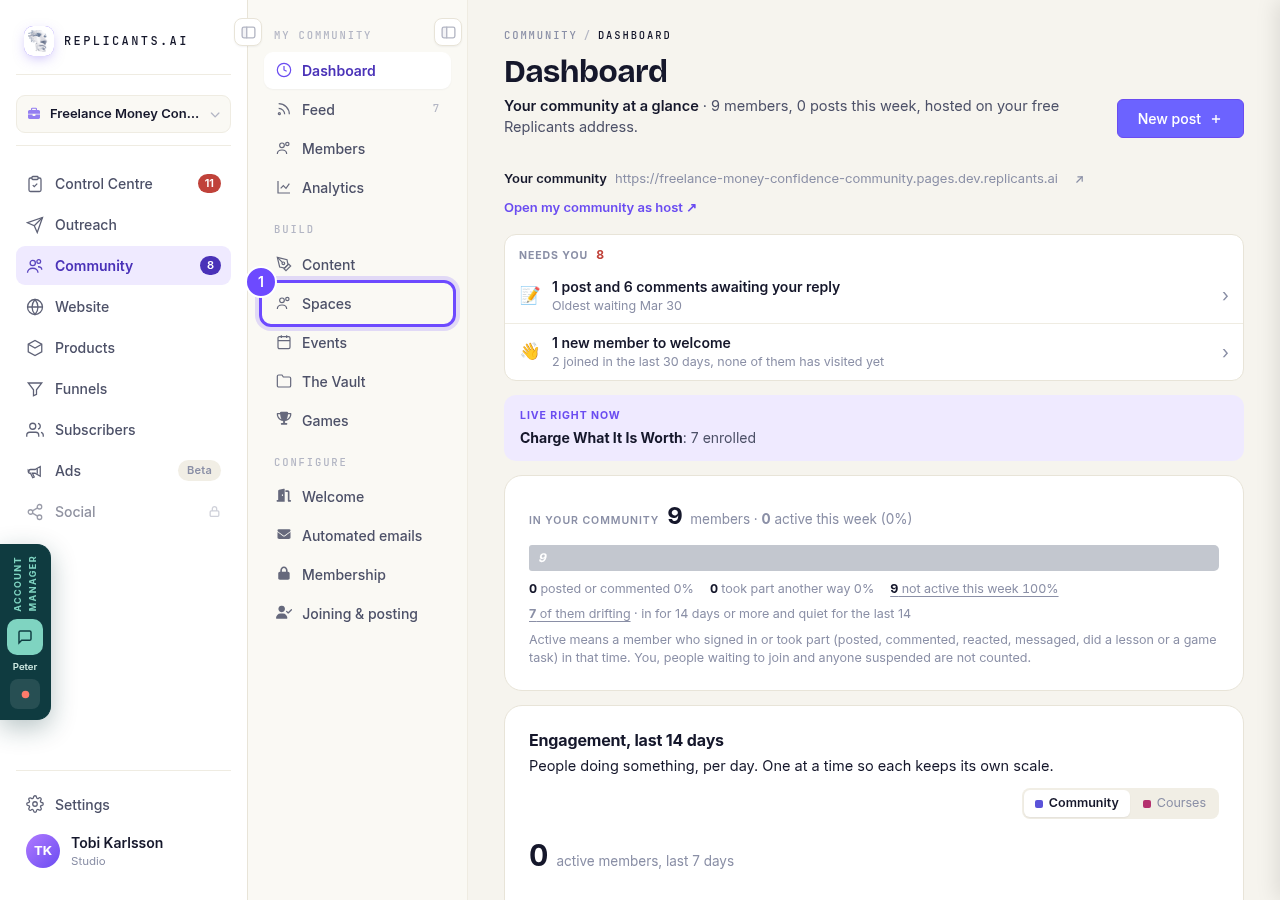
Spaces, under Build.
Open my communityWatch the short film
There are two: How it works for you and How it works for your clients. Each takes under three minutes.
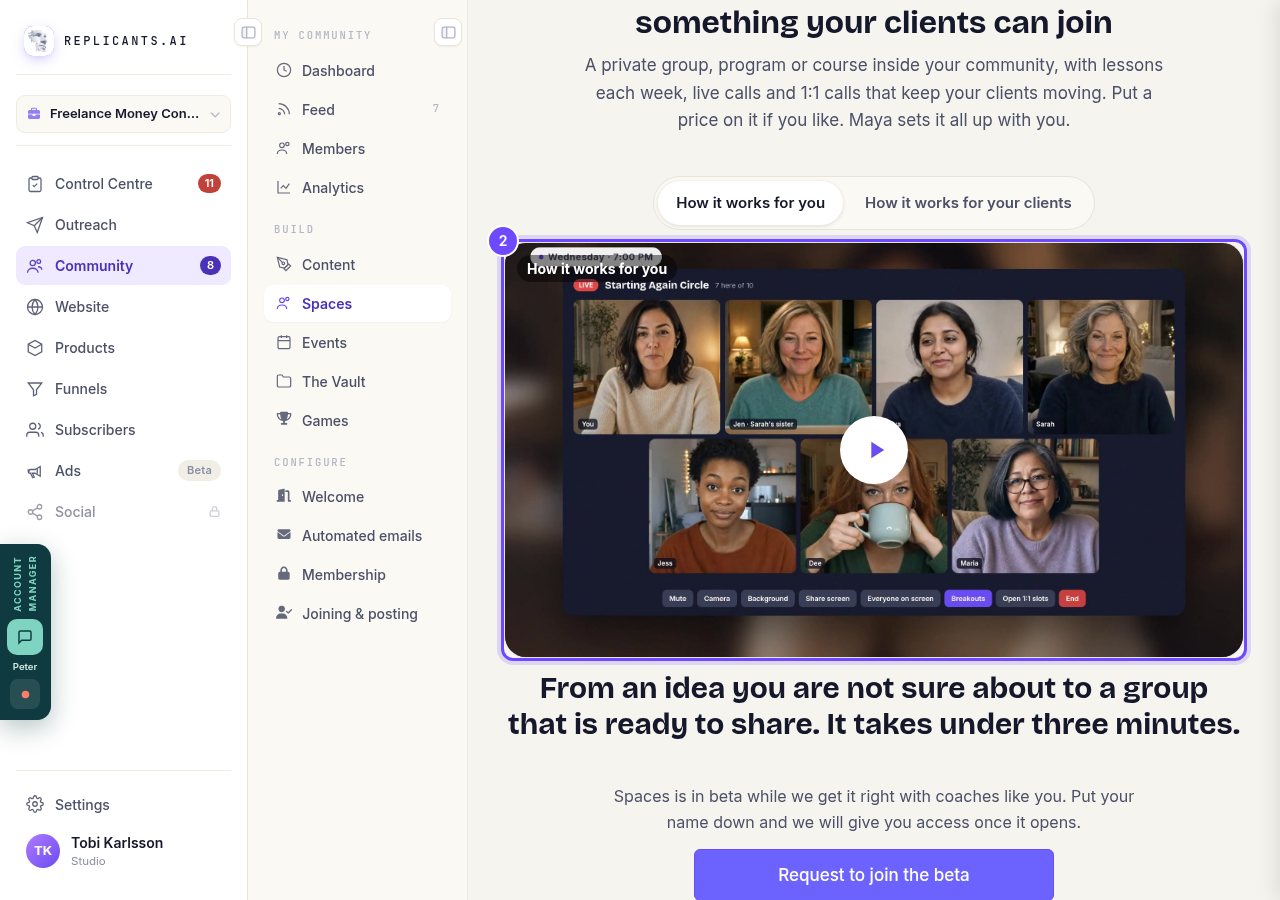
The film, at the top of Spaces.
Try a space as a member
Under Try it as a member are demo spaces run by Claire, a made-up coach: a free weekly group, a six-week paid program and a short challenge. Press Join as a member on one to see what your clients would get. It is a demo: nobody sees or hears you.
Below that, See what your clients get has short clips of each part.
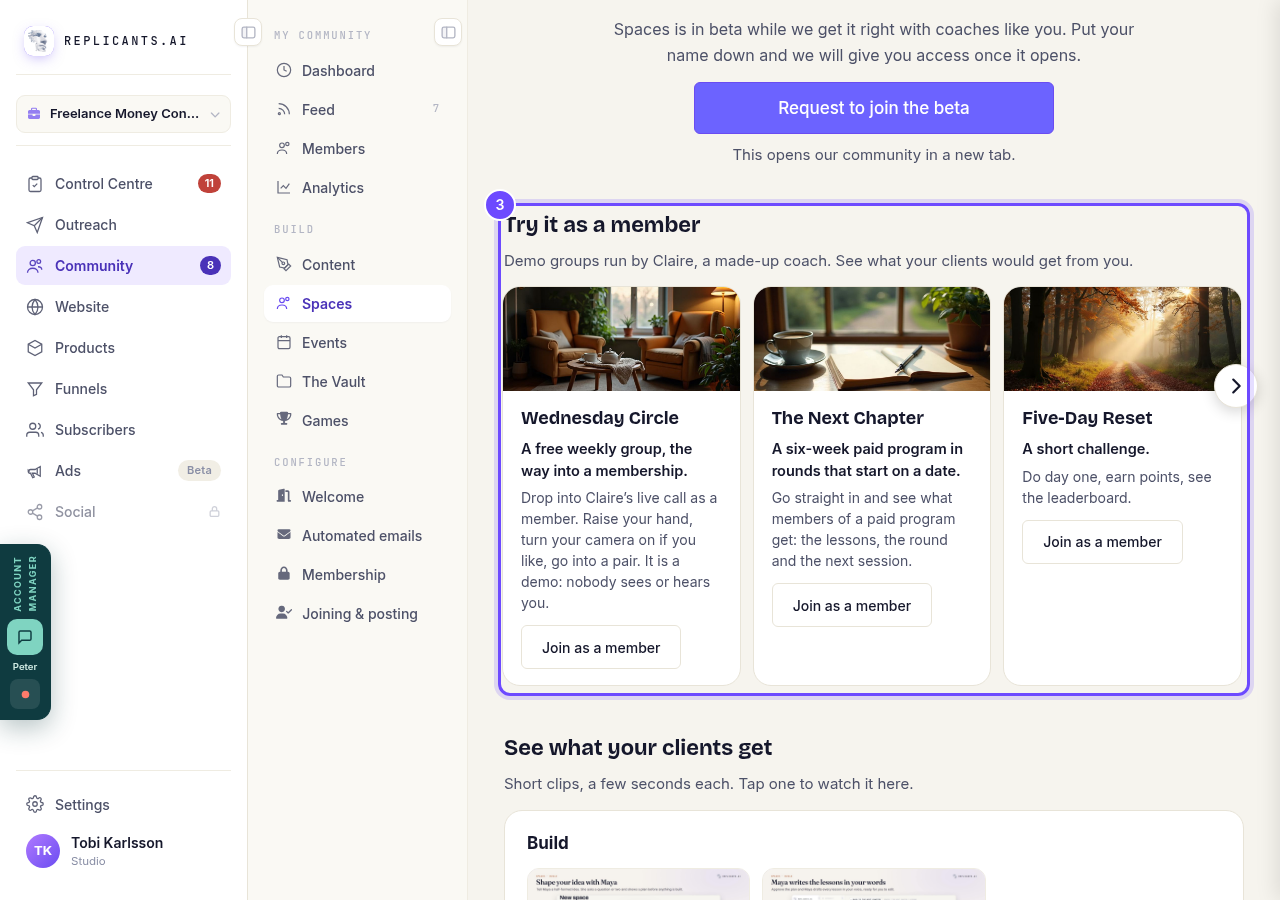
Try it as a member, with three demo spaces.
Press Request to join the beta
It opens our community in a new tab, where you put your name down. We give you access as places become available.
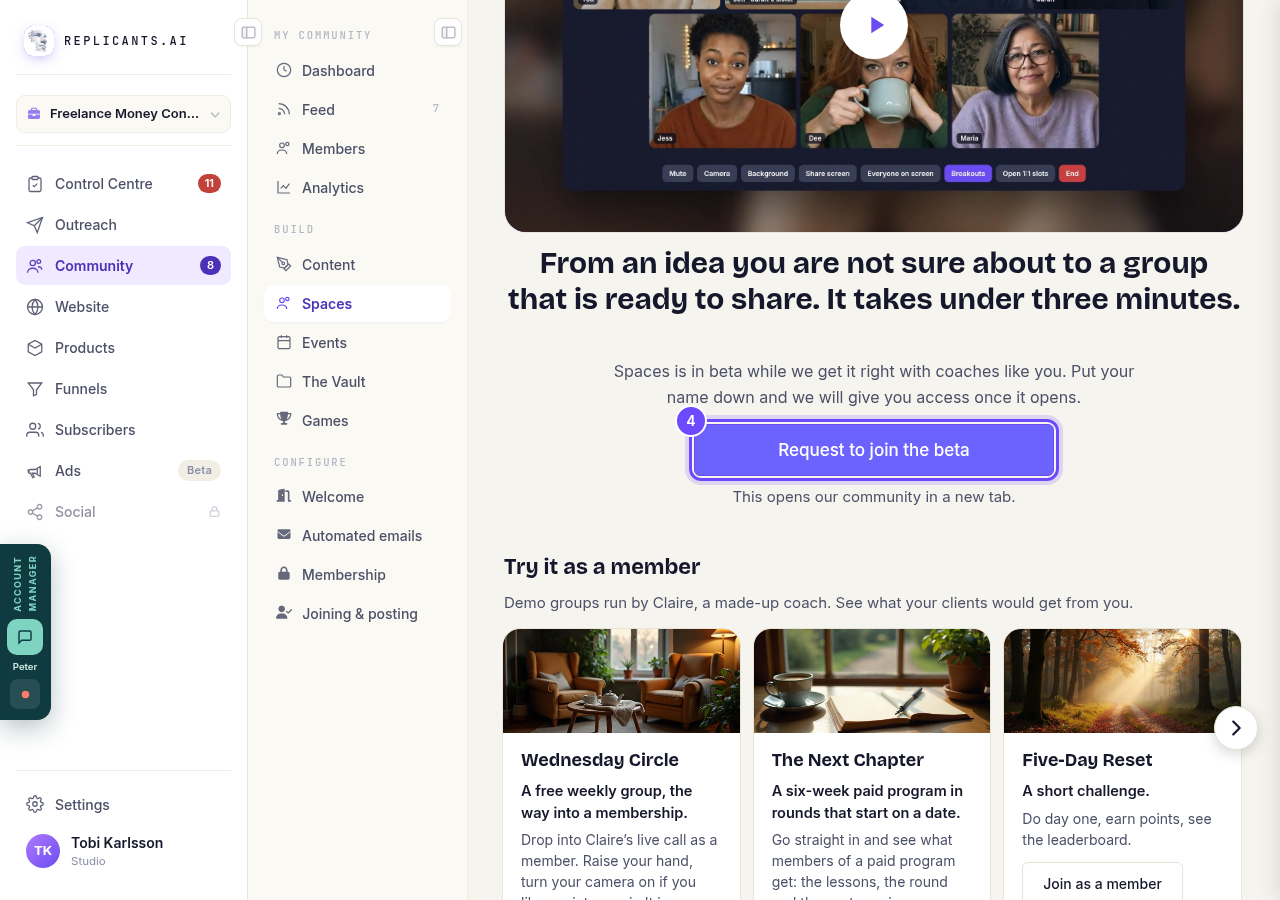
Request to join the beta, under the film.


Can I set up events in my community?
Related articles
Can I approve new members before they get into my community?
Yes. Switch on approval and anyone who asks to join waits in a Requests list in Members until you let them in, the way a private LinkedIn or Facebook group works. People you invite, and people who pay, still go straight in. About five minutes to set up.
Can I change a member's post before I approve it?
No. A post waiting for your approval can only be approved or rejected, so you cannot change a member's words. If a few words need changing, approve it and add a comment, or message the member and reject it.
Can I check comments before they go up?
Turn on comment approval and every member comment waits for you. It's a separate switch from the one for posts.