
What can Claude build in my Replicants account?
Connect your own Claude and it builds products, funnels, the emails behind them, sequences and automations, and your website. It works on your community and courses too. You check each one.
Updated 6 October 2026
Ask for your products and prices
Say what you sell and how people pay: once, monthly or in installments. Find it in Products, under Prices & offers.
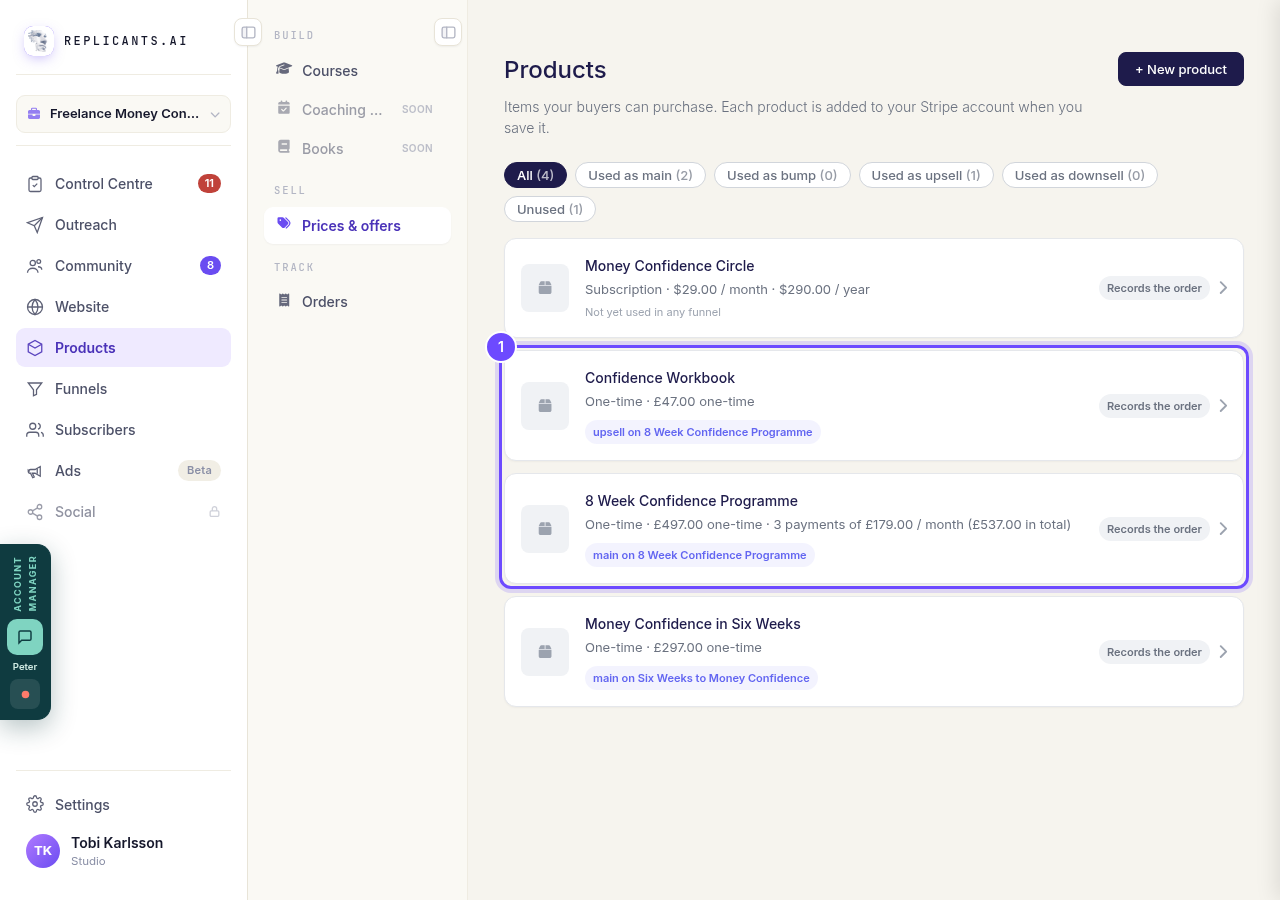
Two products Claude made, in Products under Prices & offers.
Ask for a whole funnel
Claude writes the sales page, order page, upsell and thank-you page, and attaches your products. It waits for you in Funnels, under AI Drafts.
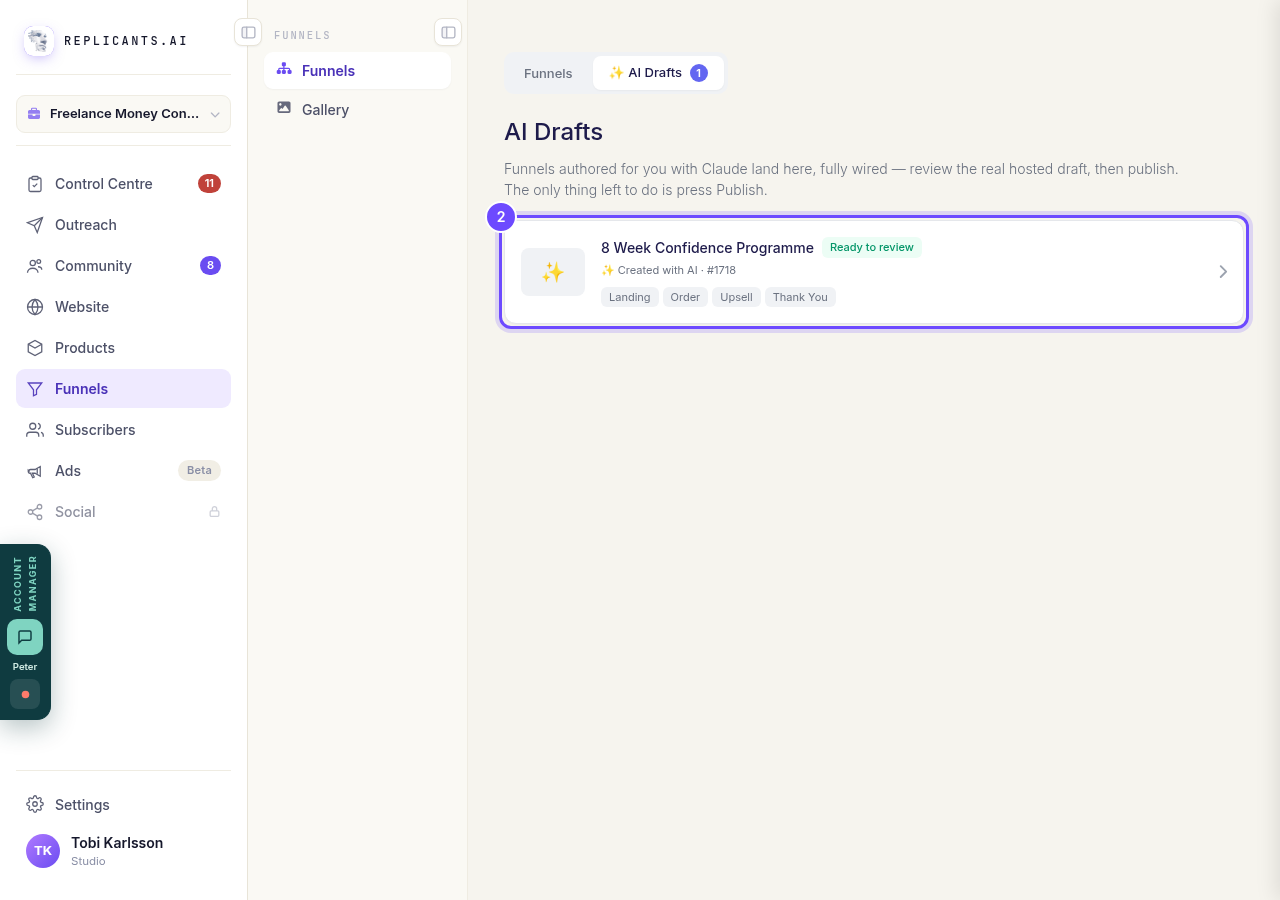
A funnel Claude built, waiting in AI Drafts.
Ask for the emails behind it
Claude drafts reminders for people who leave checkout without paying, and a welcome for buyers. In Sequences they are called Abandoned cart and Welcome.
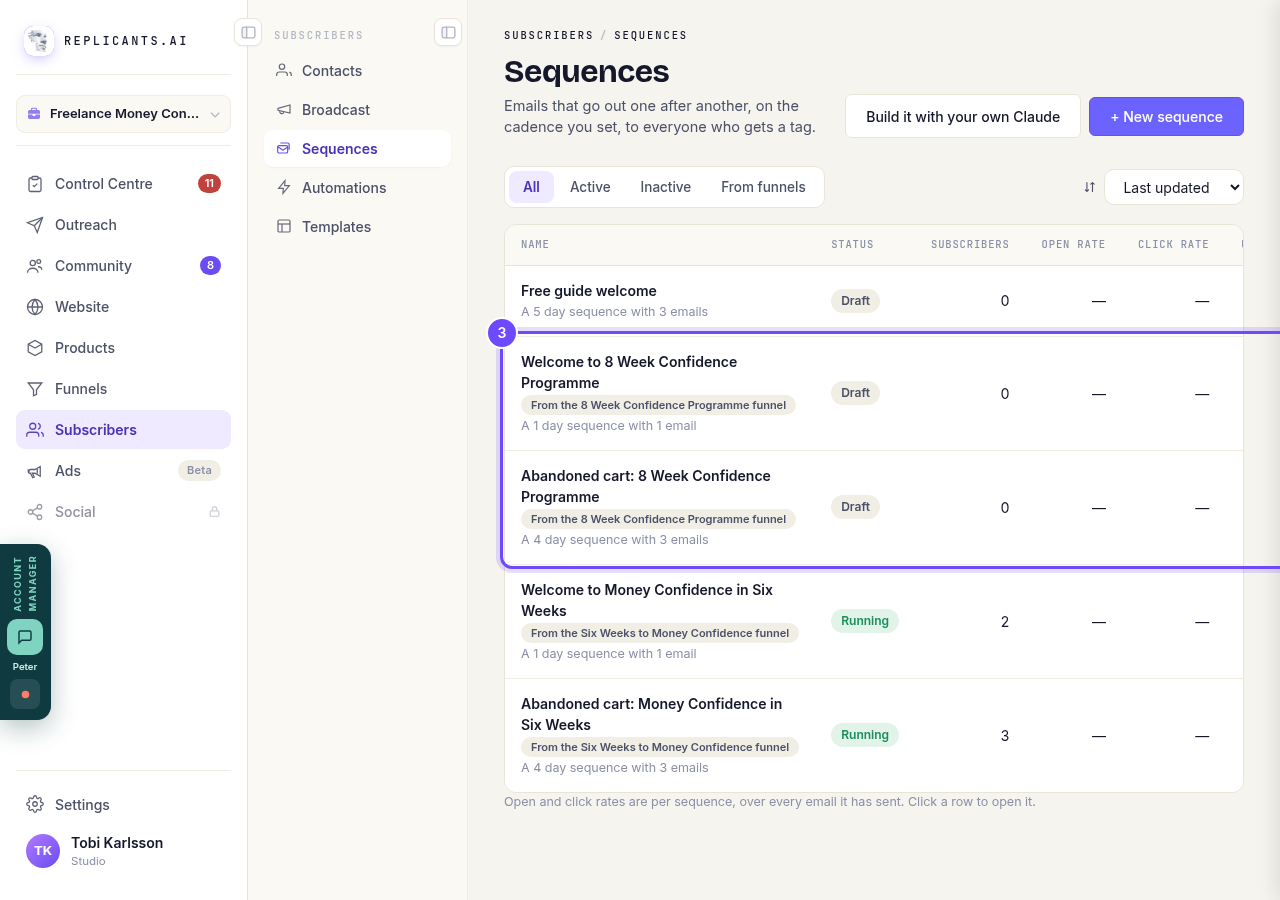
The funnel's emails, drafted and waiting in Sequences.
Ask for sequences and automations
A sequence sends emails on a timetable. An automation acts when someone joins, buys a course or fills in a form. No email sends until you approve it.
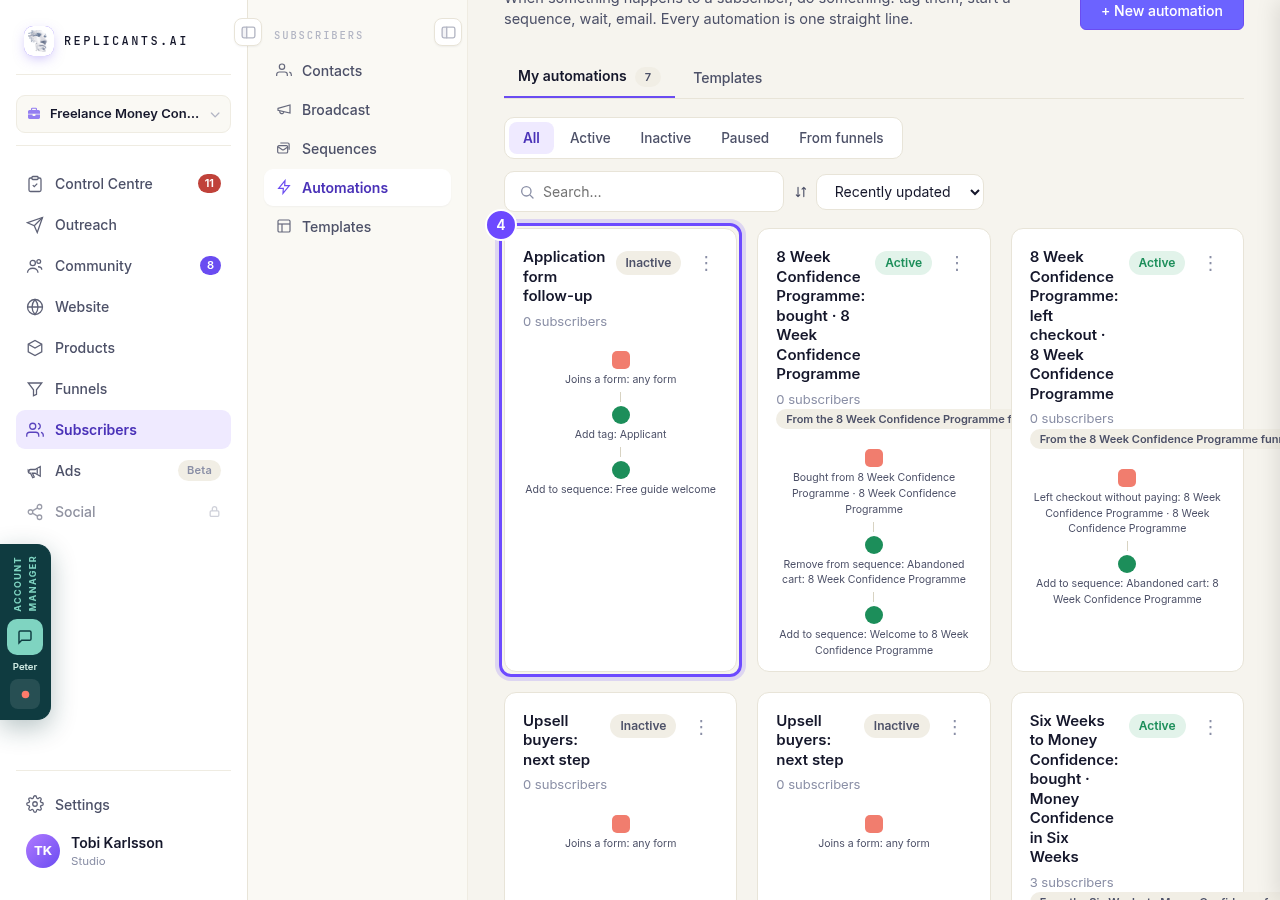
An automation Claude set up, still switched off.
Take me thereAsk for your website, or changes to it
Ask Claude to make you a website, add or change a page, or set the menu and footer. It shows you a preview link after every change. The site waits for you in Website: open Manage to look it over and publish it. Every change Claude makes to a page is kept in that page's Version history, labeled as Claude's edit, so you can put the old one back.
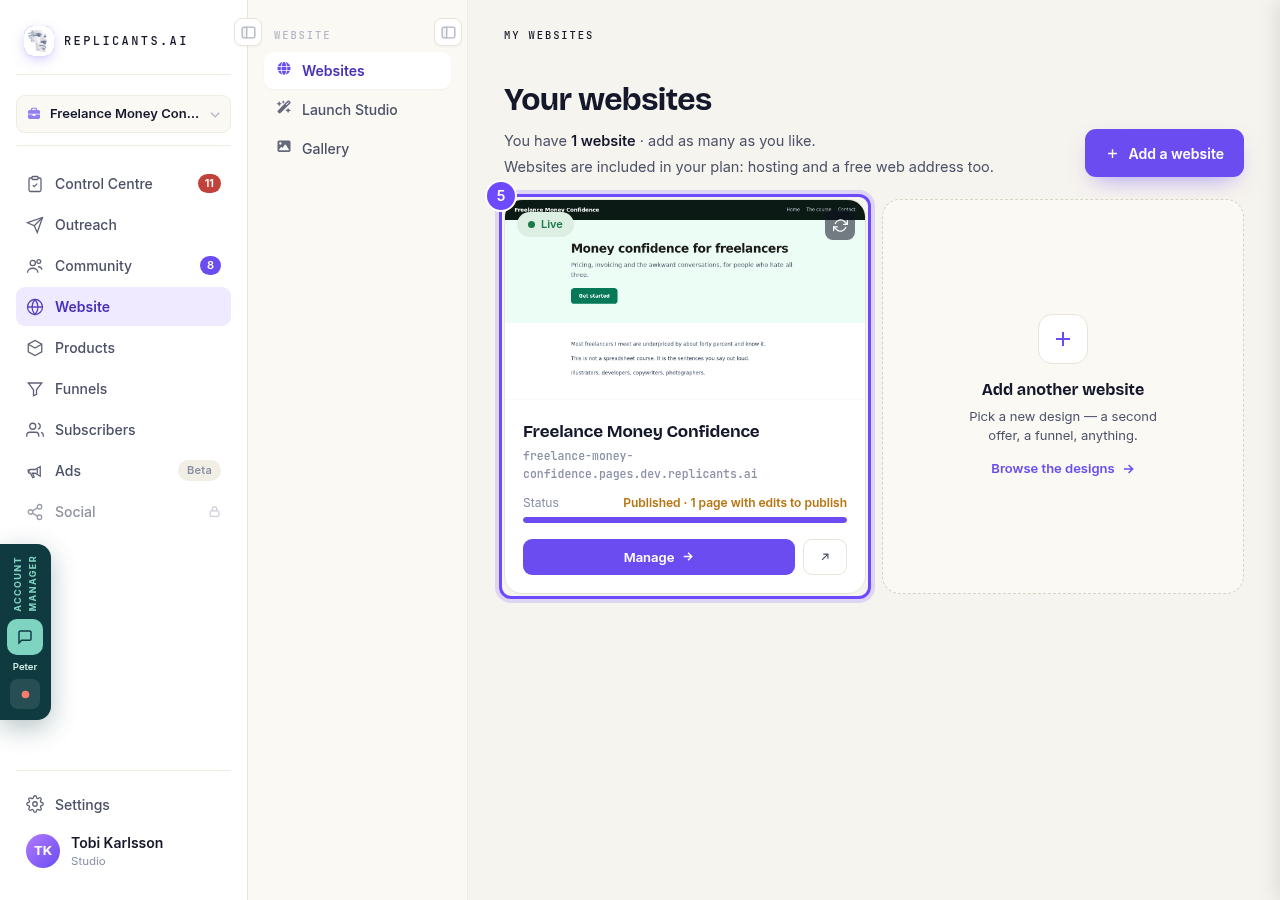
Your website, waiting for you in Website.
Take me there


It runs on your own Claude subscription. Nothing is charged to your Replicants account.
Every account can use Claude on its community, funnels, products and courses, and on email: contacts, tags, broadcasts, forms, sequences and automations. Social works where Social is switched on. Ads and your inbox stay in the app.
On funnels, an account without a plan gets its first page free. After that, Claude gives you the link to start your 14-day free trial.
On your community it can post, and message one member at a time. Anything sent to every member waits for your approval.
Build your first funnel with your own Claude
Related articles
Can I just tell Claude to do it?
Every guide here is a screen you can press. This is the other way in: connect your own Claude and describe what you want.
How do I build a funnel with Claude?
Pick a design, describe your offer, and Claude writes the pages and attaches your products. You preview it and press Publish.
How do I build and change a course with Claude?
Claude plans your course with you, builds it once you have approved the plan, and writes the lessons in your words. Anything it wants to change after that waits for your yes.