
Can I just tell Claude to do it?
Every guide here is a screen you can press. This is the other way in: connect your own Claude and describe what you want.
Updated 27 September 2026
Open Claude & AI and press Connect Claude
Press your name at the bottom of the menu, then Account, then Claude & AI. Press Connect Claude, press Add in Claude, then sign in when your browser asks.
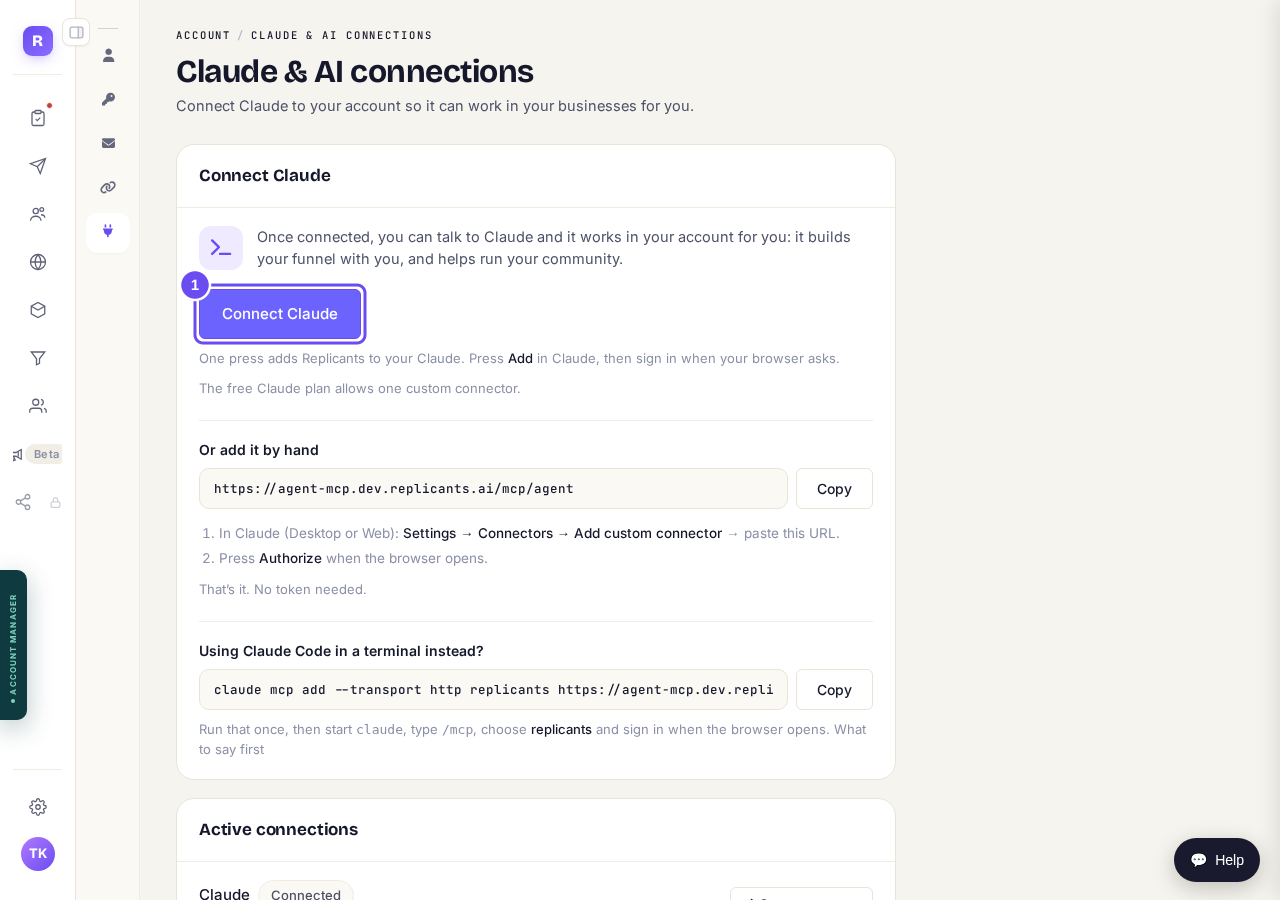
Account, then Claude & AI. Connect Claude comes first.
Or paste the address into Claude
Under Or add it by hand, press Copy. In the Claude app, go to Settings, then Connectors, then Add custom connector. Paste it and press Authorize when your browser opens.
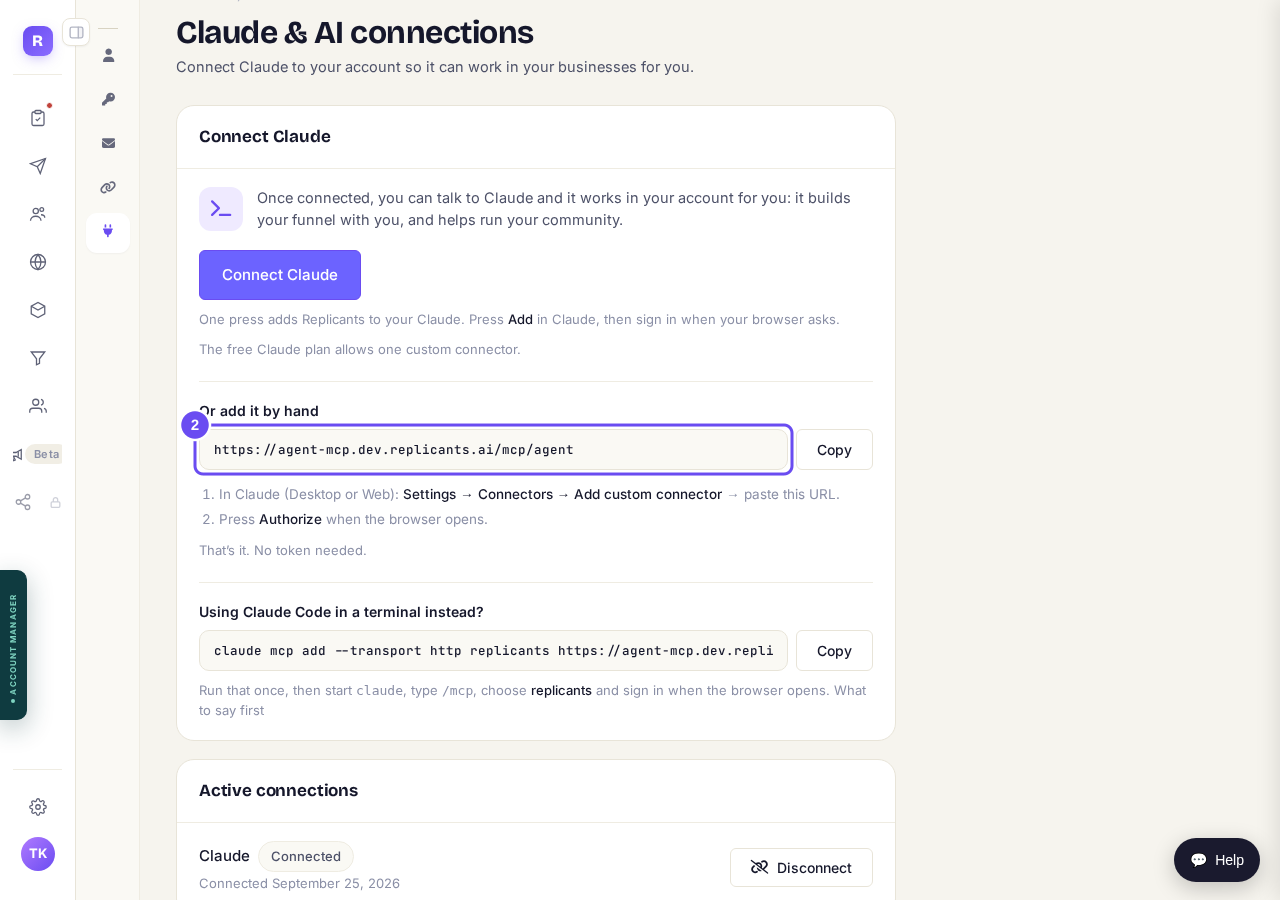
The address to copy, if the button doesn't suit you.
Or one line, if you use Claude Code
Press Copy beside the command and run it once. Then start claude, type /mcp, choose replicants and sign in when your browser opens.
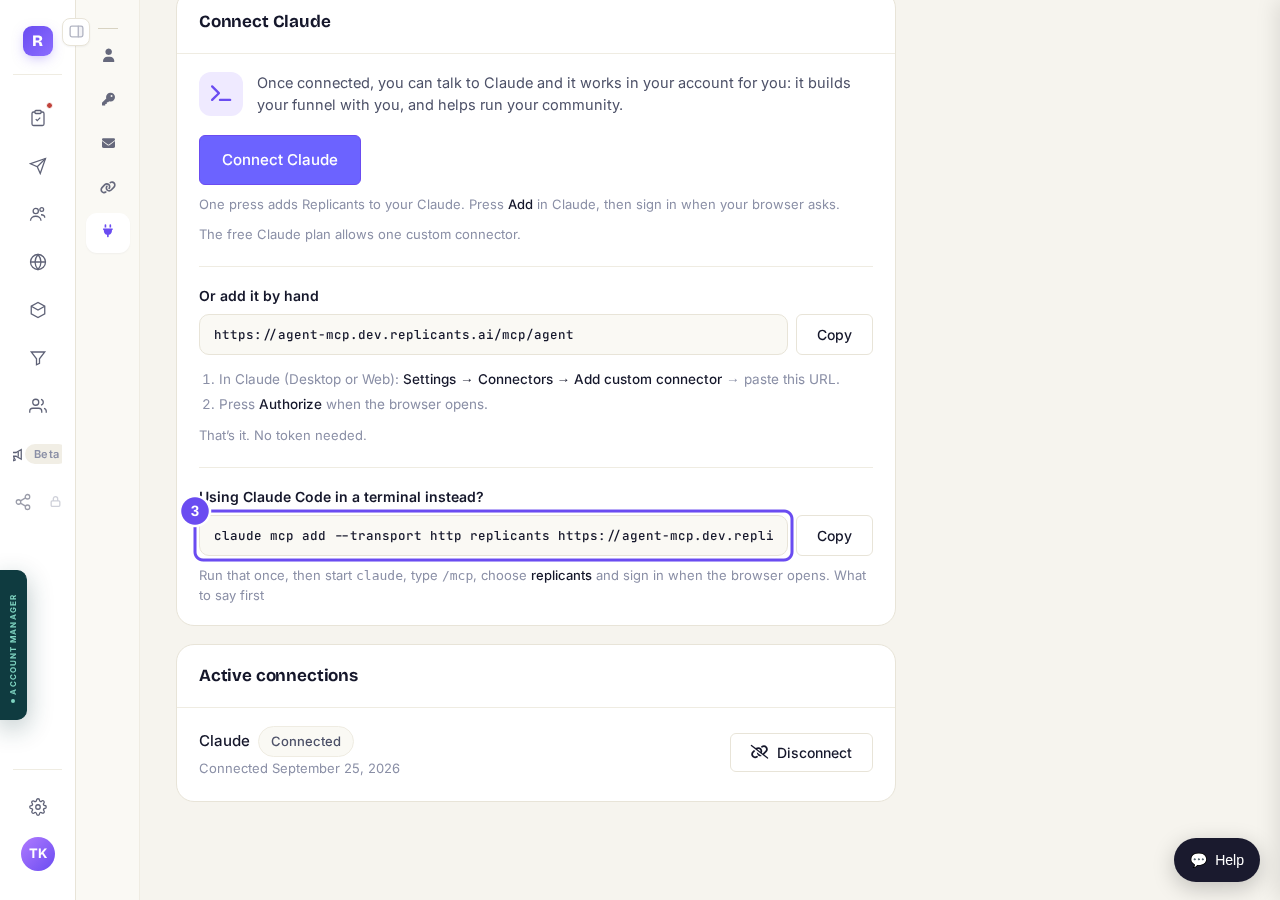
One command for Claude Code in a terminal.
Check what is connected
Active connections lists each connection with the date it was made. Press Disconnect to end one straight away. You can connect again at any time.
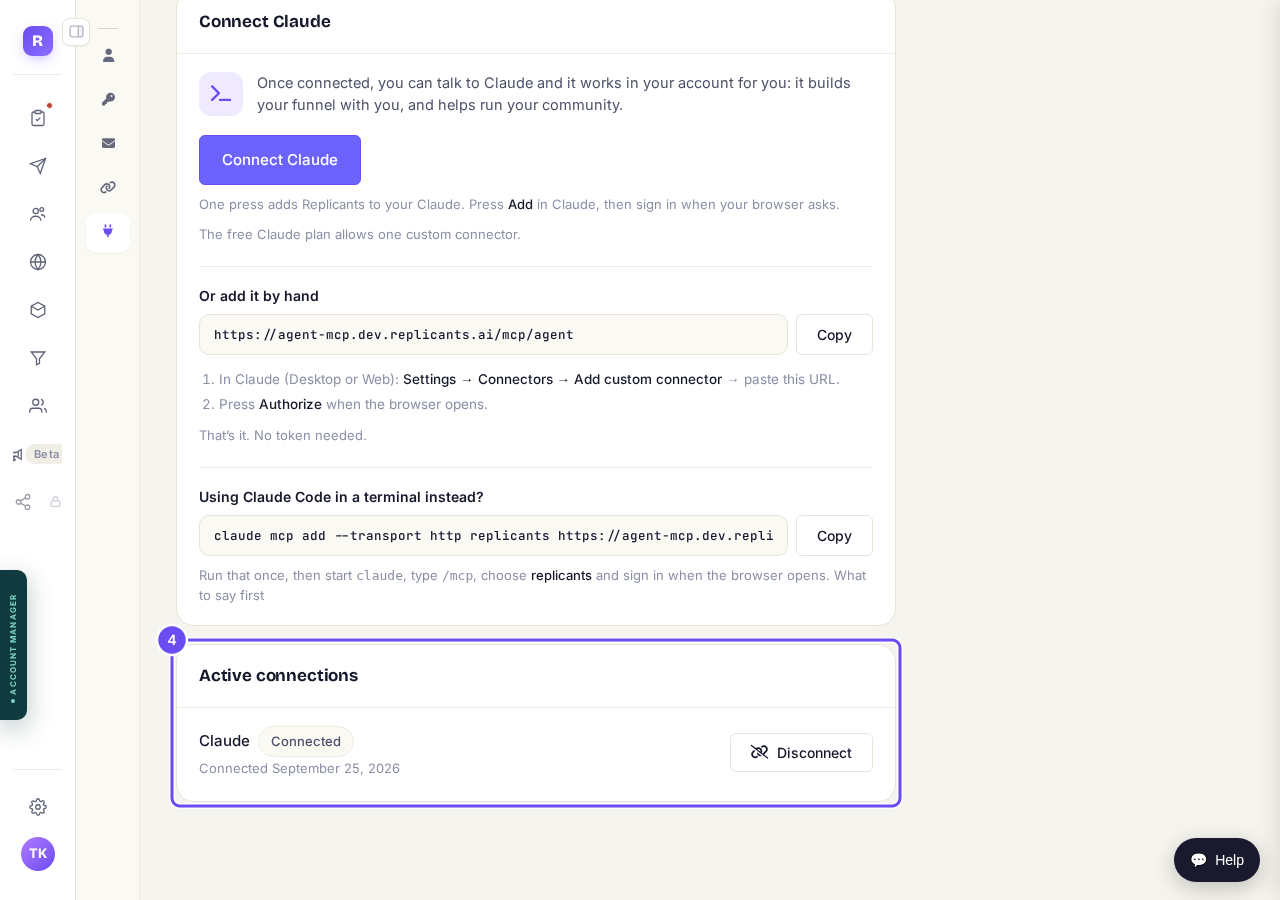
What is connected, and Disconnect.


On your funnels, it does not publish. Publishing a funnel is your click, in the app, after you have looked at the preview. Setting the order emails only sets the templates.
On your community it can post, comment, send one member a message and invite one person by email. Anything that goes to every member, an email or a message to a whole group, waits for you to approve it in the Control Centre. That is not a promise about behaviour, it is what the connection is allowed to do.
What it can reach. Every account can use Claude on its community, funnels, products and courses, and on email: contacts, tags, broadcasts, forms, sequences and automations. Social works where Social is switched on. Ads and your inbox stay in the app.
The money. Work done through your own Claude is billed on your own Claude subscription. Nothing is charged to your Replicants account for it, and nothing in your Replicants plan pays for it either.
And if something looks wrong, ask it to show you the page before and after. Every page keeps its versions, so "restore the previous version" is a sentence rather than a support ticket.
What can Claude build in my Replicants account?
Related articles
How do I build a funnel with Claude?
Pick a design, describe your offer, and Claude writes the pages and attaches your products. You preview it and press Publish.
How do I build and change a course with Claude?
Claude plans your course with you, builds it once you have approved the plan, and writes the lessons in your words. Anything it wants to change after that waits for your yes.
How do I build an email sequence with Claude?
A sequence sends a set of emails one after another, on a timetable. Tell Claude what it's for and it writes them. You approve them and activate it.