
How do I send a broadcast to my list?
One email to your whole list, sent now or later. Nothing sends until the last of four steps.
Updated 29 September 2026
Take me there
Check who's still listening
Open Subscribers. The band on top splits your list in four. Green, meaning opened or clicked in the last 90 days, is who is really reading.
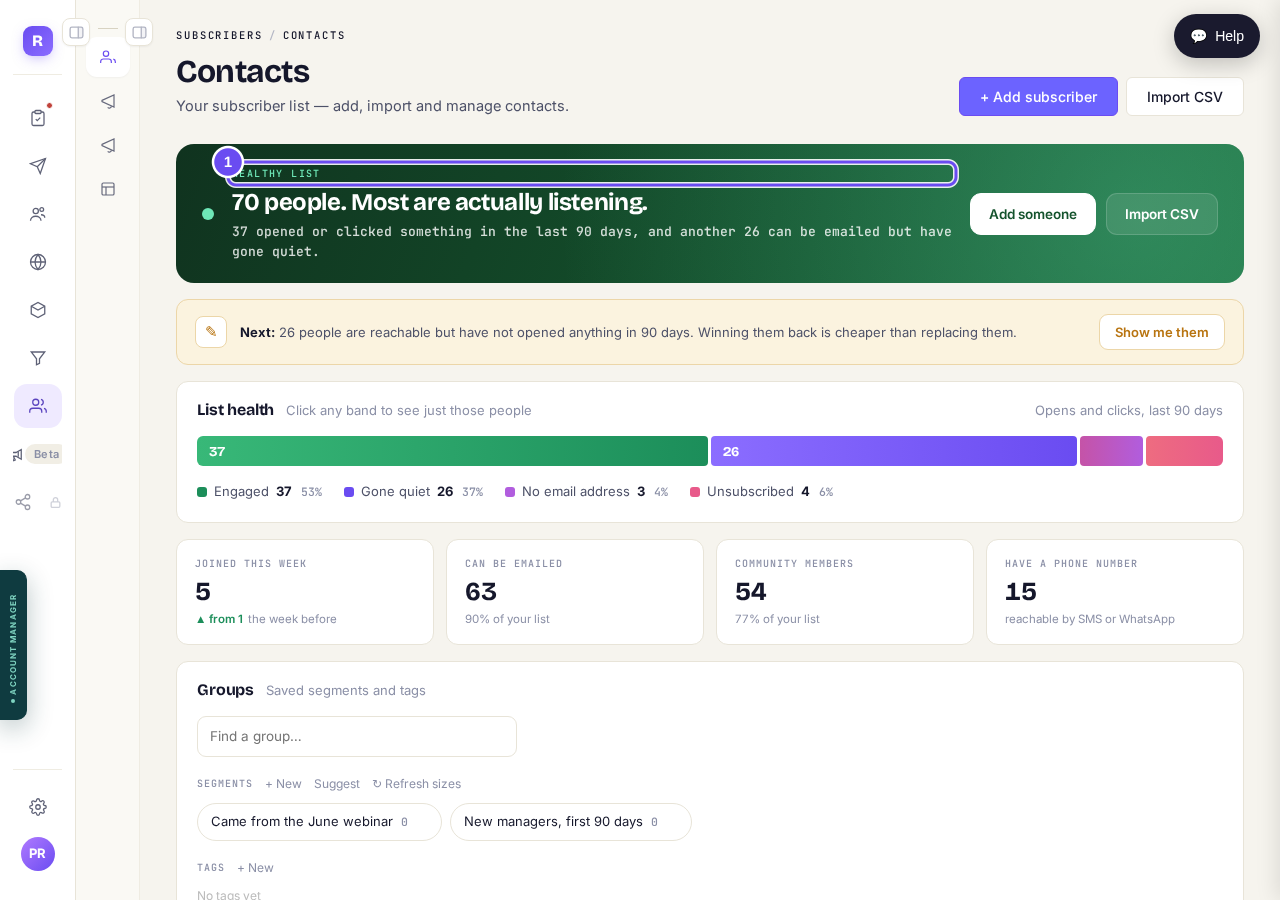
Your list in four groups. The green one is who is really reading.
Take me thereOpen Broadcast in the inner menu
Broadcast is one email to many people, written and sent by you. The two rows under it do a different job: Sequences sends a run of emails over days, and Automations does something on its own when something happens to a subscriber.
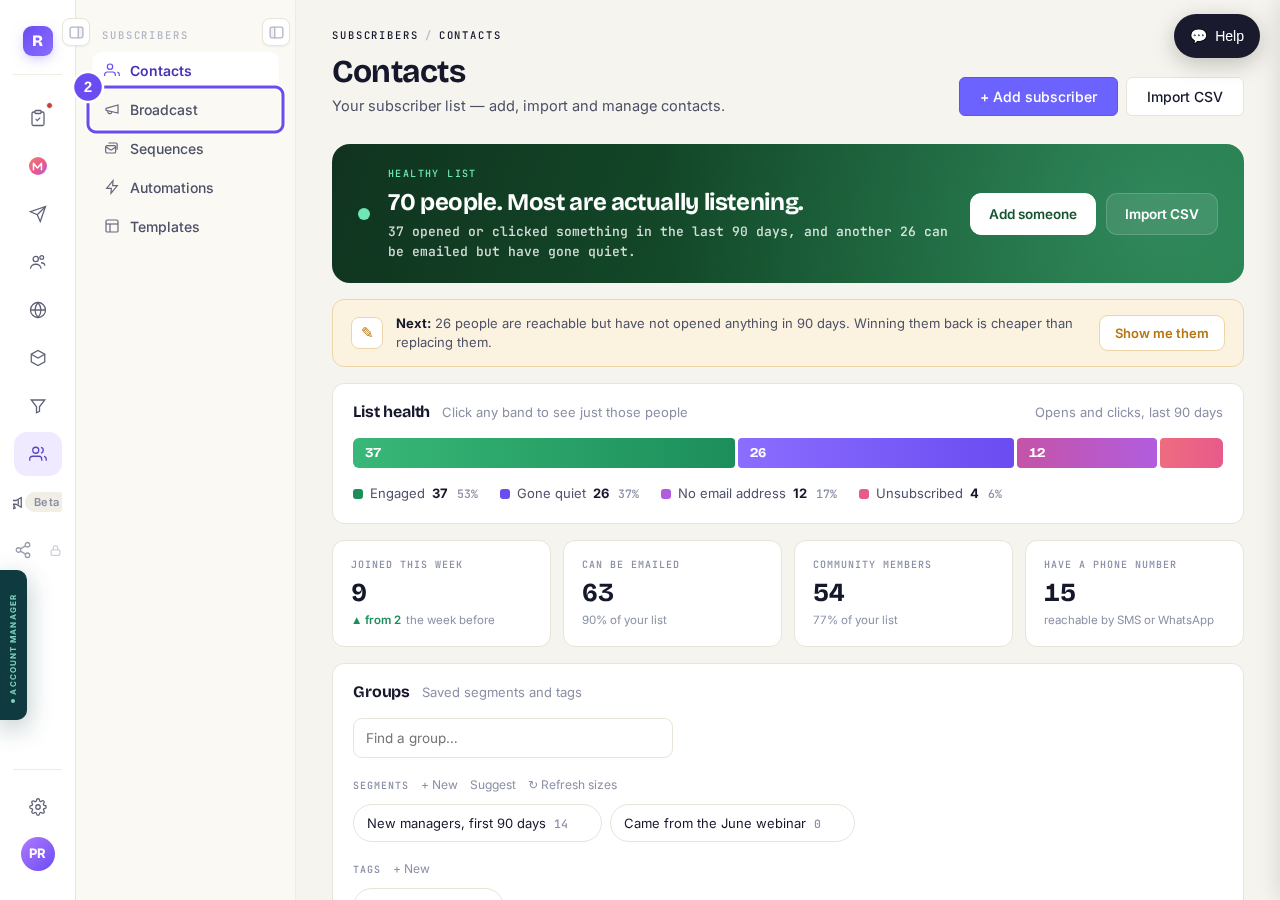
Broadcast is the second row, under Contacts.
Take me therePress New broadcast and write it
Pick the sending address, then the subject, preview line, look, and words. Drop in a first name and each person gets their own.
There is no longer a choice of which system sends it. Every broadcast now goes out through the one sending system, from your own verified address. Older broadcasts in the list may still be labelled with the system that sent them at the time, which is history rather than a setting.
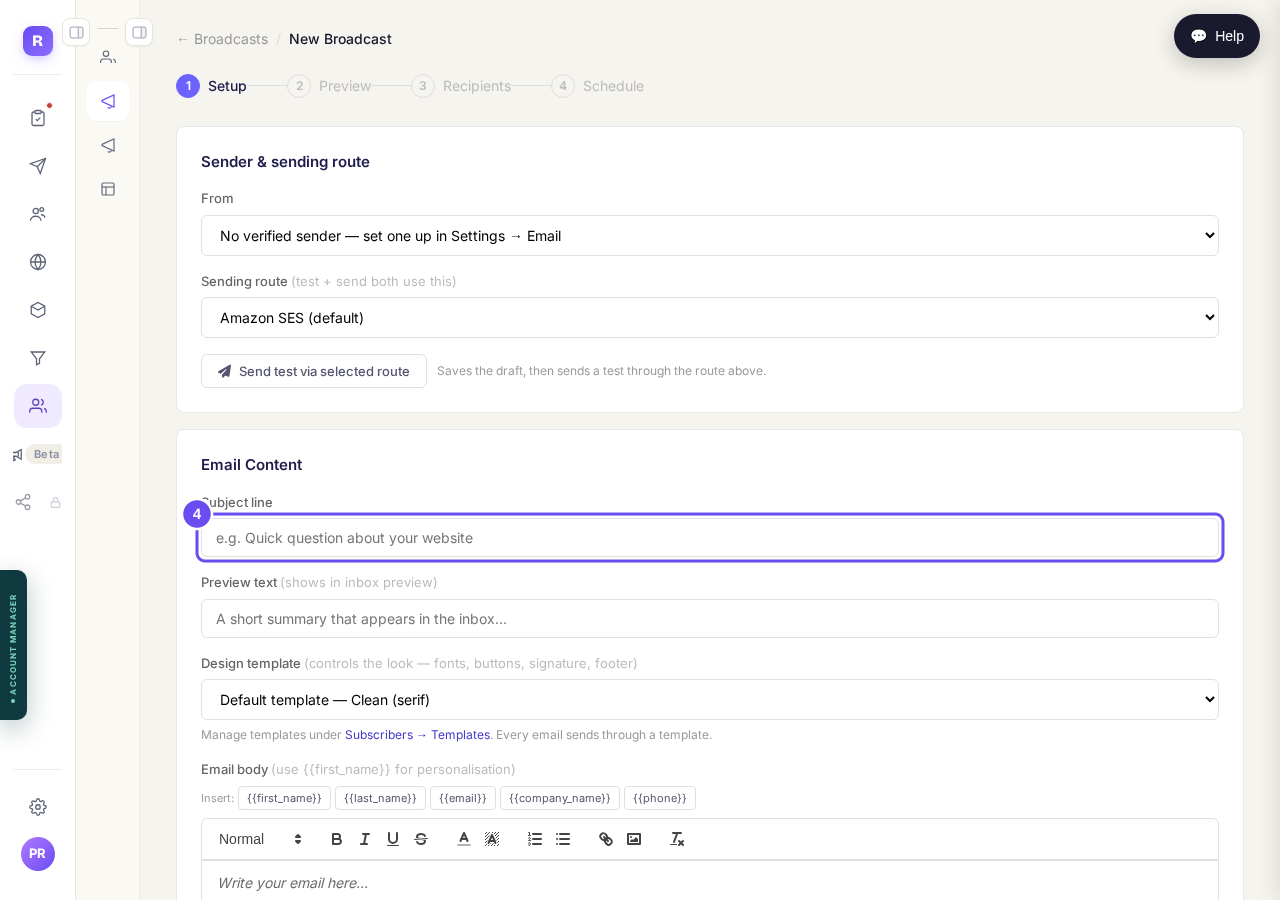
Subject, preview line, look, and the writing.
Take me thereSend yourself a test
Preview shows it on a computer and a phone. Send Test puts a real copy in your inbox. Do this every time.
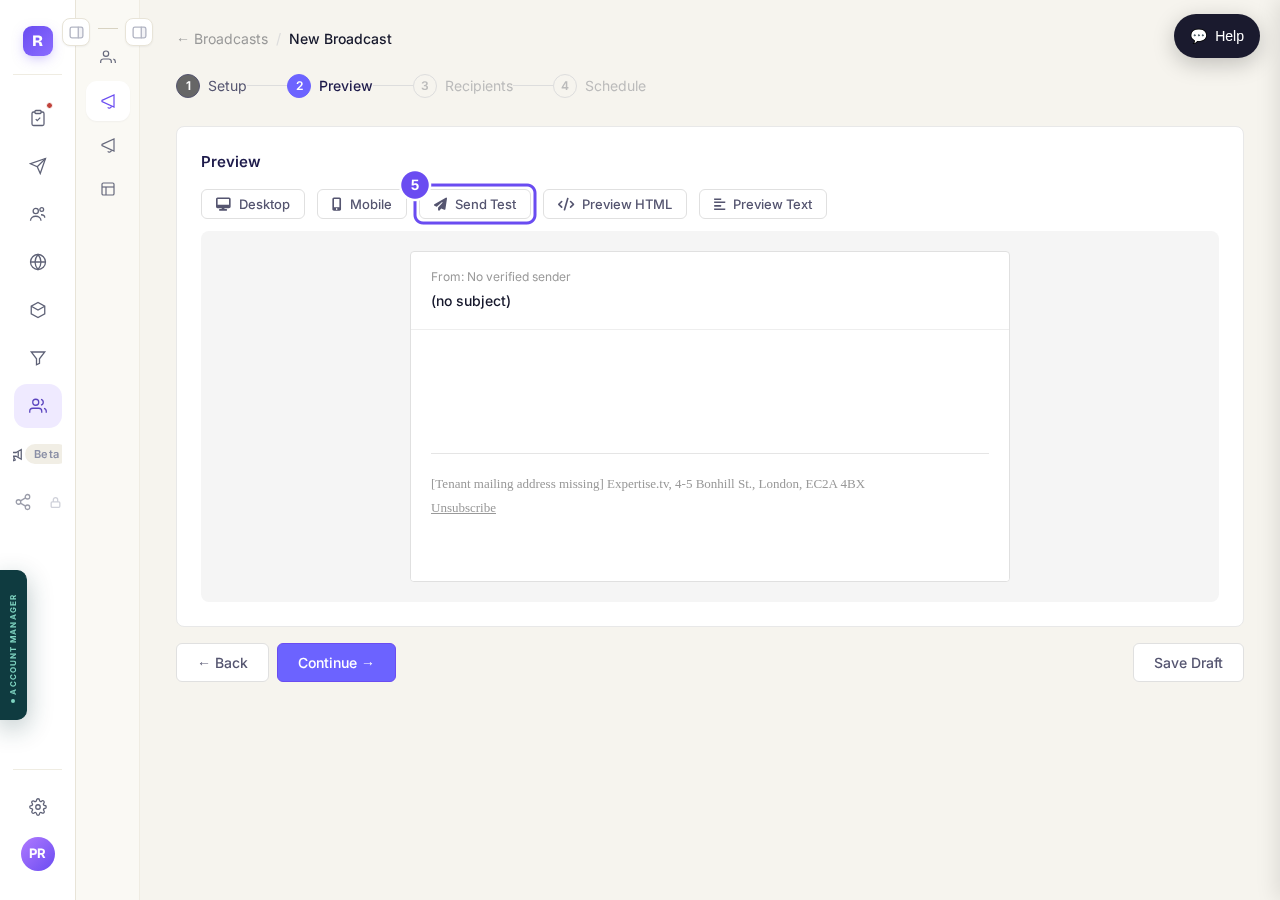
Both shapes, and a real copy to yourself before anybody else gets one.
Take me thereChoose who gets it
Everyone, or one of your saved groups. The line underneath says in words who it's about to go to. Unsubscribers are never included.
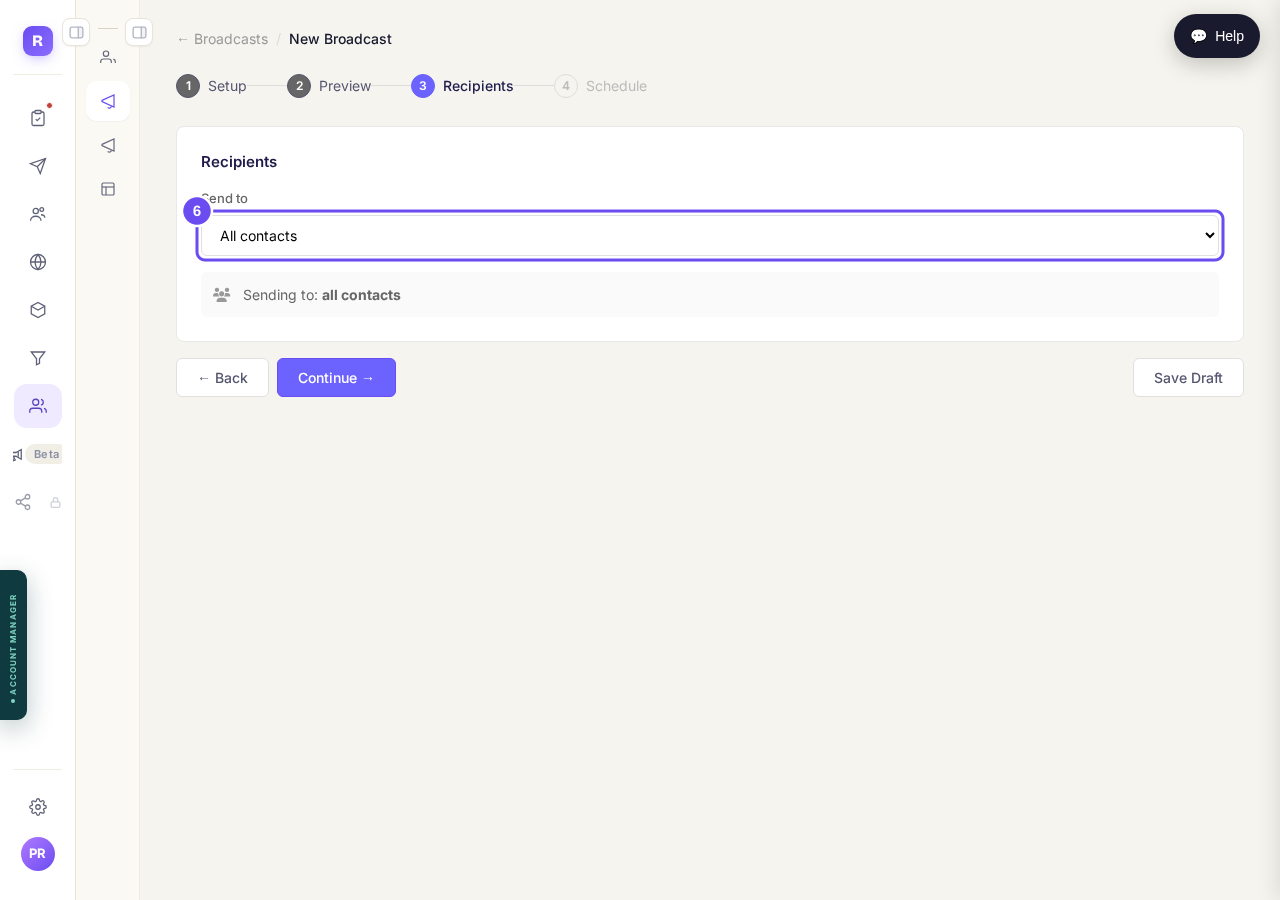
Everyone, or one saved group. It says in words which you picked.
Take me thereSend now, or pick a time
Send now goes immediately, or schedule a date and time. Large sends can spread over a few hours. Confirming here is the only thing that sends.
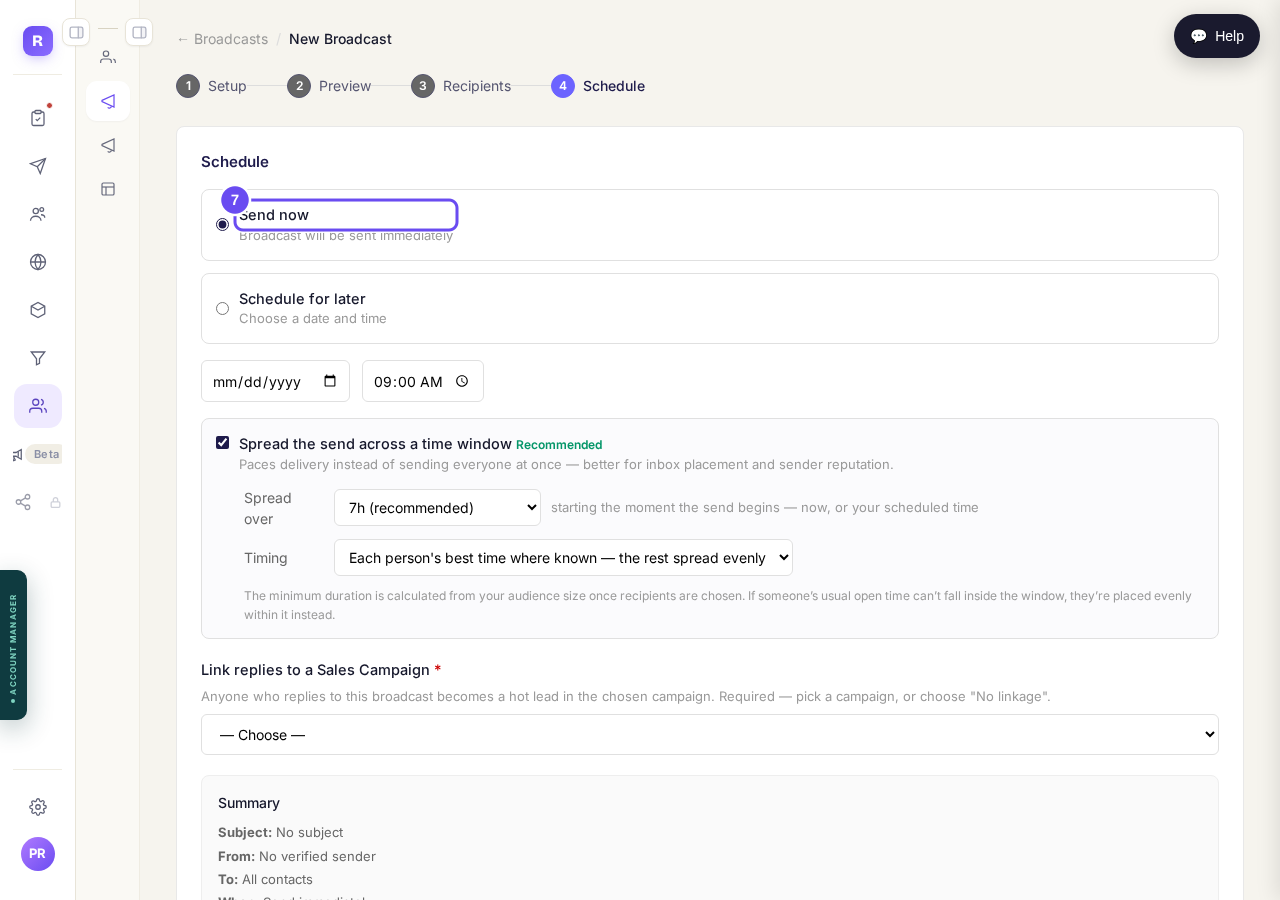
Now, at a time you pick, or spread across a window.
Take me there
I cannot find the screen I am looking for. How are the menus laid out?
Related articles
How do I choose what time of day my emails arrive?
When you send a broadcast you can spread it over a few hours, and let each person get it at the time they usually read their email. It is all on the last screen, **Schedule**.
How do I create a new tag?
A tag is a label you put on people so you can find them again. You make one by ticking the people it belongs on and naming it, in Subscribers, on the Contacts page.
How do I delete a contact?
Tick them on Contacts, press Delete, then type DELETE to confirm. Delete can't be undone. To hide someone and keep their details, Archive them instead.