
How do I move my Facebook group here?
Facebook won't give you your members' email addresses, so there's no import button. You move the people: one post, one link.
Updated 24 September 2026
Post your community link in the group
Settings, then Community, top of the page: Copy link. Paste it into a Facebook post saying what the room is for, and pin it. A dash instead of an address means your community has no address yet. Sort that first.
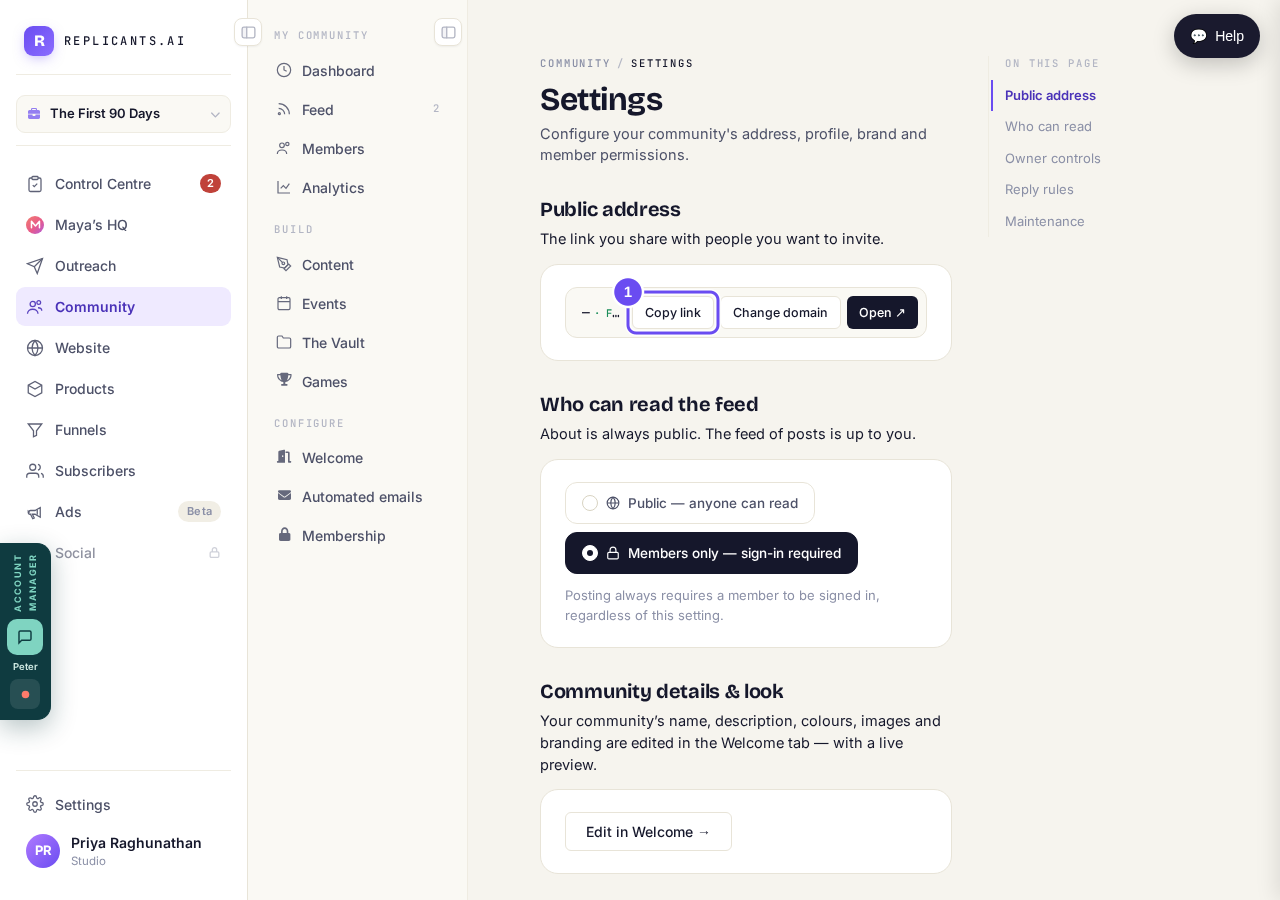
Copy link puts it on your clipboard, ready to paste into the group.
Take me thereSave them as a segment in Subscribers
Get your list into Subscribers, then save it as a segment. Click that segment in Contacts and a bar appears with a Convert to community button. It's not on the Community screens.
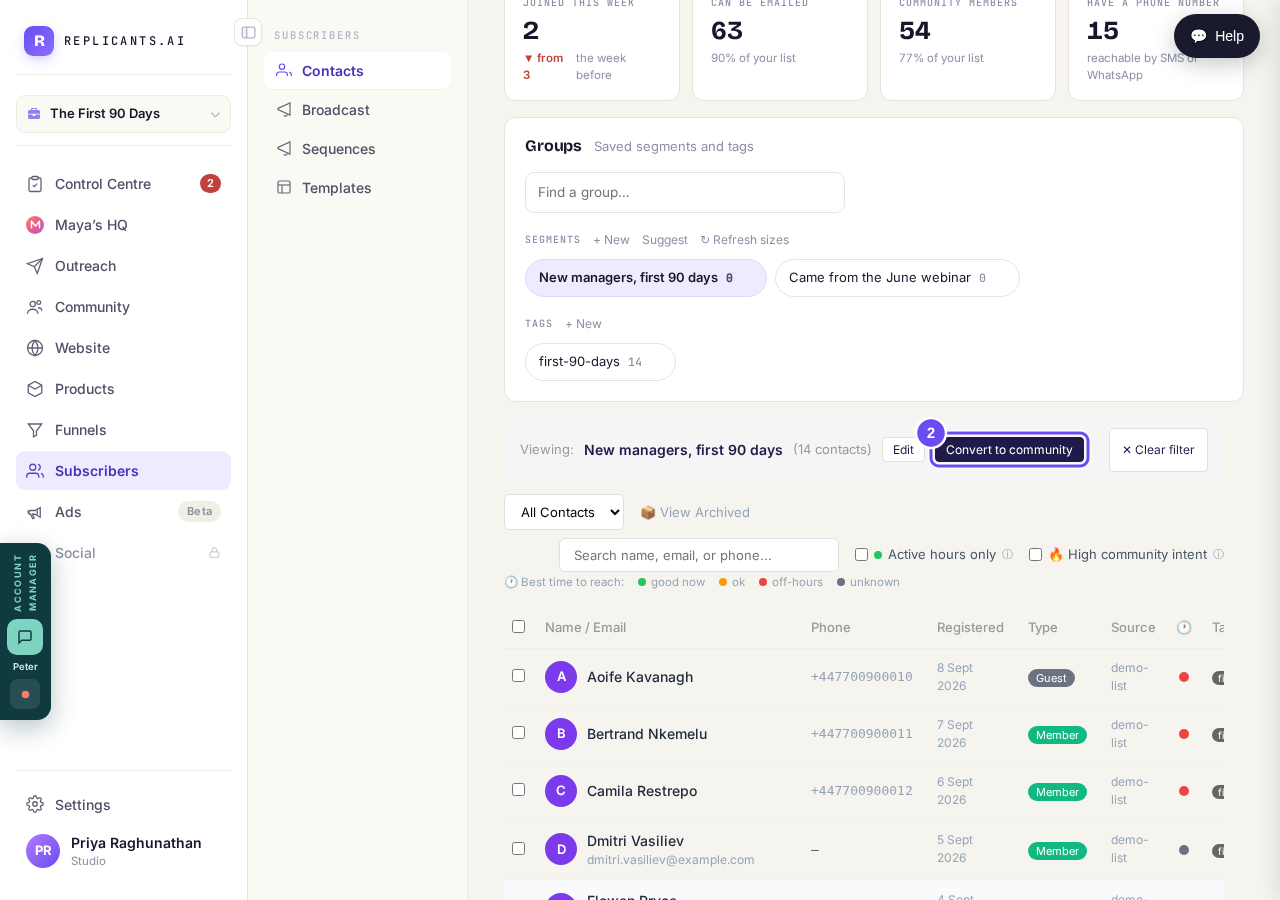
Click a saved segment and the Convert button appears.
Take me therePress Convert and read the count
The panel counts how many of the group aren't members yet. Nothing has happened — you can close it. Converted people sign in with their email and get the community digest.
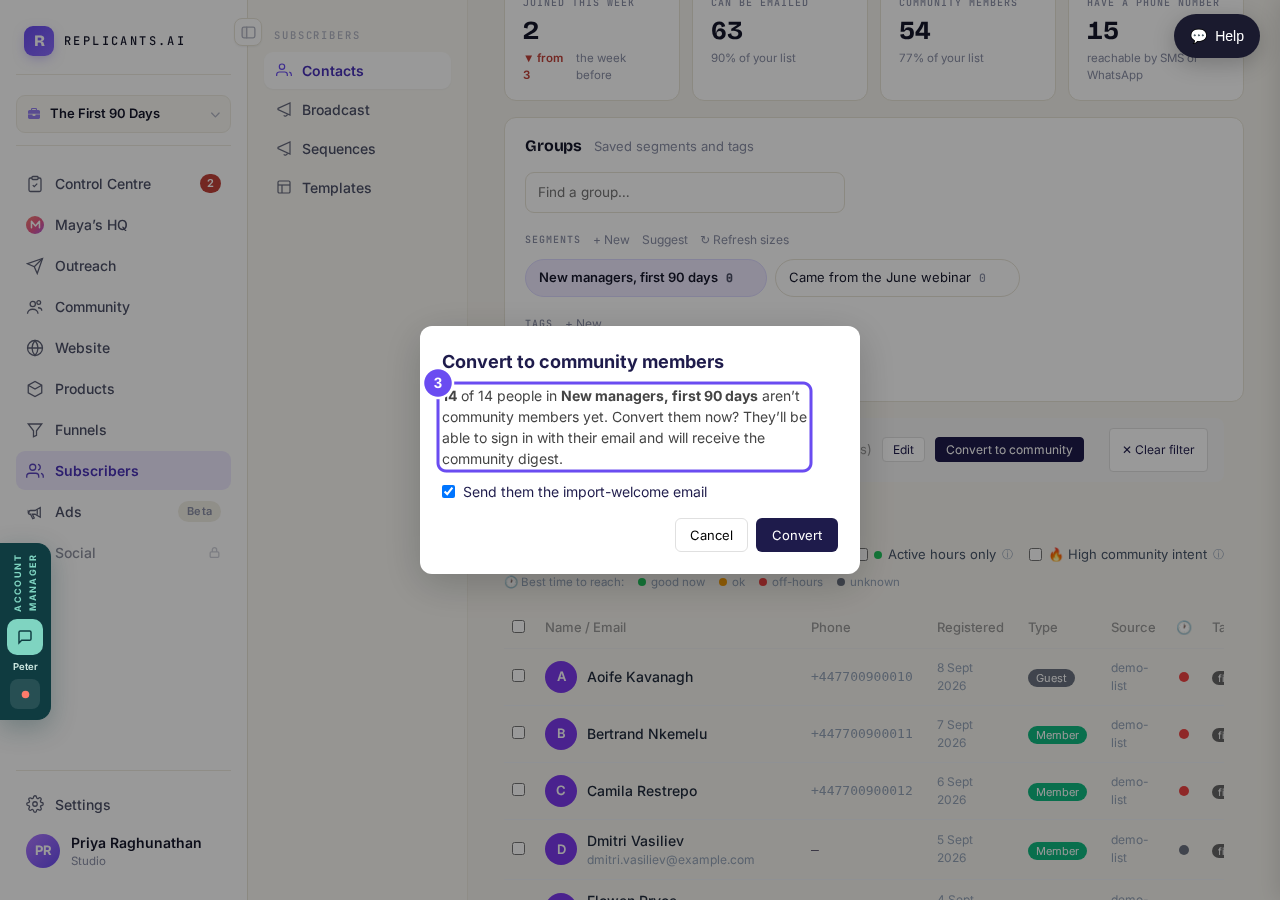
It counts first, and nothing has happened yet.
Take me thereTell them yourself — the tickbox doesn't
Send them the import-welcome email is ticked, but it doesn't work yet — we've logged it. Added people hear nothing until they sign in. Email them, or post via Community, then Feed.
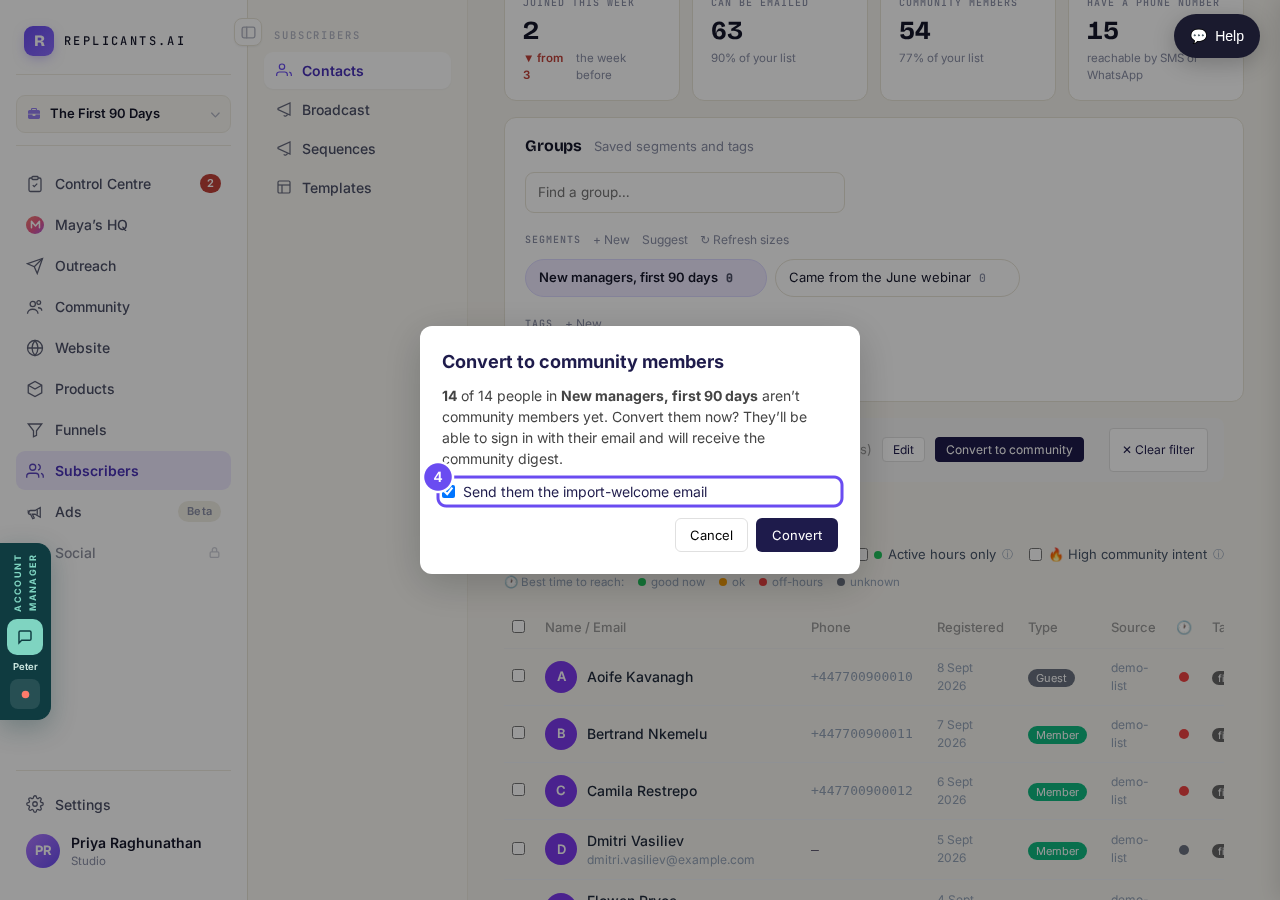
Ticked by default, and inert today. Tell them yourself.
Take me there
Where is my community link, and how do I share it?
Related articles
Can I approve new members before they get into my community?
Yes. Switch on approval and anyone who asks to join waits in a Requests list in Members until you let them in, the way a private LinkedIn or Facebook group works. People you invite, and people who pay, still go straight in. About five minutes to set up.
Can I change a member's post before I approve it?
No. A post waiting for your approval can only be approved or rejected, so you cannot change a member's words. If a few words need changing, approve it and add a comment, or message the member and reject it.
Can I check comments before they go up?
Turn on comment approval and every member comment waits for you. It's a separate switch from the one for posts.