
Is my website separate pages or one long page, and can I add more?
Separate pages. Your site is a set of them, each edited on its own. Open Websites and press Manage to see the whole thing on one board.
Updated 29 September 2026
Read the four figures across the top
The page count at the top answers this: three pages means three separate pages, each edited on its own.
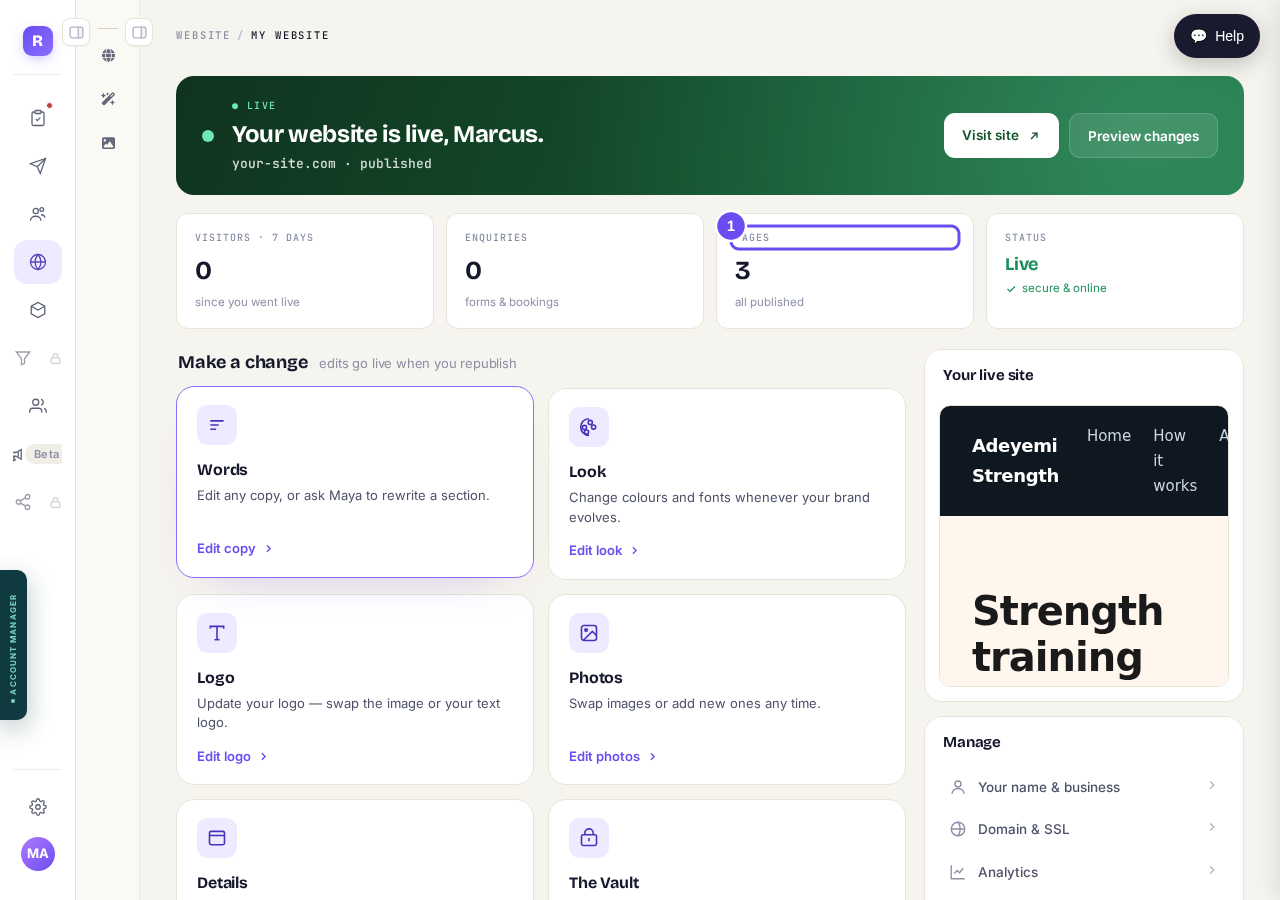
Visitors, enquiries, how many pages, and whether it is live.
Take me therePick a door under Make a change
Press the door that matches: Words, Look, Logo, Photos, Details, or the Vault for downloads, a blog, a podcast or videos. Edits go live when you republish.
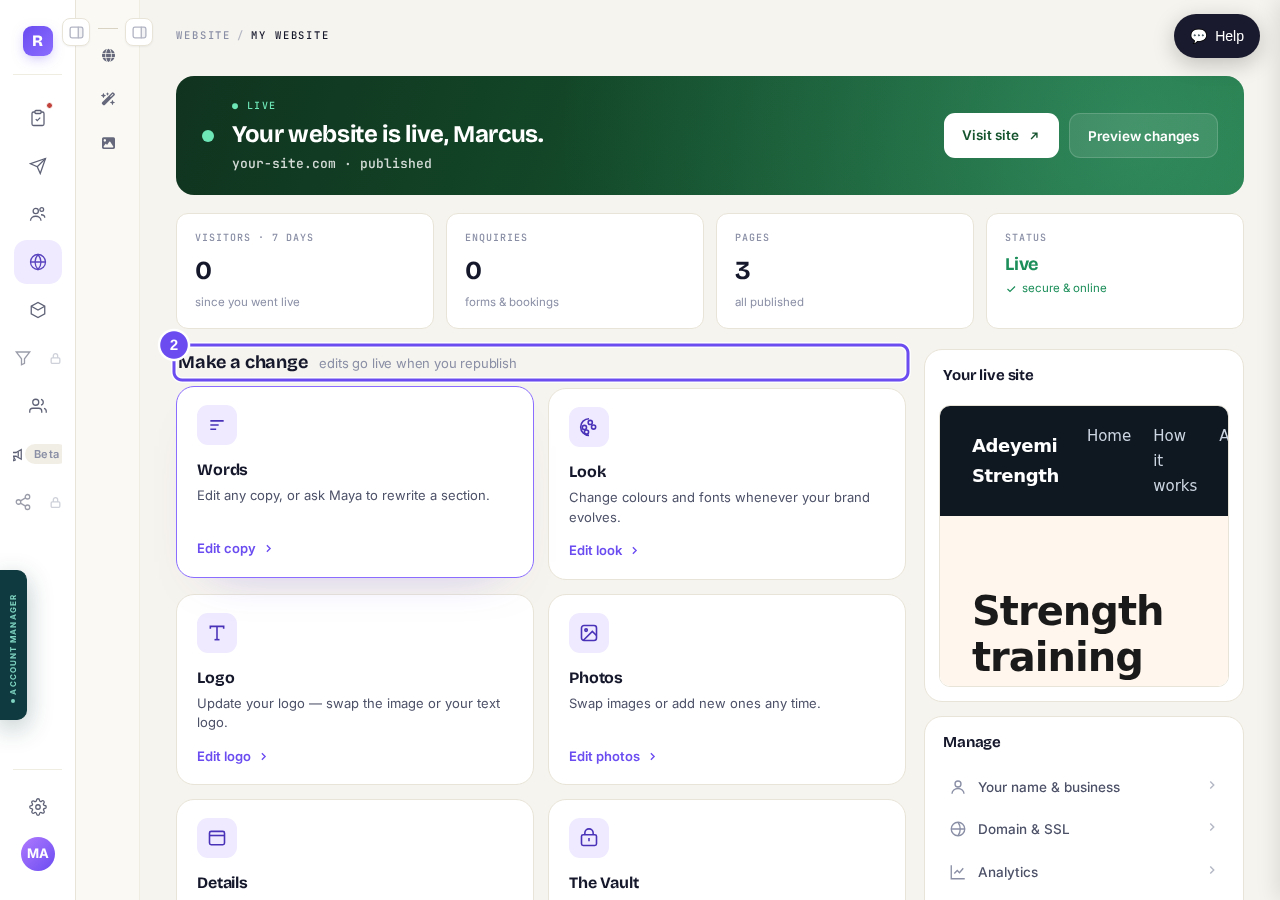
Six doors. Pick the one that matches what you want to change.
Open the Pages list below the doors
Below the doors is every page you have, by name, each edited on its own. Removing one is recoverable; your home page and the Vault stay. The list also says what your menu calls each one.
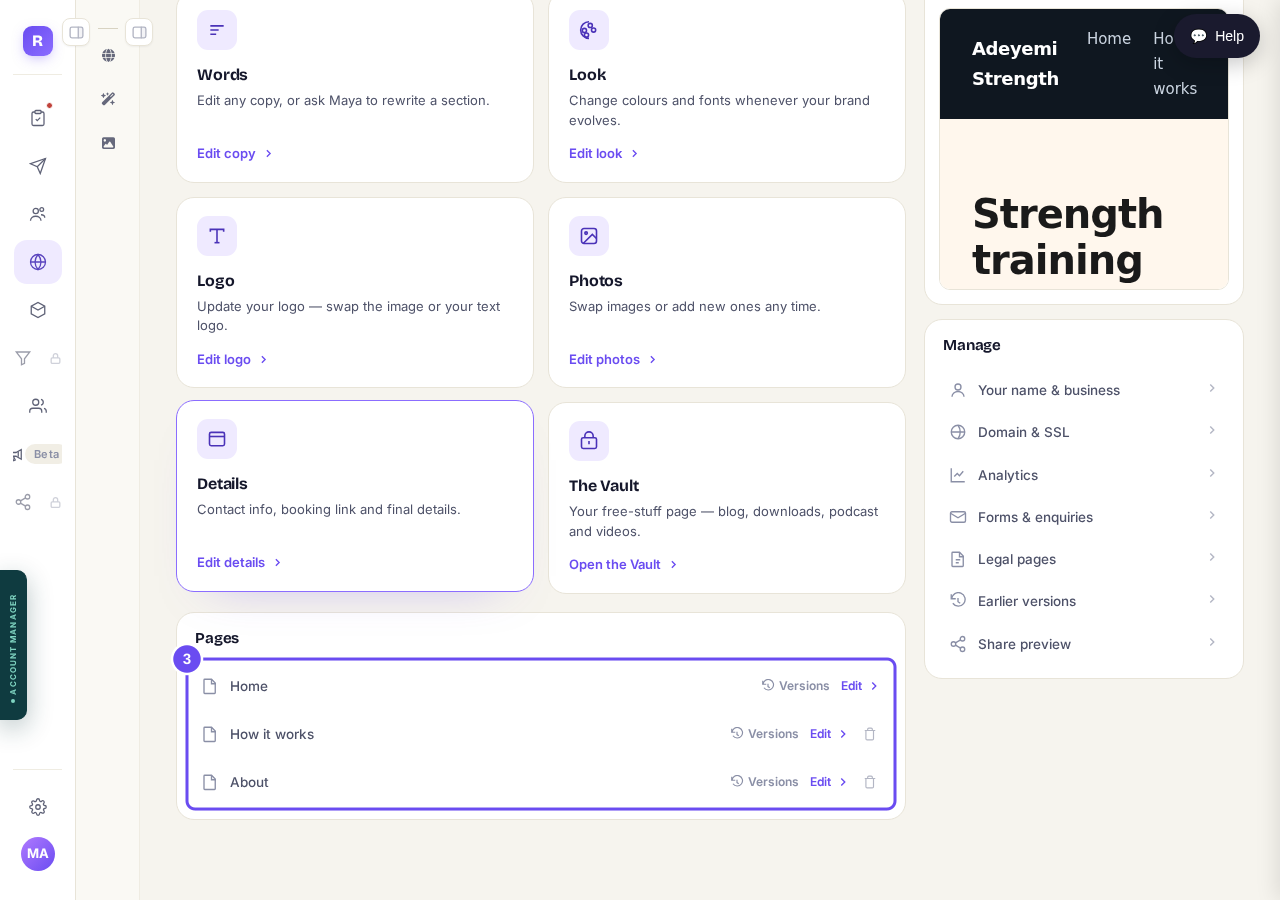
Every page, by name, with what your menu calls it.
Check the rail for everything else
Down the right: your business details, web address and certificate, visitor figures, form enquiries and legal pages. A share link shows somebody the site before it's public. Earlier versions take a page back to yesterday.
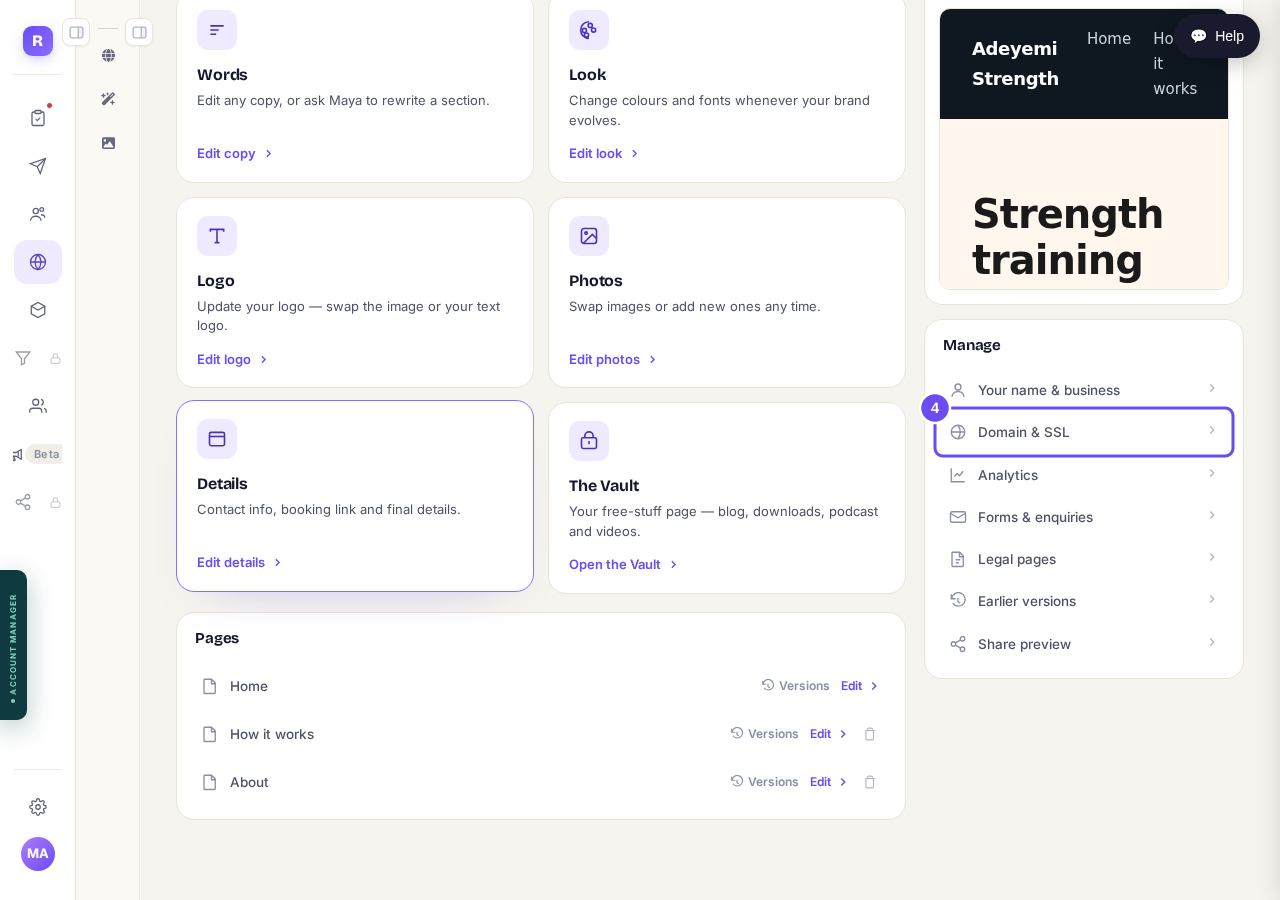
Address, analytics, enquiries, legal pages, and earlier versions.
Take me there
How do I change how my website looks?
Related articles
How do I add a new page to my website?
You add a page from your website's Manage board. It starts as a draft in your site's design and goes live when you republish. About five minutes.
How do I add a privacy policy and terms to my website?
Every website has a Privacy Policy and Terms & Conditions, linked from the footer. We write them for you, or you upload your own. About two minutes.
How do I change how my website looks?
Everything you can change sits on one board. Open Website, press Manage, and look under Make a change for a tile per kind of change. The whole design is under Design in the Manage list.