
How do I delete a comment in my community?
Every comment has a ••• menu at its top right, yours and your members'. Delete takes a comment from everyone, Hide keeps it from other members, and both can be undone. About a minute.
Updated 9 October 2026
Open Community, then Feed
On a phone, press the menu button at the top right first, then Community, then Feed.
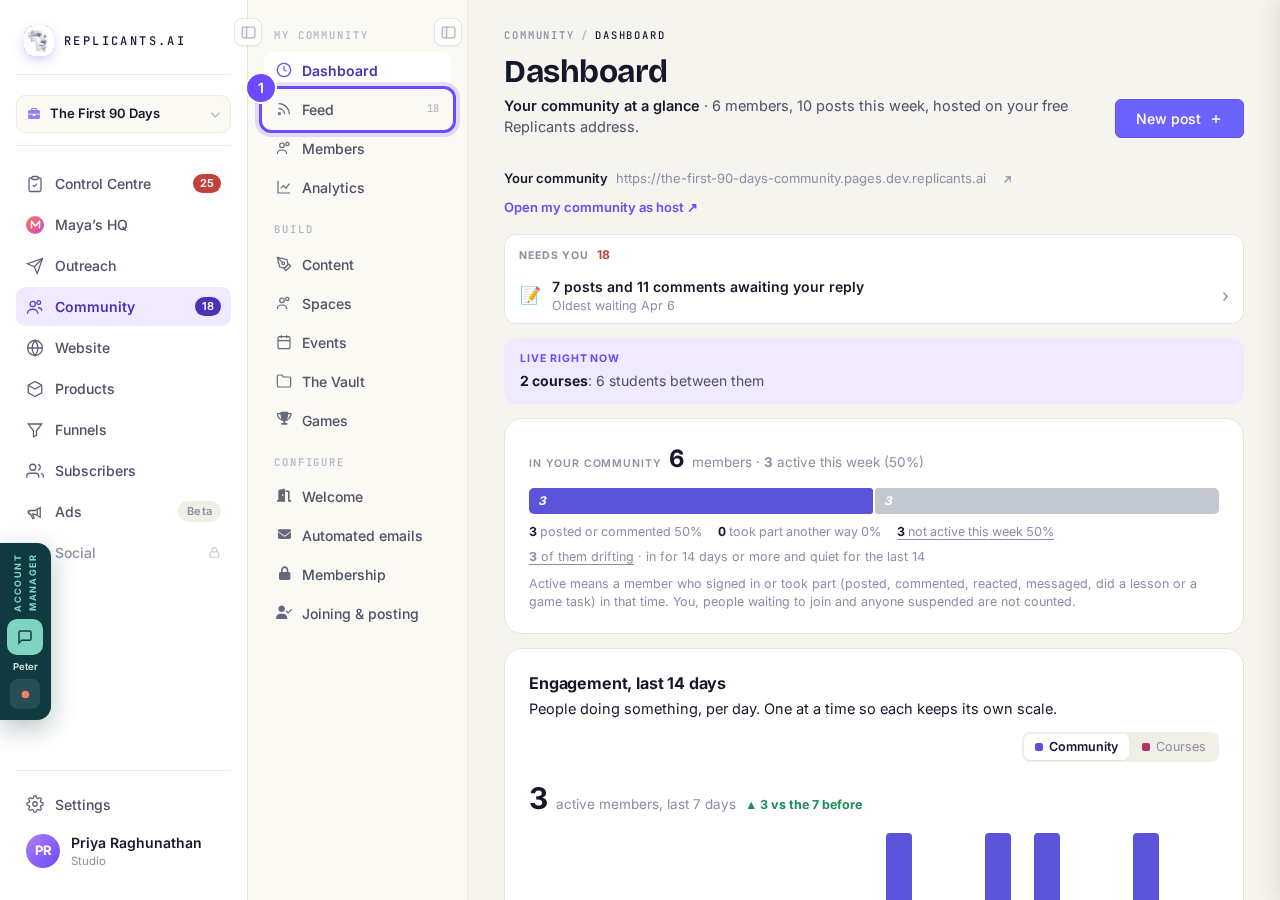
Feed, under Community.
Open CommunityPress the post
It opens with its comments under it.
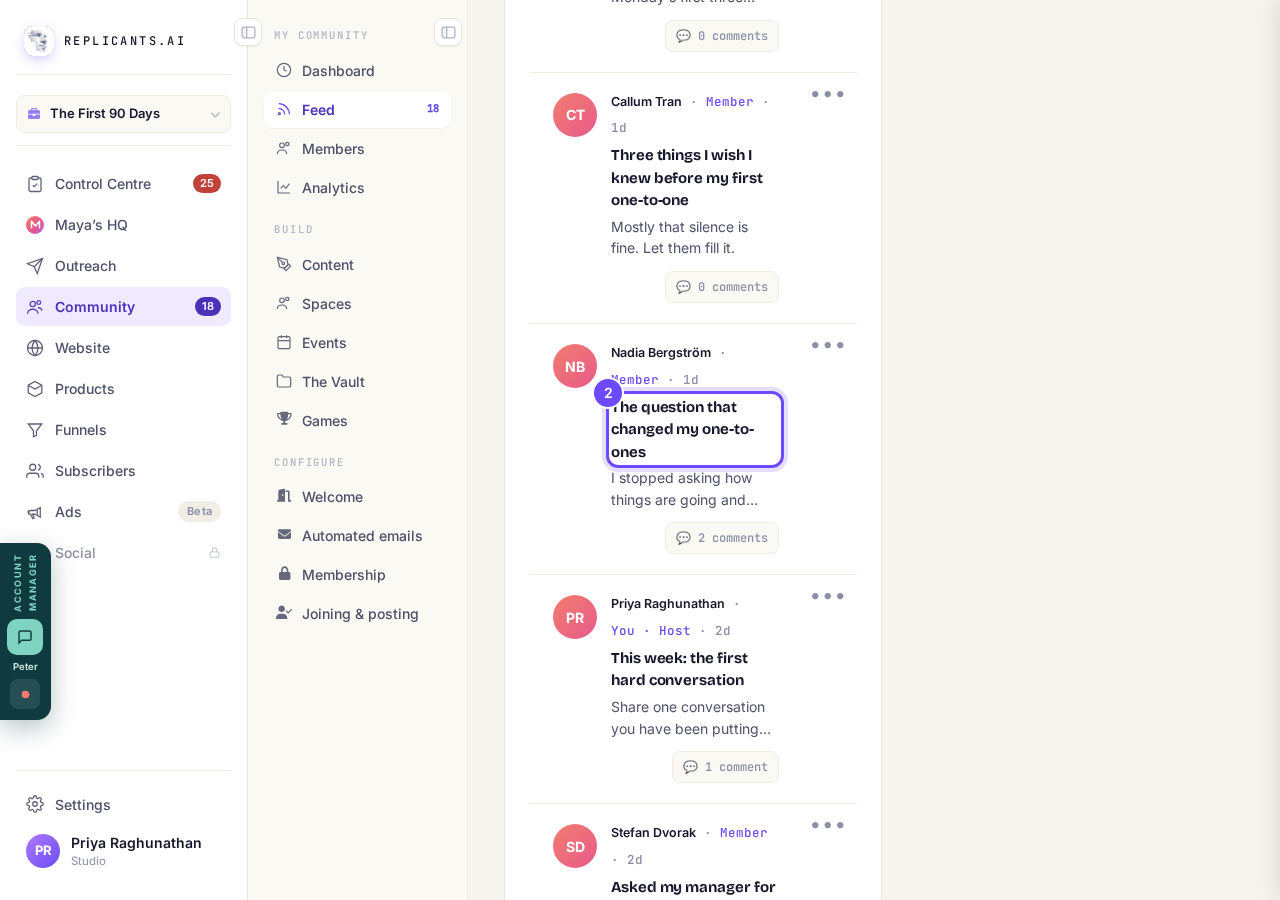
The post the comment is on.
Press ••• at the top right of the comment
Every comment has one, including the ones you wrote as the coach.
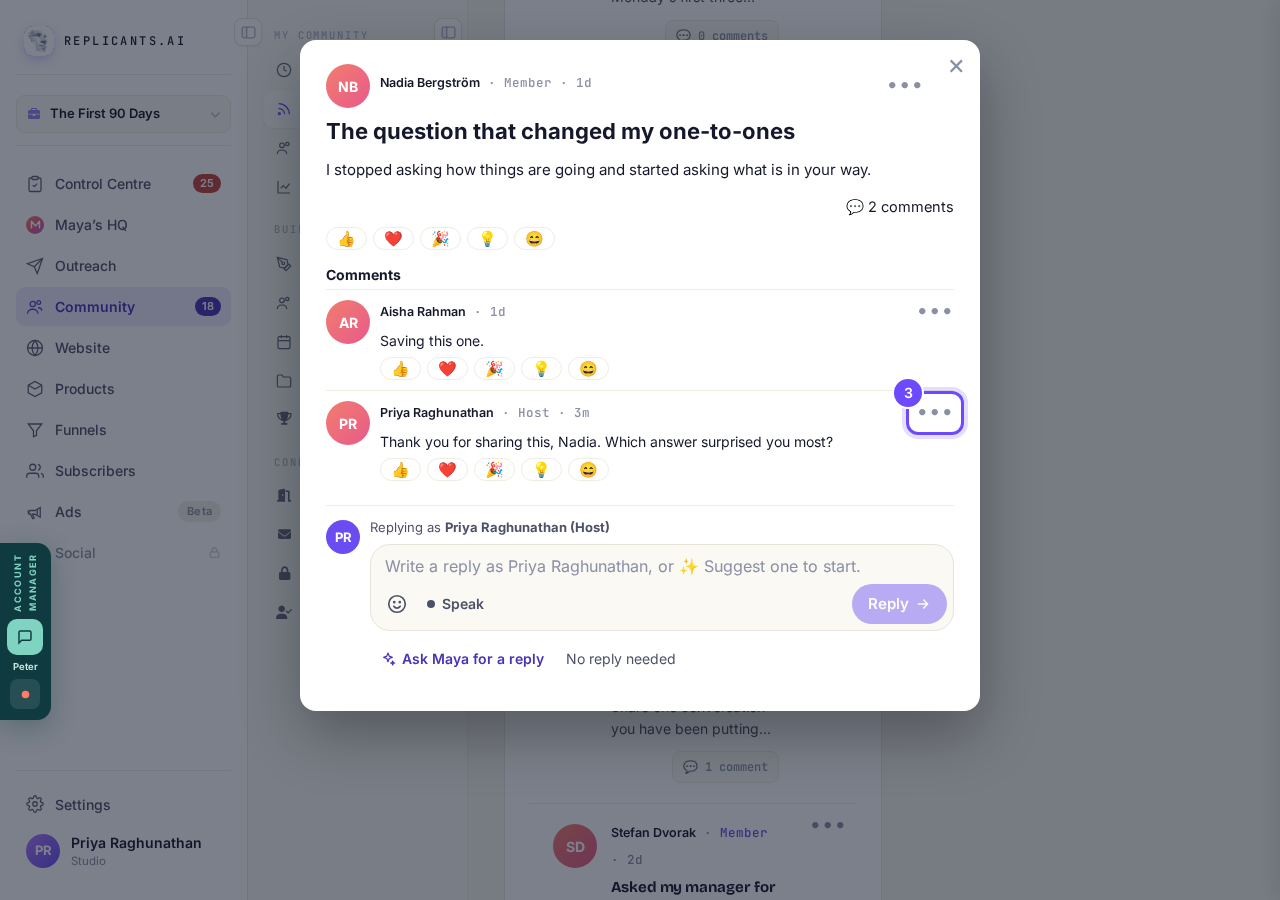
The ••• on a comment.
On your own comment, press Delete comment
Your own comment's menu has Edit and Delete comment. Delete comment is in red, under a line.
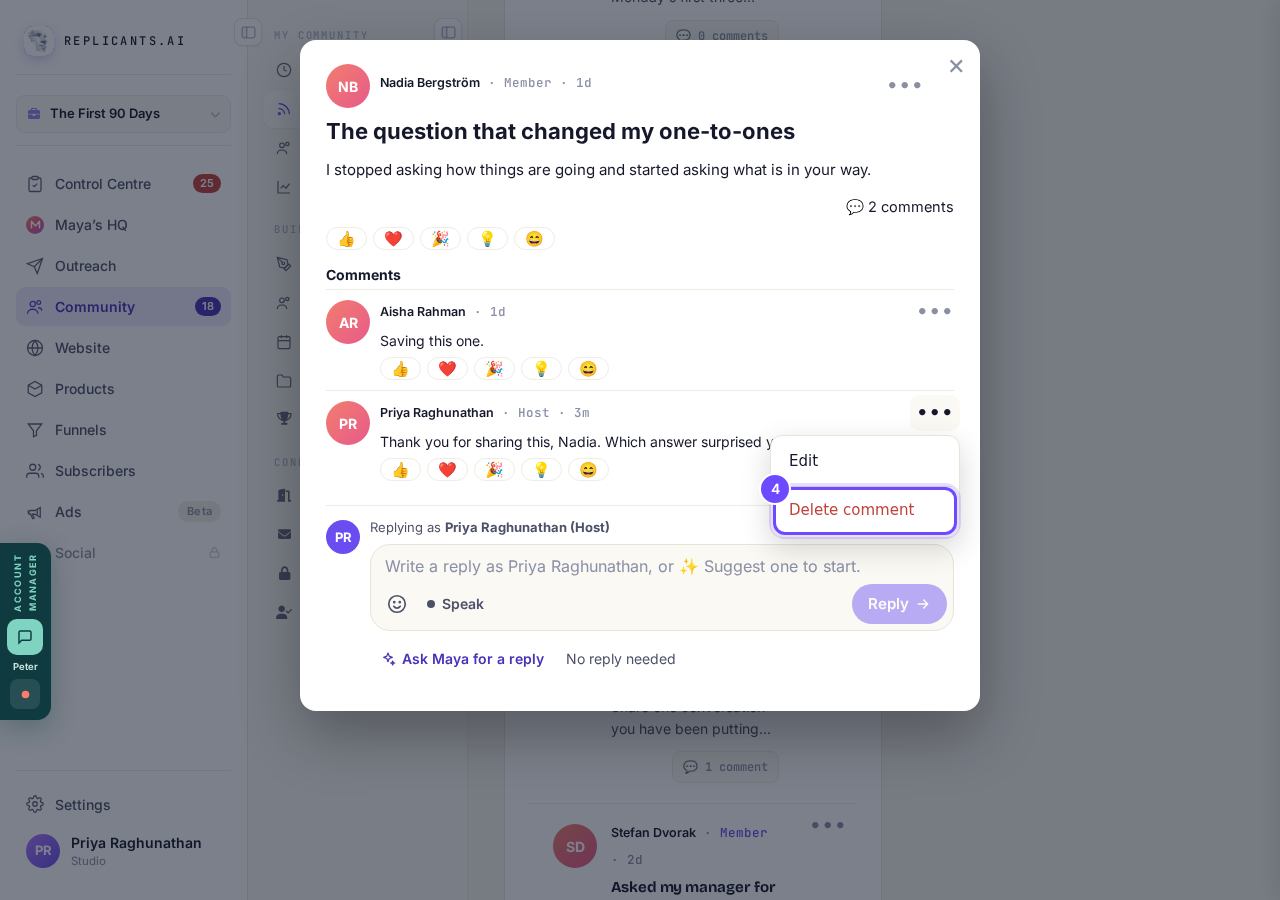
Delete comment, in red.
Press Undo if you change your mind
Your comment goes at once. It stays on your screen, dimmed, with a line under it saying it is deleted and members cannot see it. Undo puts it straight back.
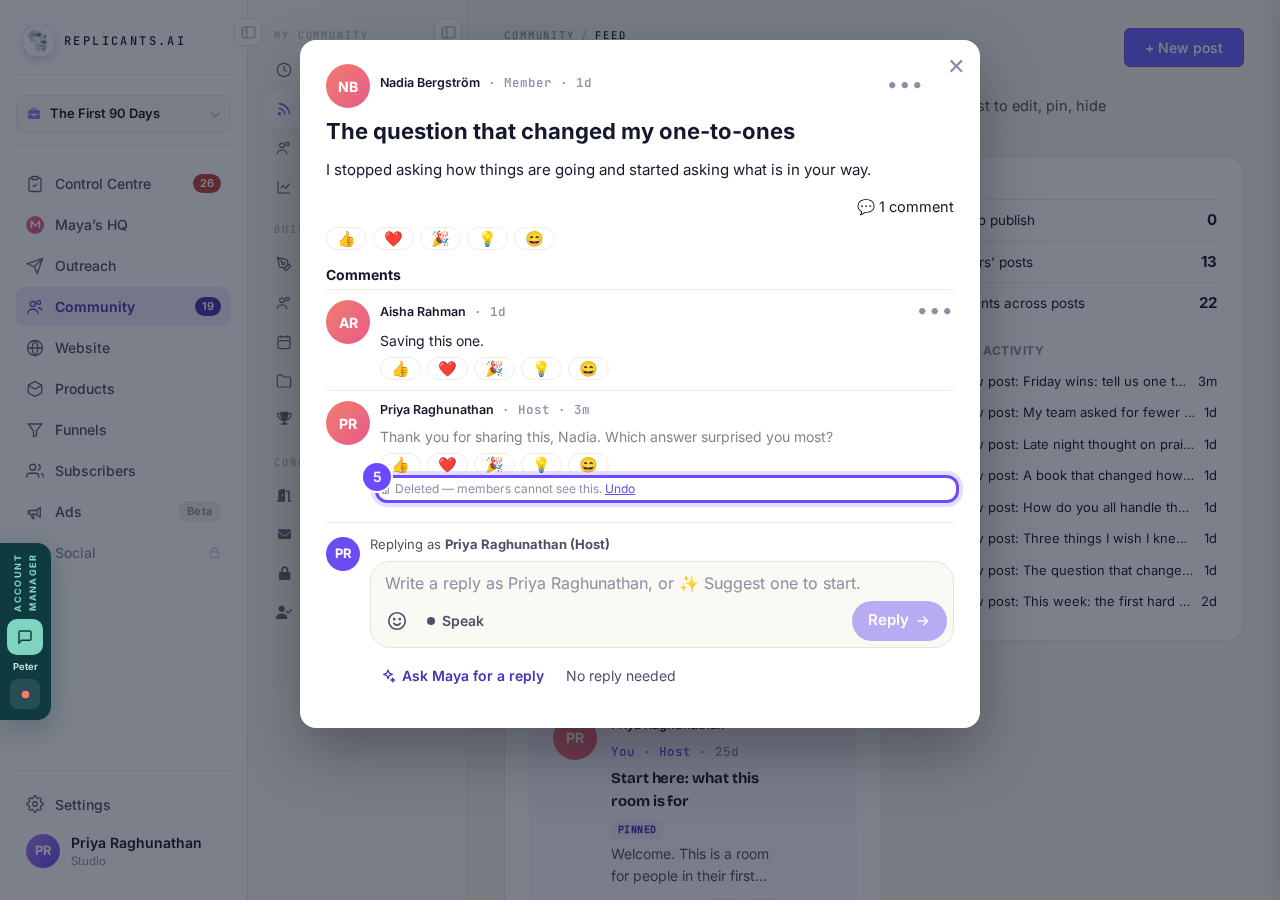
The deleted line, with Undo.
On a member's comment, press Hide from members or Delete comment
Hide from members asks Hide this comment? first: press Hide it. The person who wrote it still sees it and is not told, and Unhide puts it back any time.
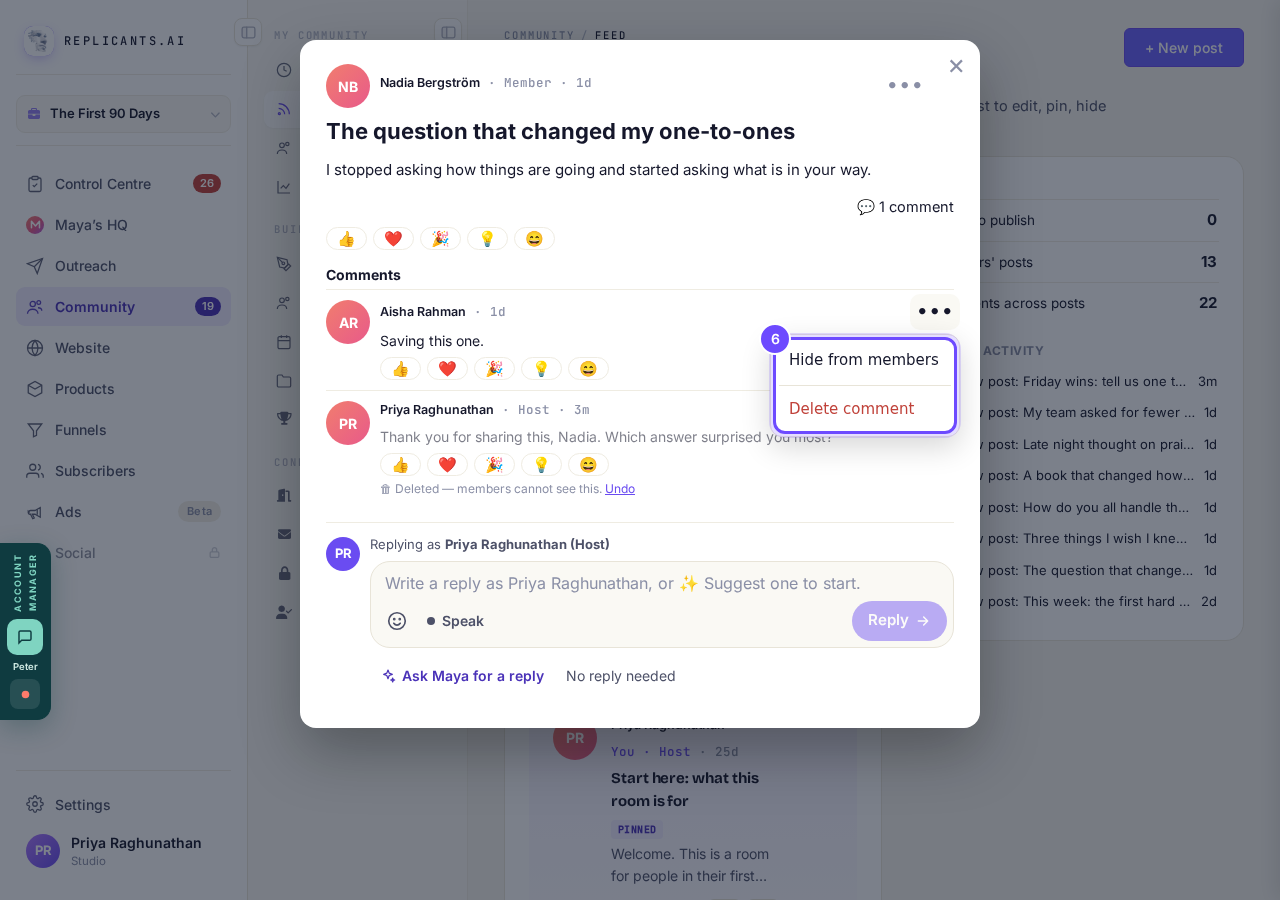
Hide from members, and Delete comment in red.
Press Delete it to confirm
A member's comment goes for everyone, its author included. Cancel leaves it where it is. Once deleted, it shows the same line with Undo.
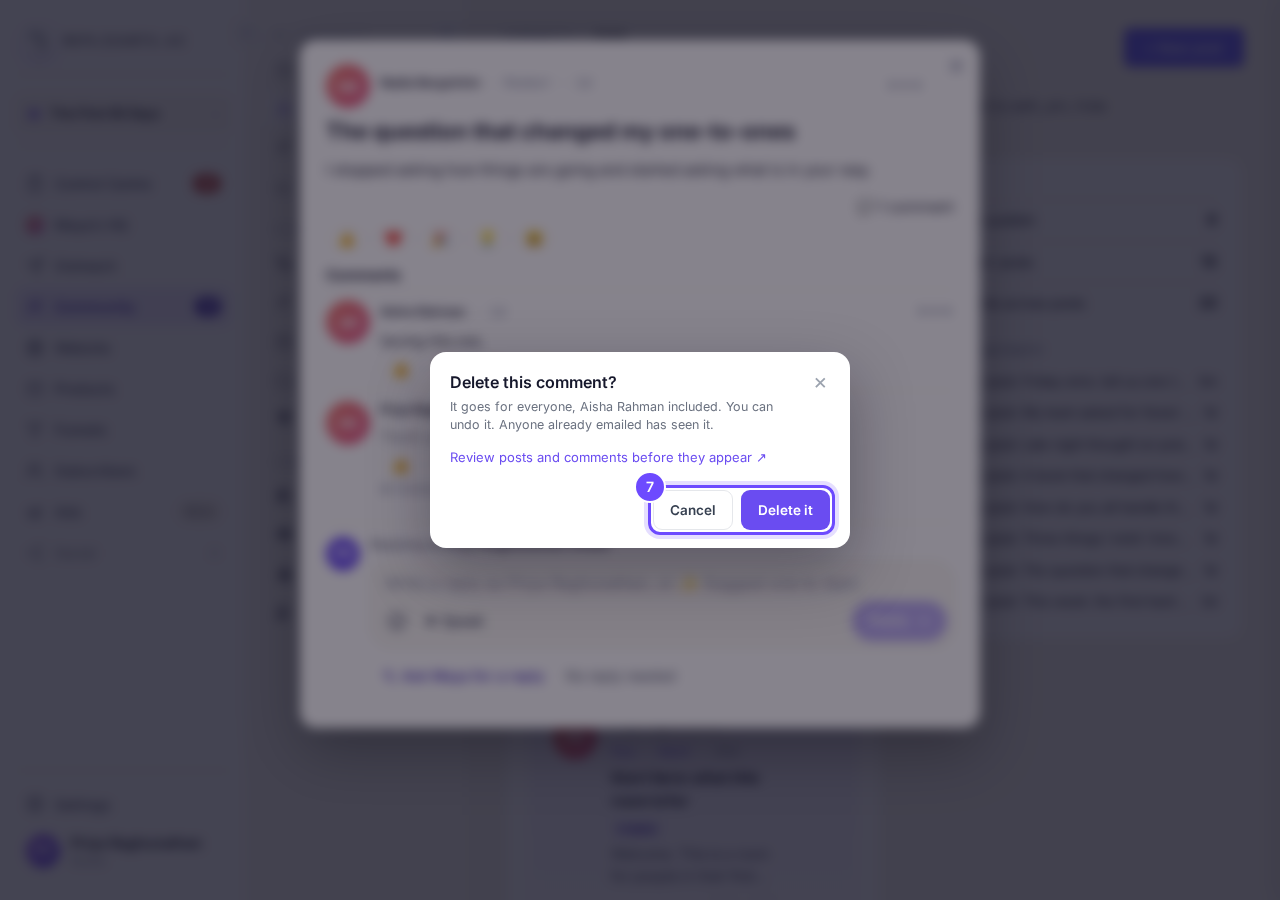
The question before a member's comment is deleted.
Later, press Recently deleted
Close the post first. Recently deleted is along the top of your Feed. Comments wait there for 30 days, then they are gone for good.
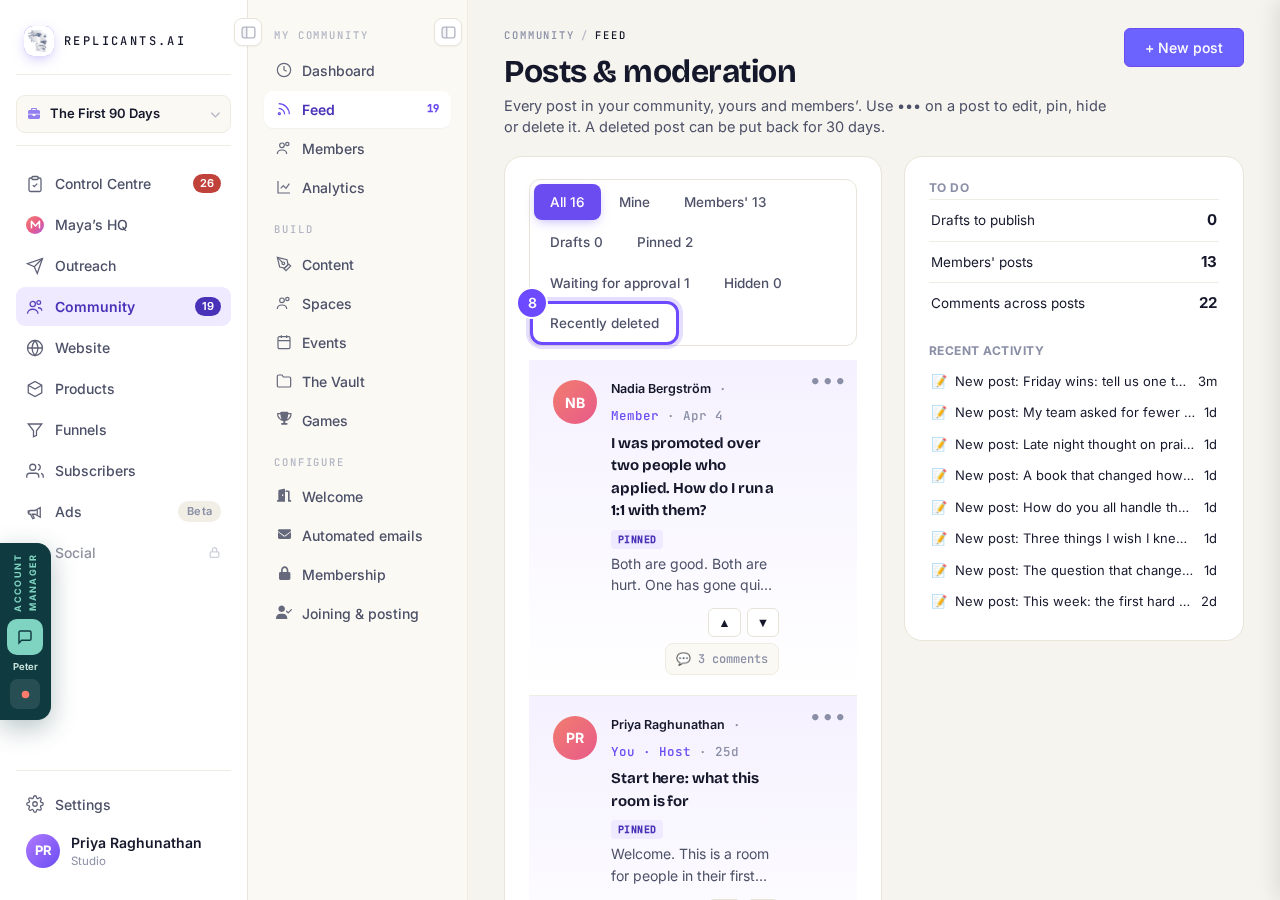
Recently deleted, along the top of the Feed.
Press Put back
The comment is back. shows at the bottom. If the comment's post was deleted too, put the post back first.
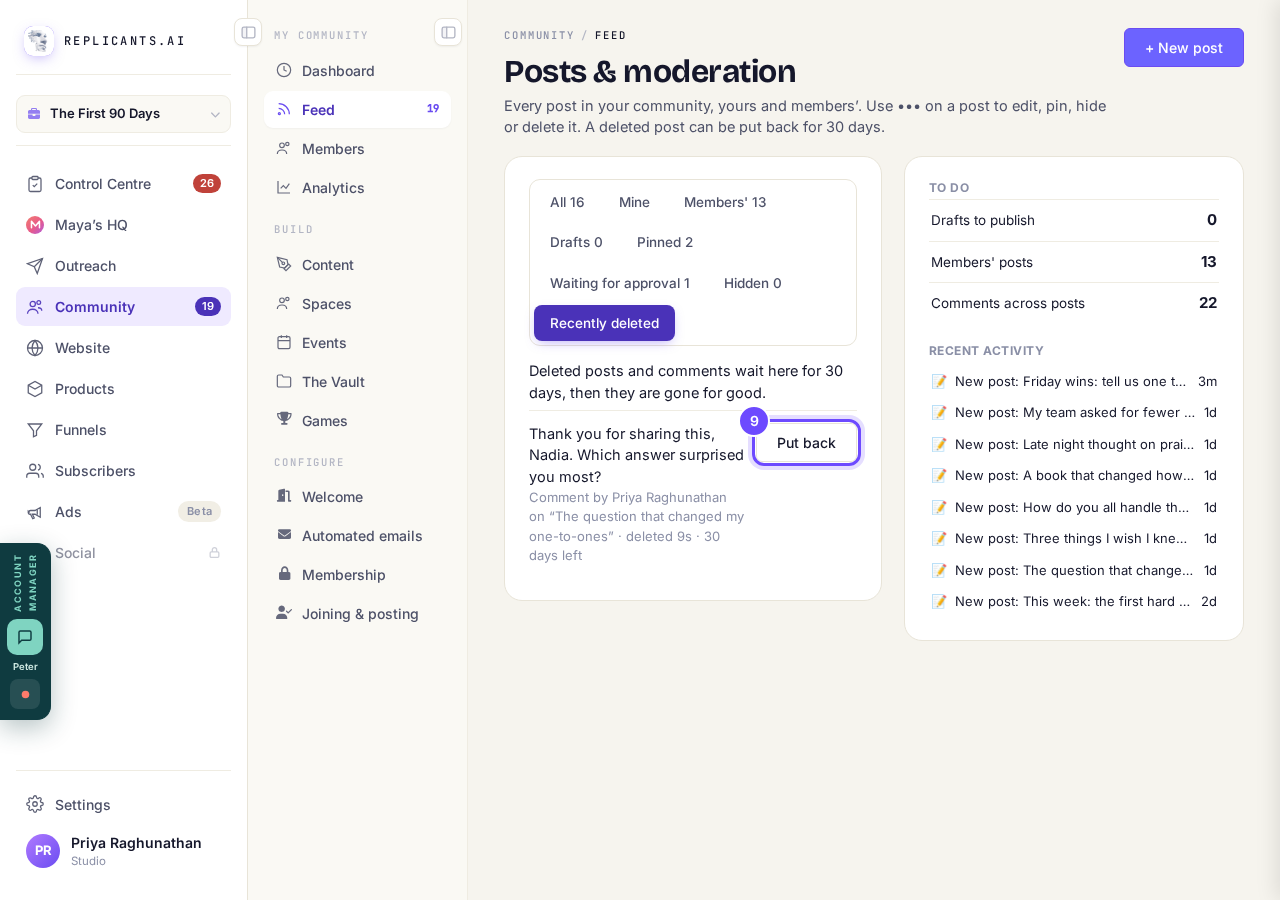
Put back, beside the deleted comment.


If I hide something, does it still go out in the email?
Related articles
Can I approve new members before they get into my community?
Yes. Switch on approval and anyone who asks to join waits in a Requests list in Members until you let them in, the way a private LinkedIn or Facebook group works. People you invite, and people who pay, still go straight in. About five minutes to set up.
Can I change a member's post before I approve it?
No. A post waiting for your approval can only be approved or rejected, so you cannot change a member's words. If a few words need changing, approve it and add a comment, or message the member and reject it.
Can I check comments before they go up?
Turn on comment approval and every member comment waits for you. It's a separate switch from the one for posts.