
What am I paying for, and how do I stop it?
One screen answers both halves: every plan you're on, what it costs, when the next payment goes out, and how to stop it.
Updated 15 September 2026
Open Billing to see what you pay
Open Settings, then Billing. Each plan you pay for has a card: what it includes, what it costs a month, and the next payment date. A beta or granted plan says so instead — there's nothing to pay.
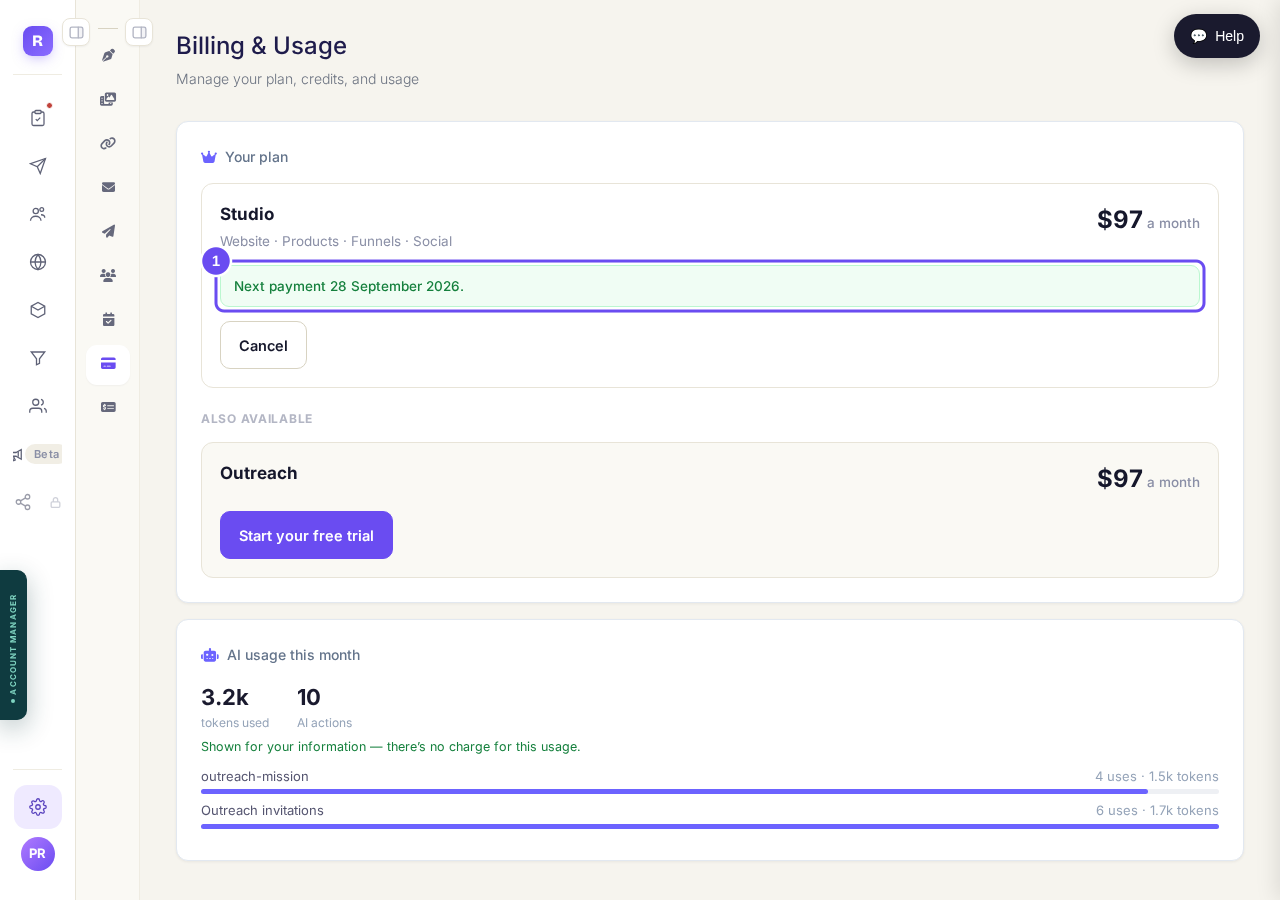
What you are on, what it costs, and when it next goes out.
Take me thereScroll down for the plans you don't have
Below that are the plans you don't have, with their prices. Each is a separate subscription rather than one bundle, so they start, stop and get billed one at a time.
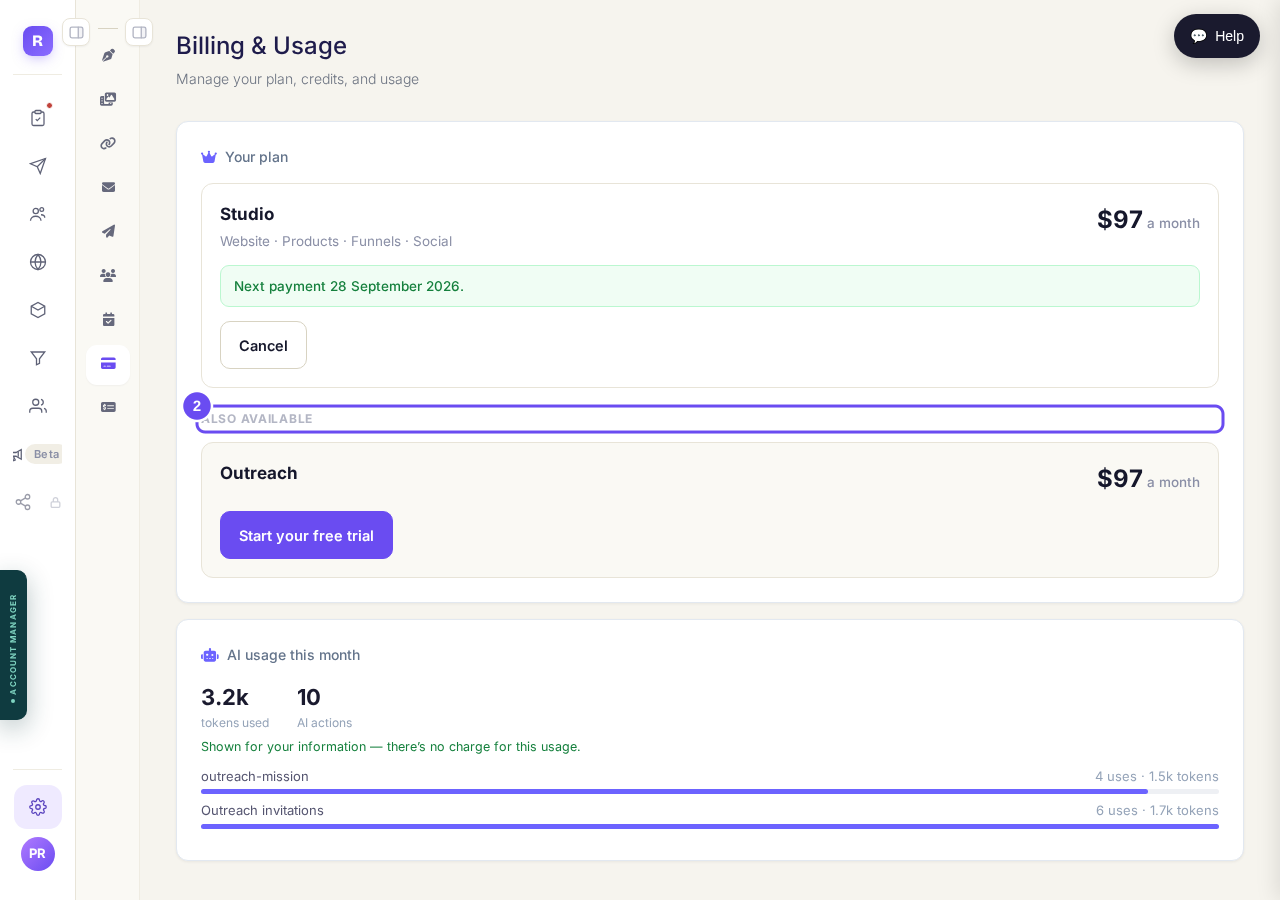
Separate plans, separate prices, separate decisions.
Take me thereRead the usage figures as information only
Further down is a count of what the AI did for you this month. It isn't a bill and it isn't a limit — none of it is charged to you.
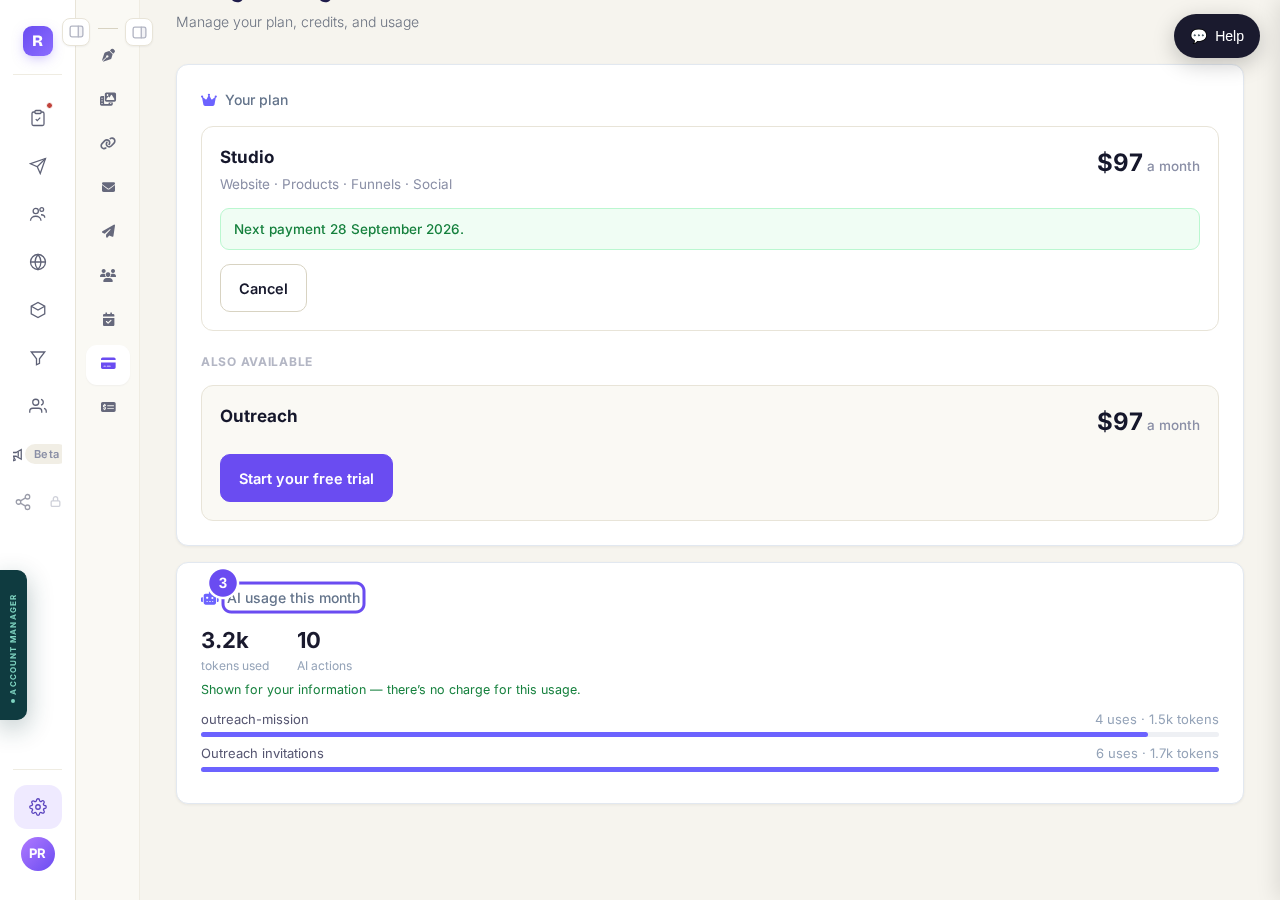
What the AI did this month. Nothing here is charged.
Press Cancel and read what you keep
Press Cancel on a plan. You keep it until the end of the period you've paid for, your other plans keep running, and nothing is deleted. It asks why, then confirms. The same card can start it again.
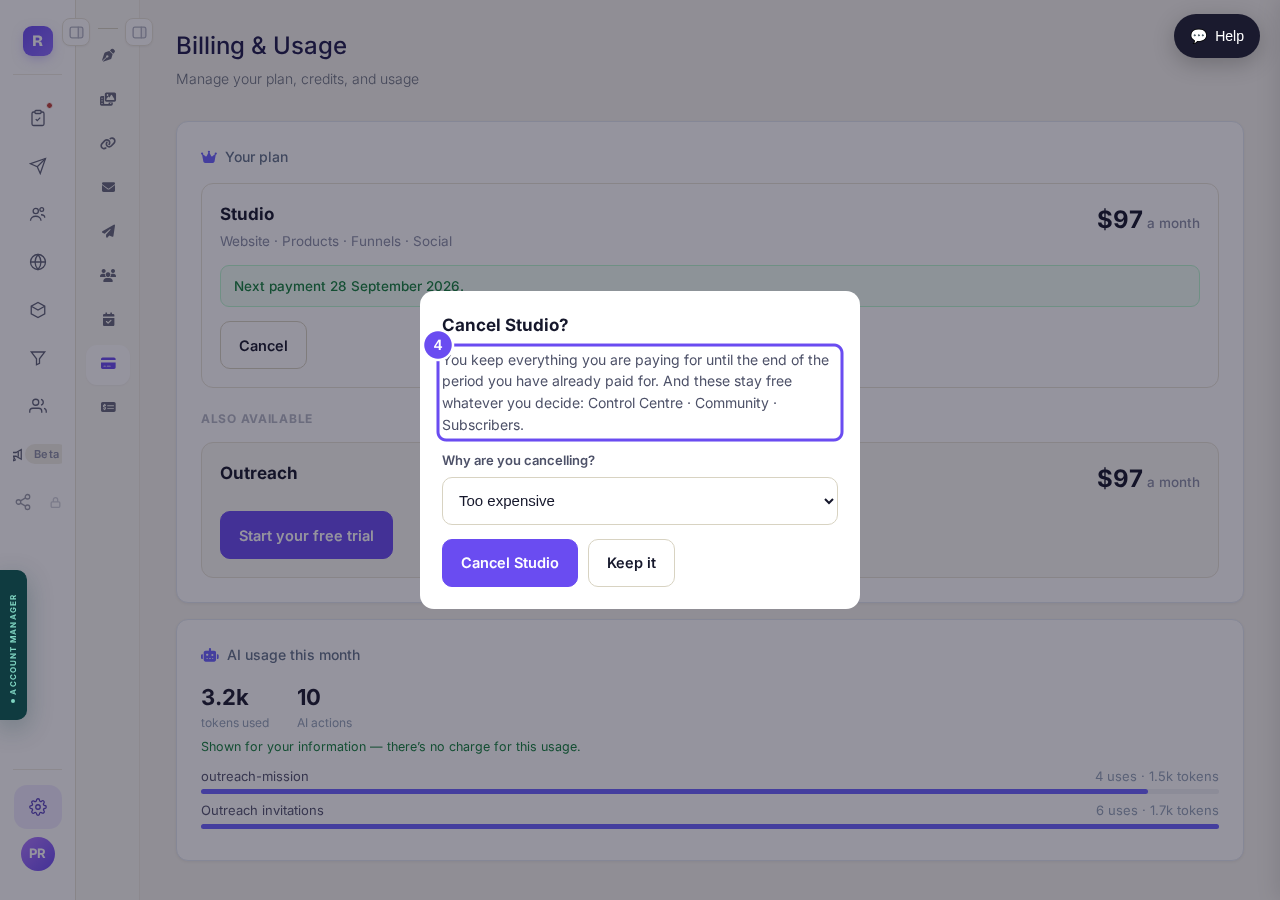
What you keep, in writing, before you confirm anything.
Take me there
How do I close my account and have my data removed?
Related articles
Can I talk instead of typing?
Under the boxes you type into there is a **Speak** button. Press it, talk, press **Stop**, and your words are typed into the box for you. It works on a laptop and on a phone.
Do I have to decide on the leads offer right now?
No. Your community is free and works without it. The price for leads is Outreach, a separate paid tool that finds people for your community, and you can say no and carry on building.
How do I ask for help, and where do I see the reply?
Your account manager is one press away on every screen. You write, add a screenshot or leave a voice note, and the reply comes back to the same place. About a minute to send.