
How do I set up the follow-up emails for my funnel?
Every funnel now comes with its own follow-up emails. Someone reaches your order form and leaves without paying: they get three short emails from you, and they stop the moment that person buys. Someone buys: they get a welcome from you an hour later. Maya writes all of it from your sales page. You read it, change what you want, and switch it on. From then on it runs by itself, from your own email address.
Updated 27 September 2026
Set up your email
Open your funnel and find your emails
When Maya has drafted them, Needs you on your funnel's page says how many follow-up emails are waiting for your approval. Press Review on that line. The Emails tab at the top of the same page goes to the same place, any time.
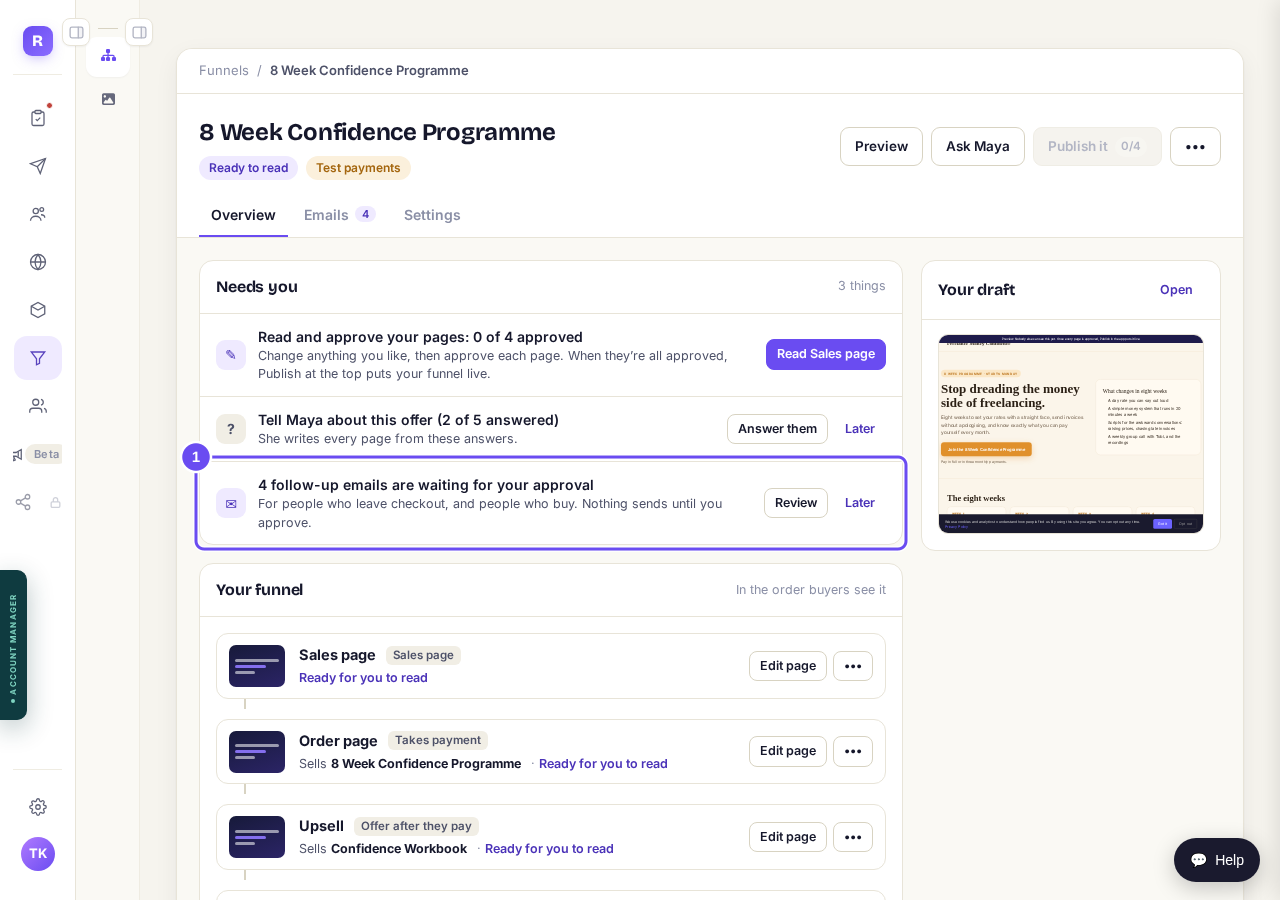
Press "Review" on the follow-up emails line.
See what Maya has written for you
The Emails tab is the whole picture, product by product. Each set of emails says where it is up to: waiting for your approval, approved but not switched on yet, or running with how many people are in it now. If nothing is there yet, press Draft them now and give Maya about a minute. She writes from your sales page and your price, so a product with no price gets its emails once it has one.
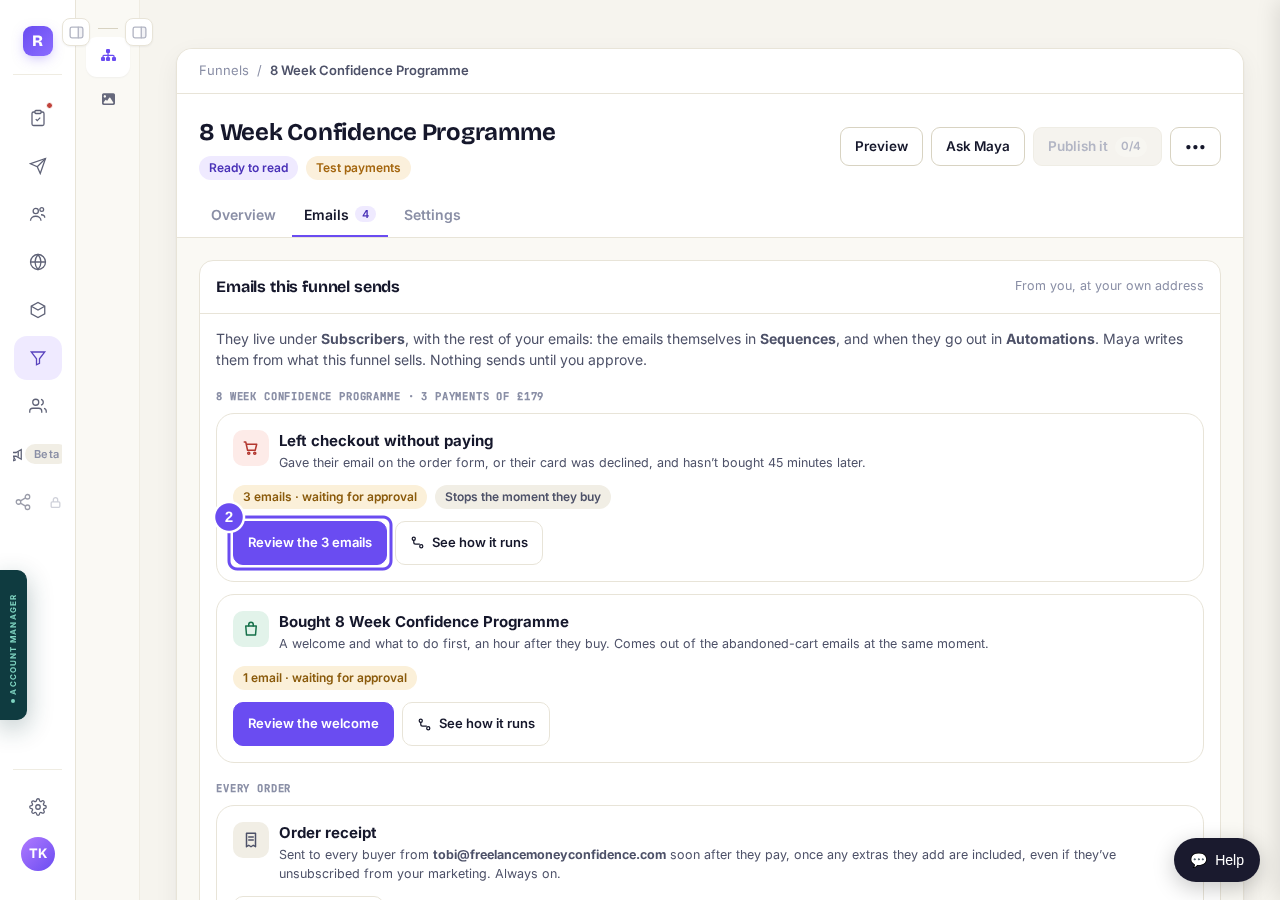
Press "Review the 3 emails".
Read each email, and change anything
Each email opens in the same editor as the rest of your sequences. Change the subject and the words yourself, or tell Maya what you want in plain words, like warmer, shorter, or mention the guarantee, and press Ask Maya. She rewrites it in front of you. The first line greets each person by name, or says "there" if we do not have one.
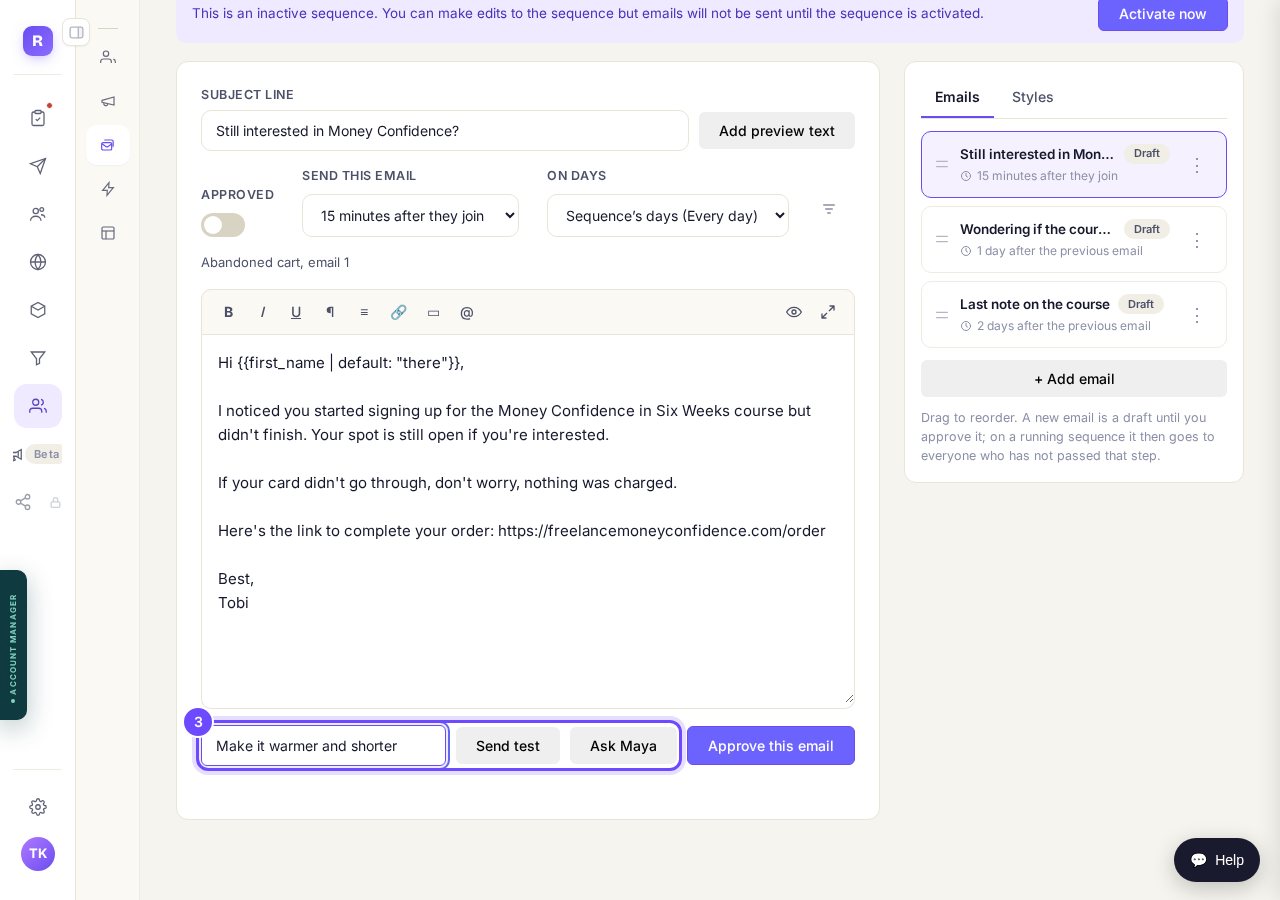
Type what you want, then press "Ask Maya".
Check the welcome, and when it goes
The welcome is one email, an hour after they buy. Send this email sets the timing of every email, in minutes, hours or days after the one before. The checkout emails start 15 minutes after someone joins, which is about an hour after they left your order form.
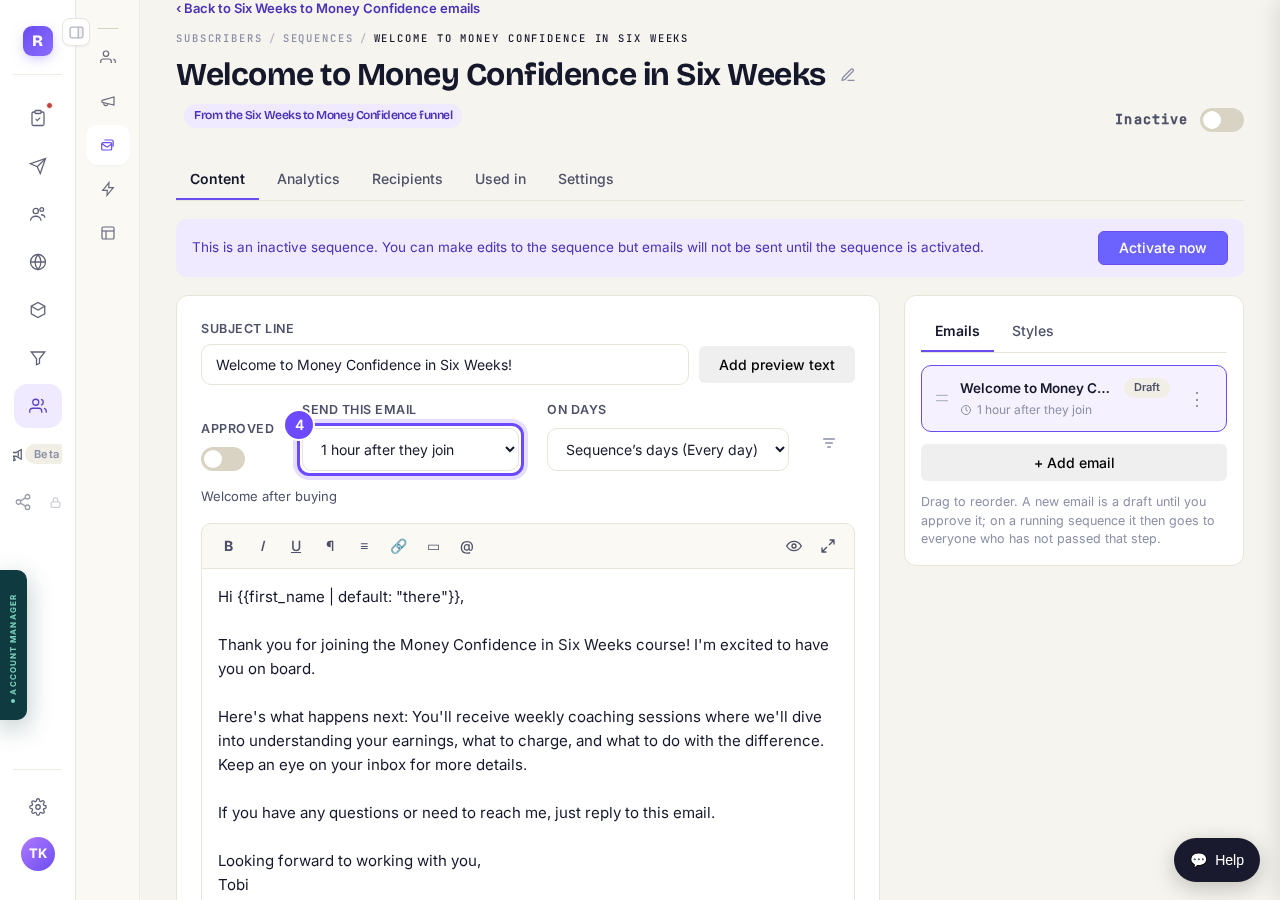
Change the timing under "Send this email".
Approve every email
An email only sends once you have approved it. Read it through, approve it, then do the same for each email in the list on the right. Each one changes from Draft to Published.
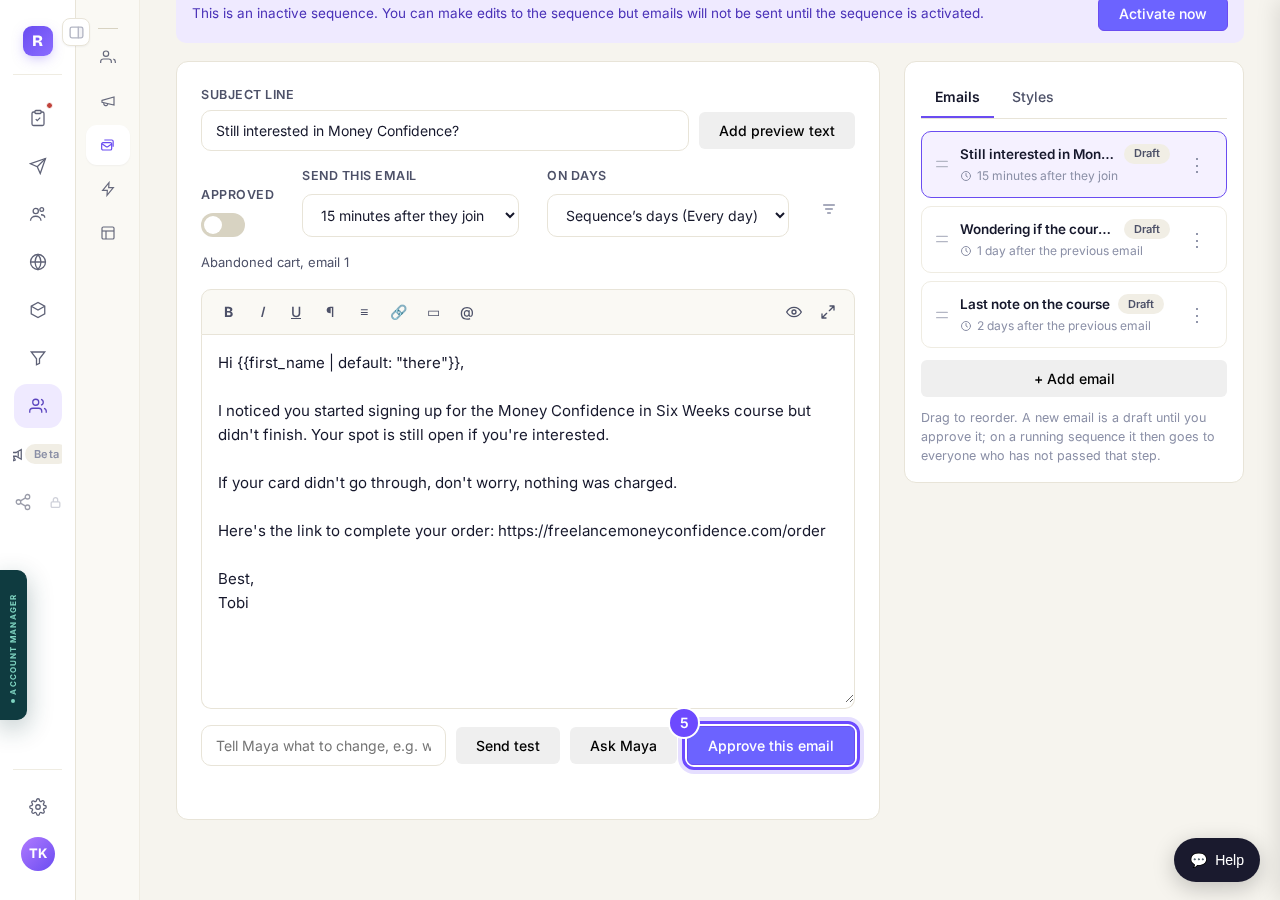
Press "Approve this email".
Switch the sequence on
When every email is approved, press Activate now. The automation that fills it is already set up and waiting, so from this moment everyone who qualifies goes in. Do the same for the welcome. A sequence with an email still in draft cannot be switched on, so nothing half finished can go out.
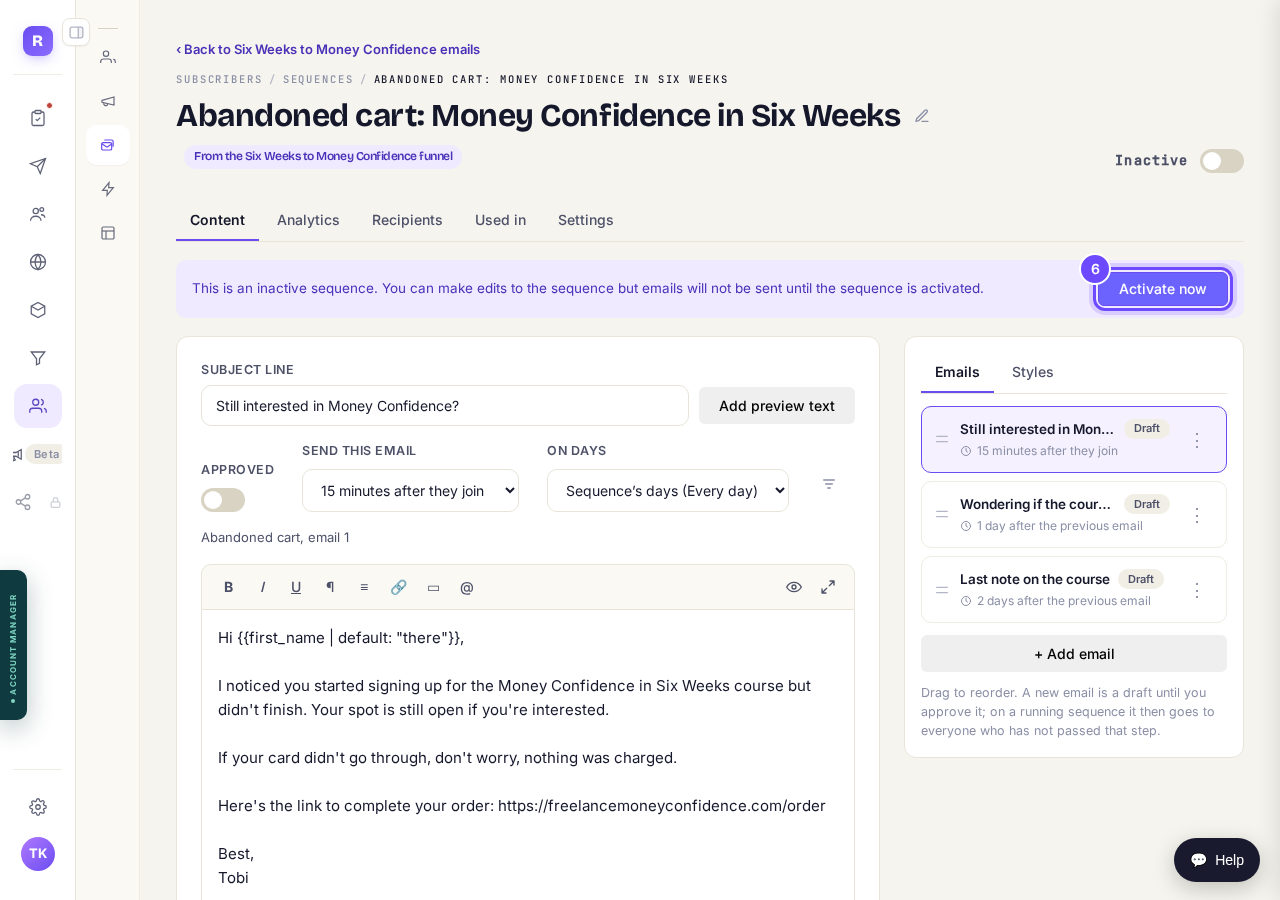
Press "Activate now".
See who is in it, and the sales it brought back
Back on your funnel's Emails tab, each set of emails now says Running and how many people are in it right now. The checkout emails also count the sales they recovered: people who left without paying, got your emails, and came back and bought.
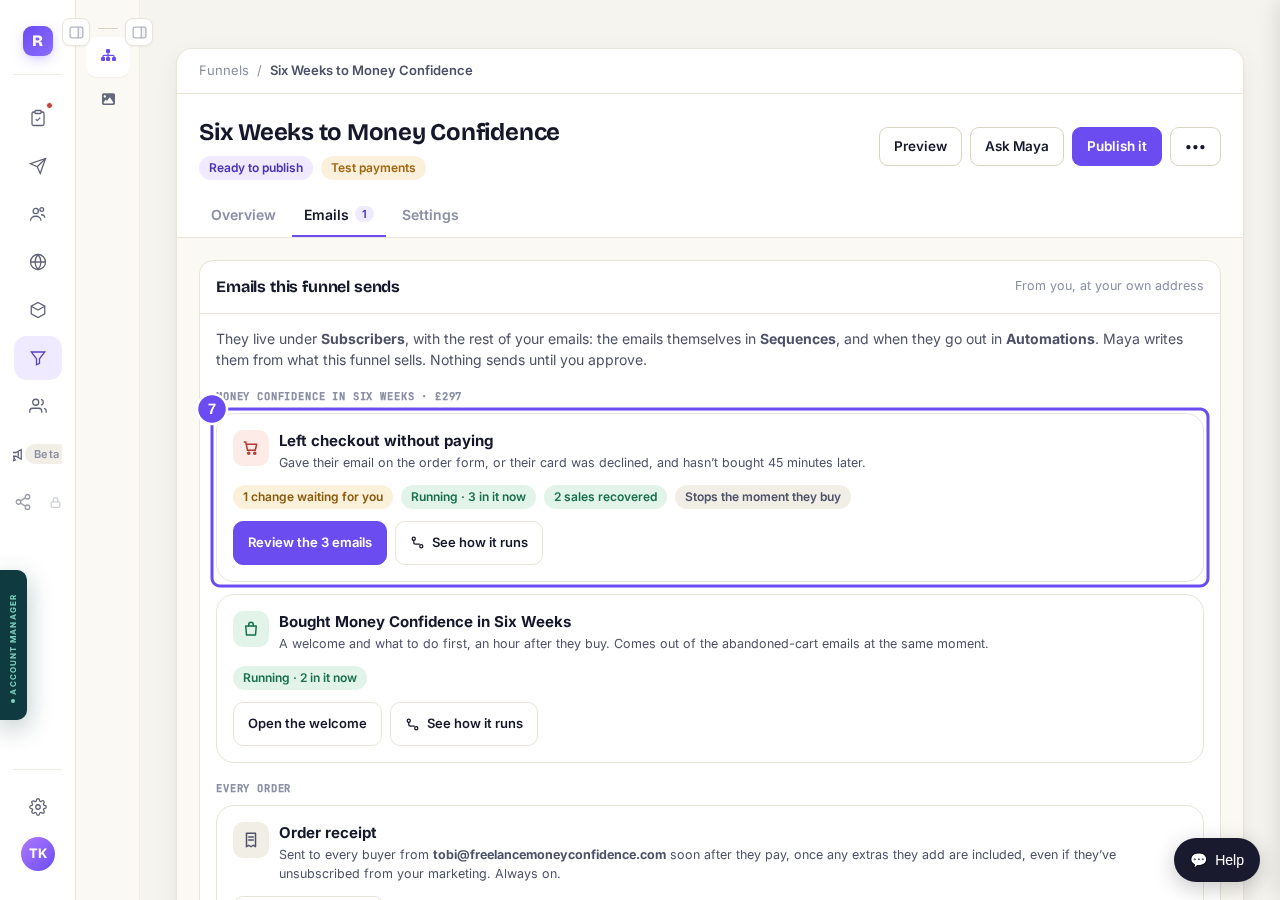
Nothing to press. This is your funnel working.
Approve a change Maya suggests
Once a sequence is running, nothing goes out that you have not read. If Maya rewrites one of its emails, you see what it was and what it would be, side by side, and the approved version keeps sending until you choose. Your funnel's Emails tab tells you when a change is waiting.
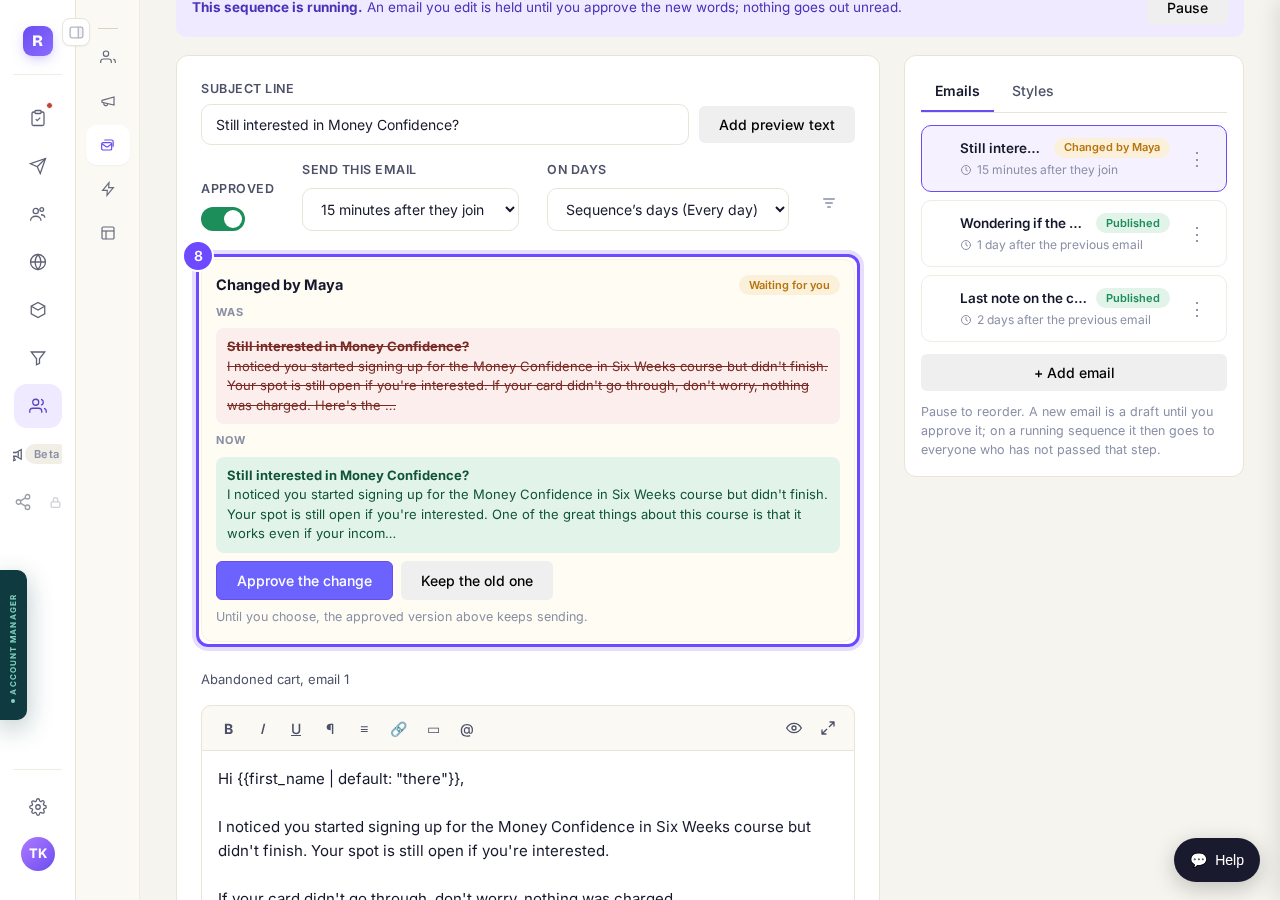
Press "Approve the change", or "Keep the old one".
See how it runs
Every set of emails is fed by an automation, and See how it runs opens it. It reads top to bottom: what starts it, then what it does, with how many people have been through each step. You never have to change it, but it shows you exactly who went where.
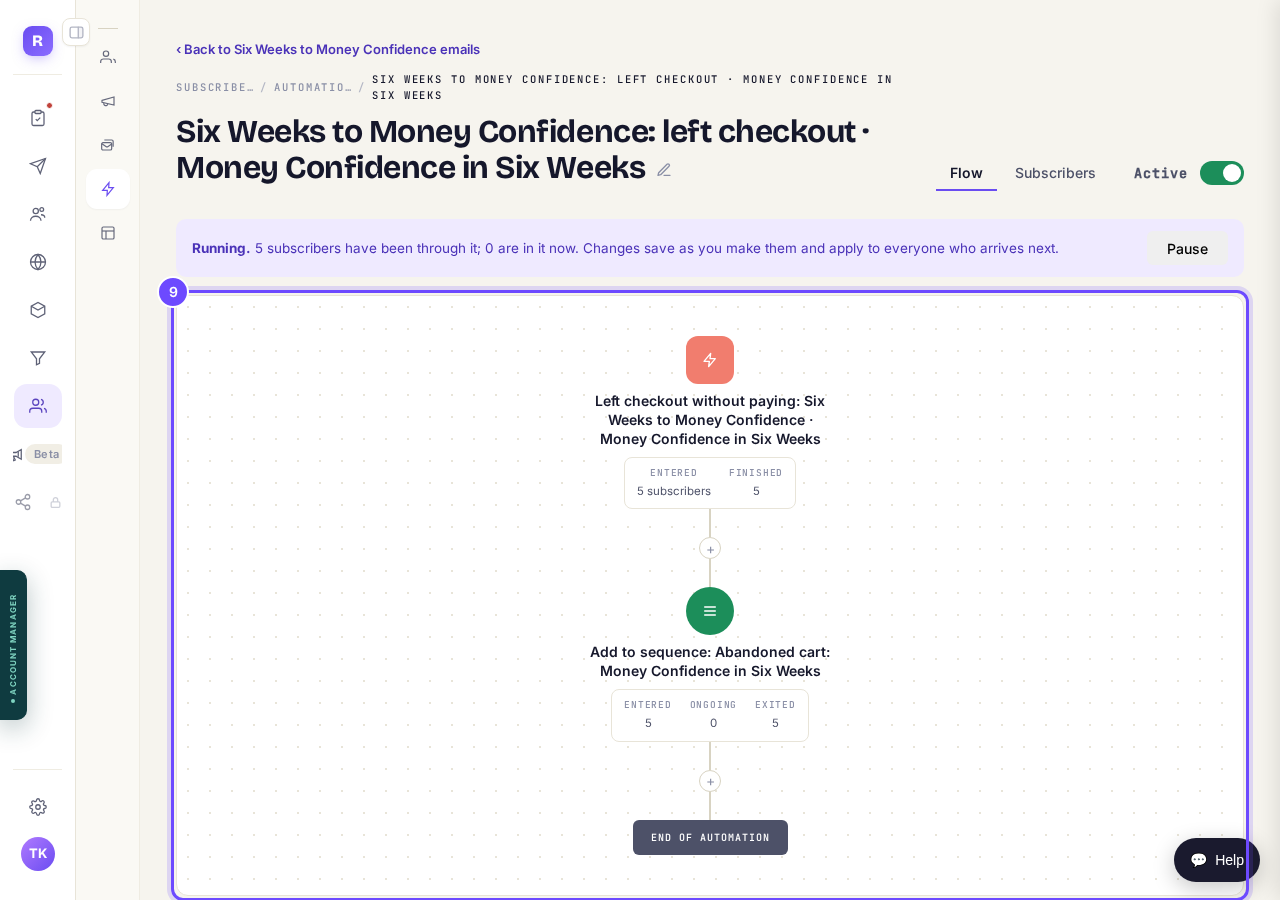
Press "See how it runs" on the Emails tab.
Pause it whenever you want
Press Pause on a running sequence and it stops: nobody new goes in, and nobody already in it gets another email until you switch it back on. Useful when you change your price, or close the offer for a while.
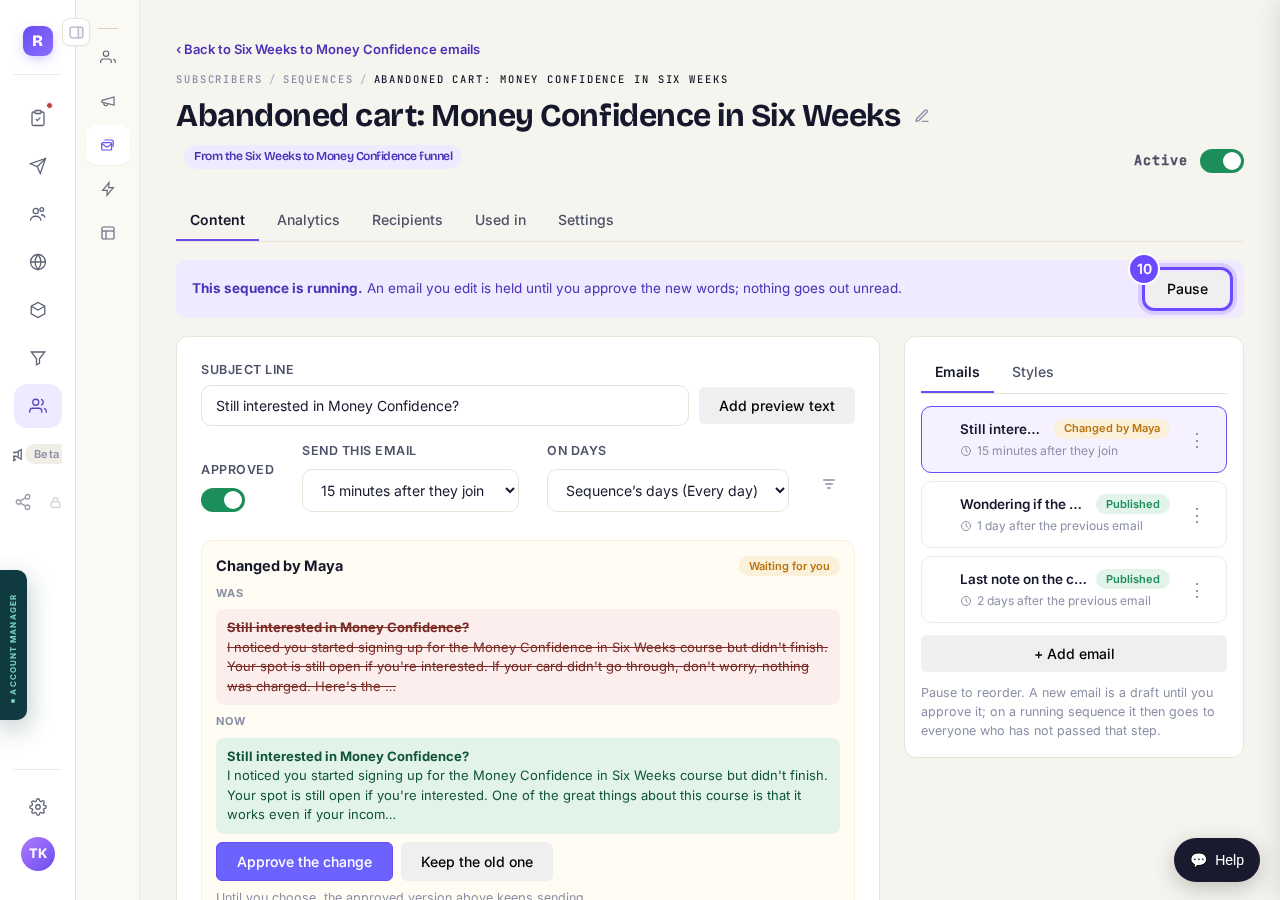
Press "Pause".
The receipt goes to every buyer
The receipt is not one of the sequences. It goes to everyone who pays, soon after they pay, even someone who unsubscribed from your marketing, and it is always on. It comes from your own address. To give it your own heading and a message from you, press Change the receipt, then Make my own receipt.
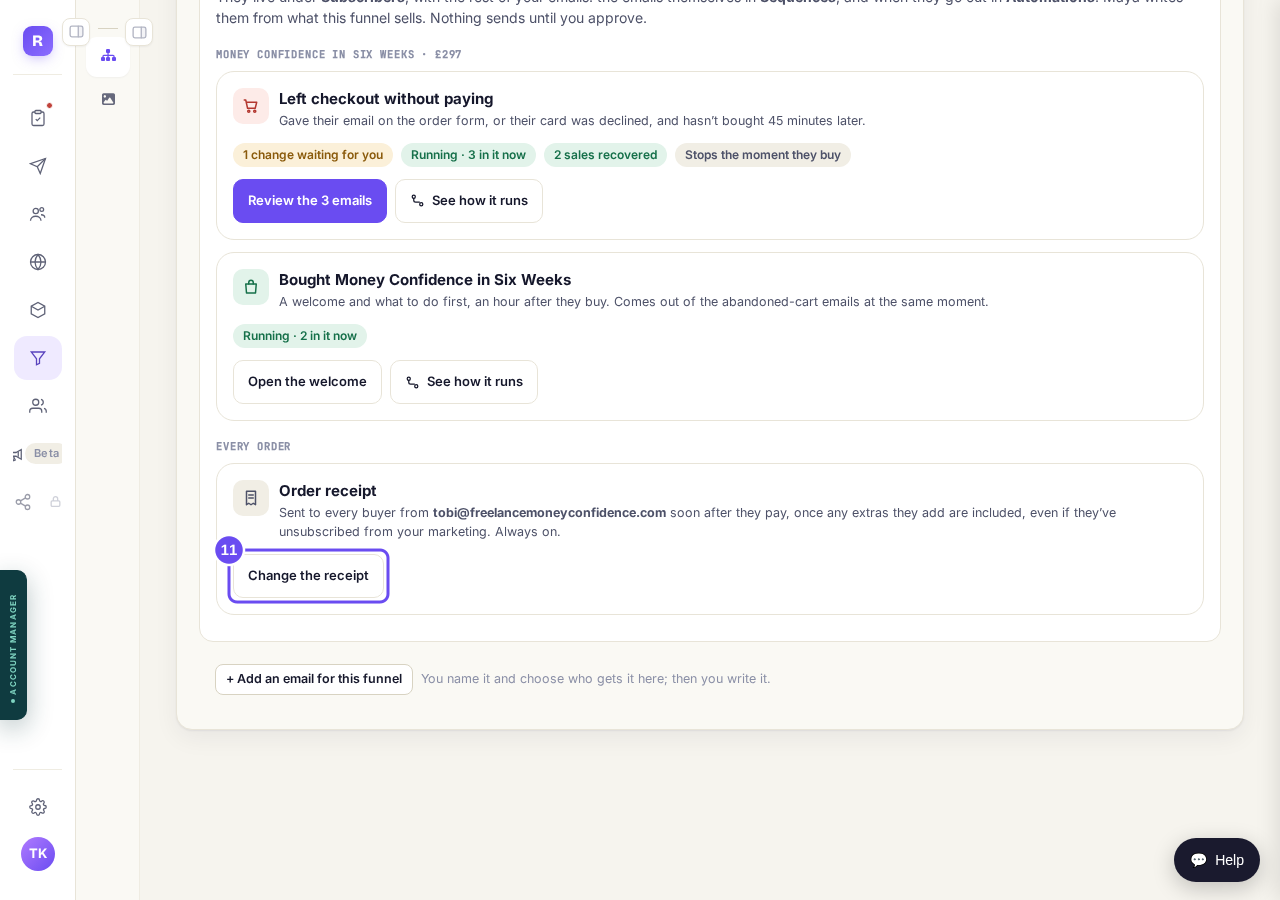
Press "Change the receipt".
If your email is not set up yet
Until your own address is ready on your own domain, the Emails tab says so at the top and takes you straight there. The funnel works the same way: it cannot switch from test to live until it is on your own domain and your email is ready, so buyers see your name in the address bar and in their inbox, not ours.
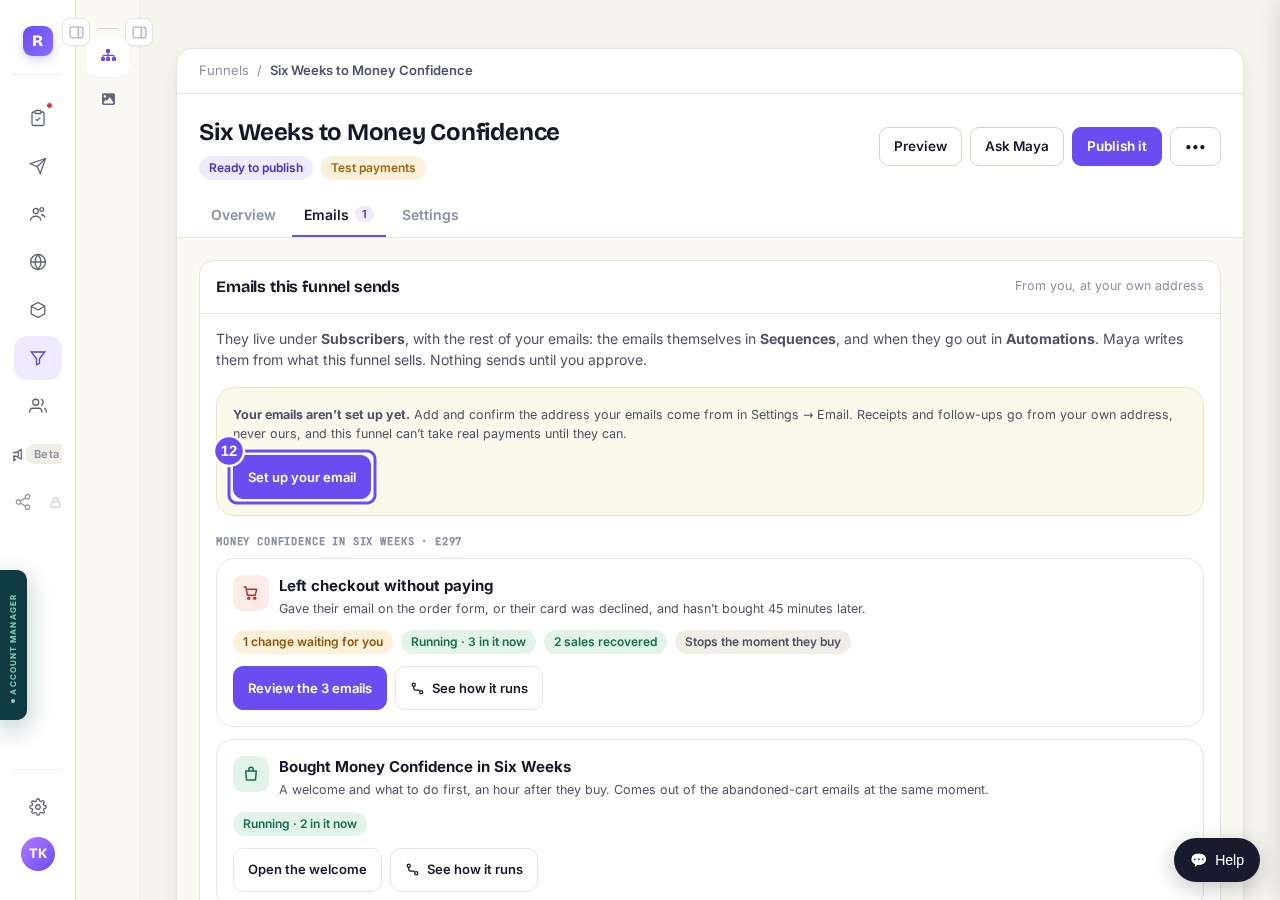
Press "Set up your email".
Take me thereBuild your own funnel automations
Maya sets up the two above for your main product. You can build more of your own in Automations with two funnel triggers: Left checkout without paying, and Bought from a funnel. Bought from a funnel counts every sale, upsells included, so you could send something different to the people who took your upsell. Pick the funnel, then any product or just one.
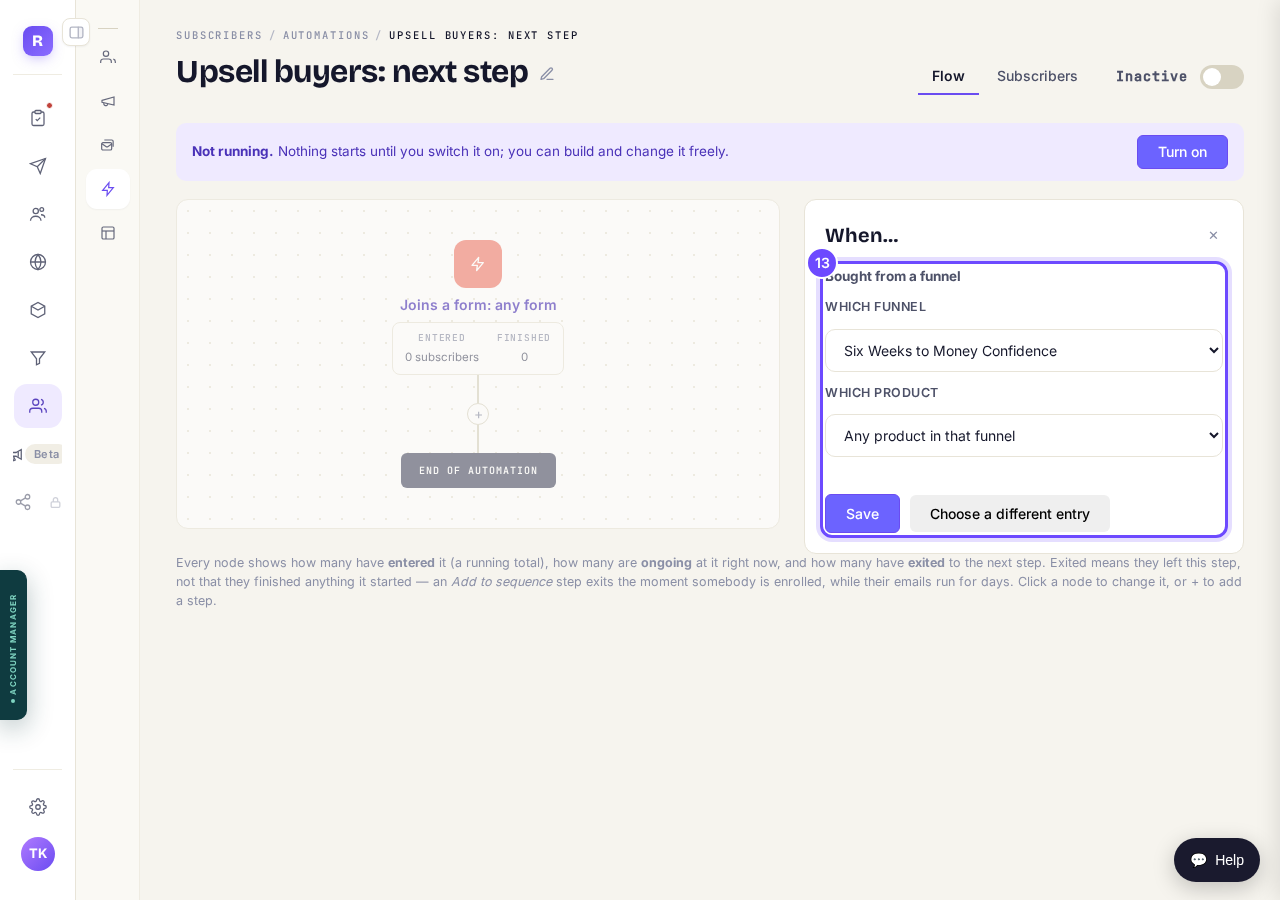
In Automations, create one and choose "Bought from a funnel".
Take me there


Related articles
Can I build a funnel before I pay?
Yes. Every account can open Funnels and build one finished page free. For the rest of the funnel, and to put it live, start the 14-day free trial.
How do I change the receipt my buyers get?
Every buyer gets a receipt with your business name at the top. You can give it your own heading and a message from you.
How do I get Maya to build my sales funnel from scratch?
Maya writes the whole funnel from what she knows about your business: the page that sells it, the order form, and the thank-you page. She reads what she already has first and only asks you for the gaps. You answer in your own words, read page one before she writes the rest, and press Publish. Without a plan, page one is free and the 14-day free trial covers the rest.